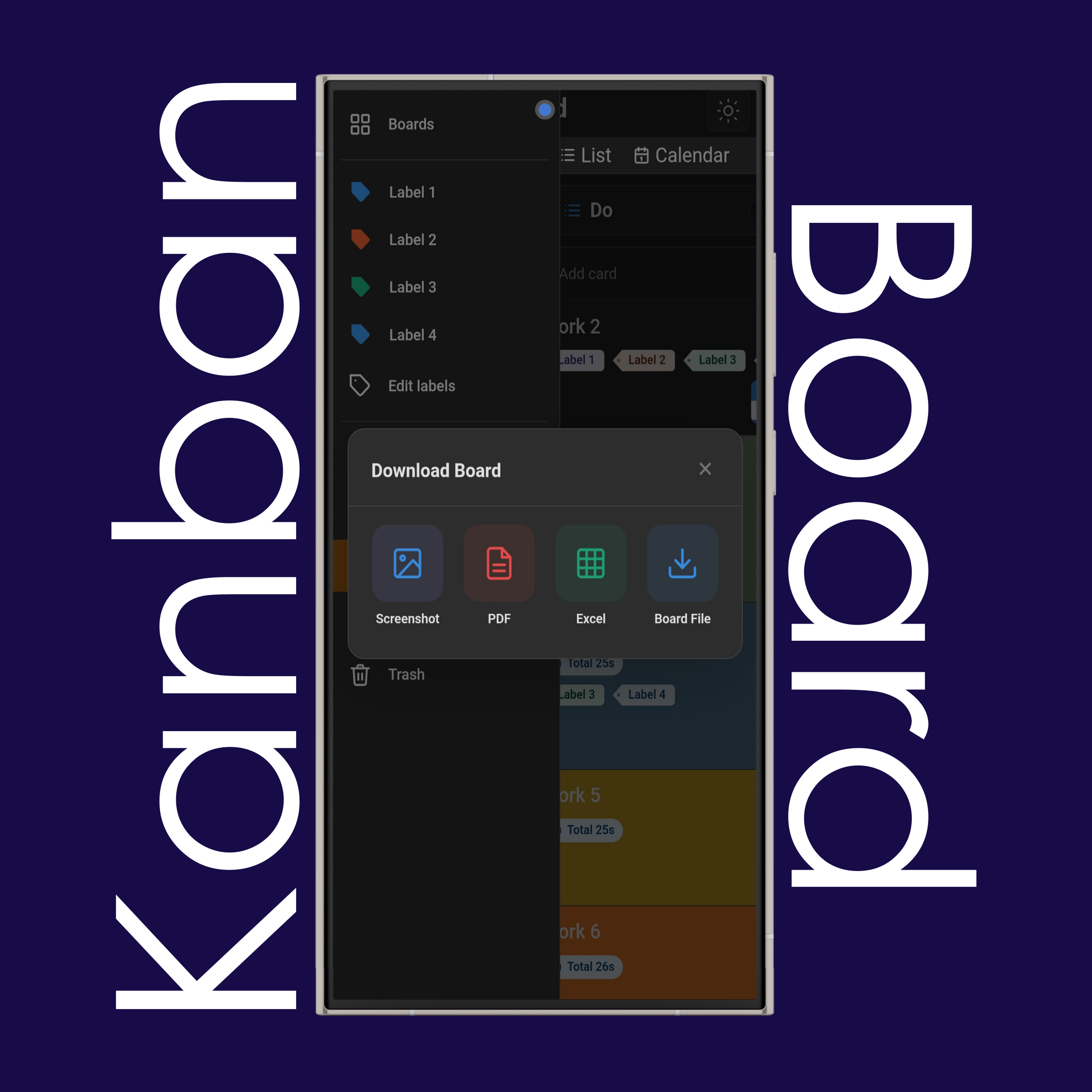
Export the currently active board in your preferred format.
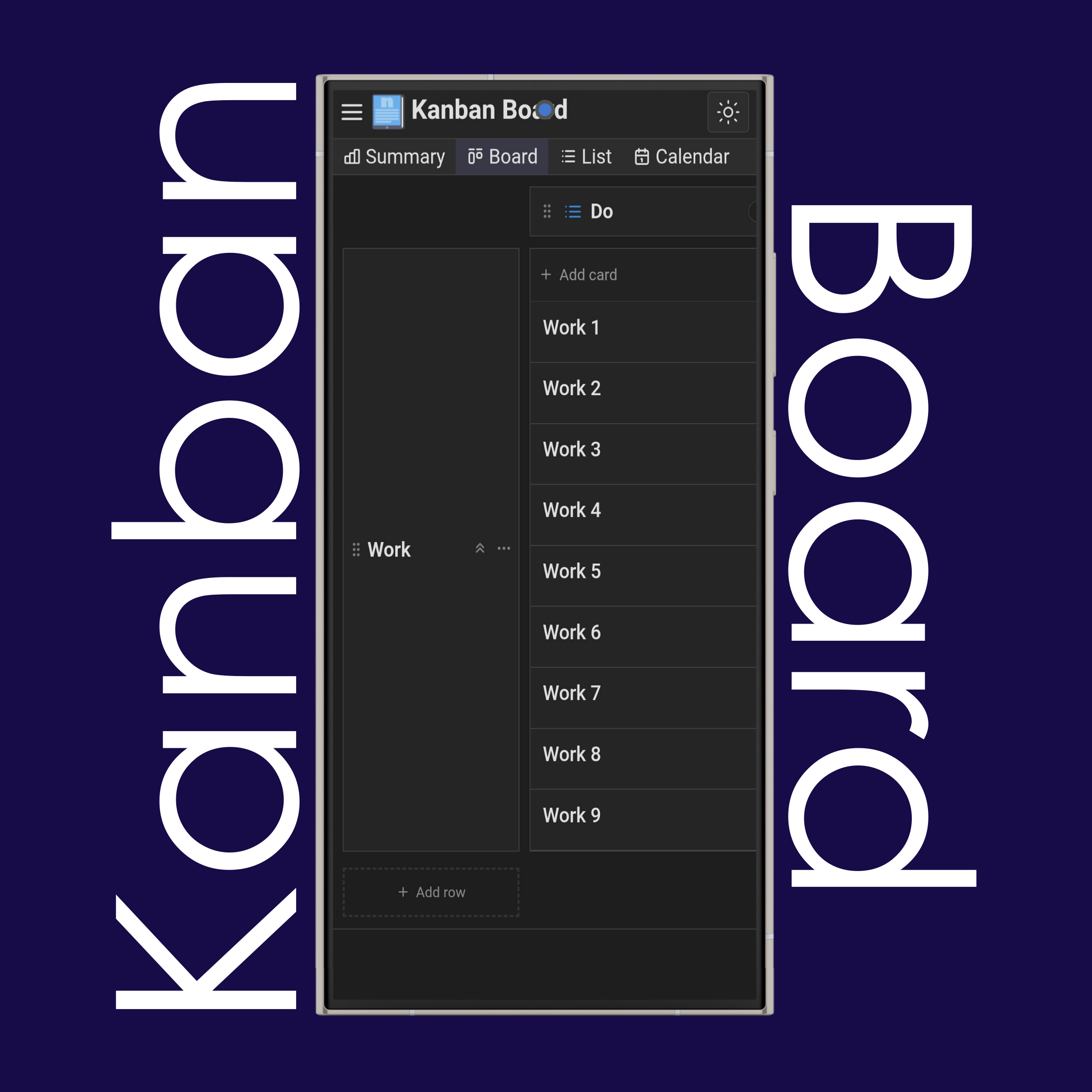
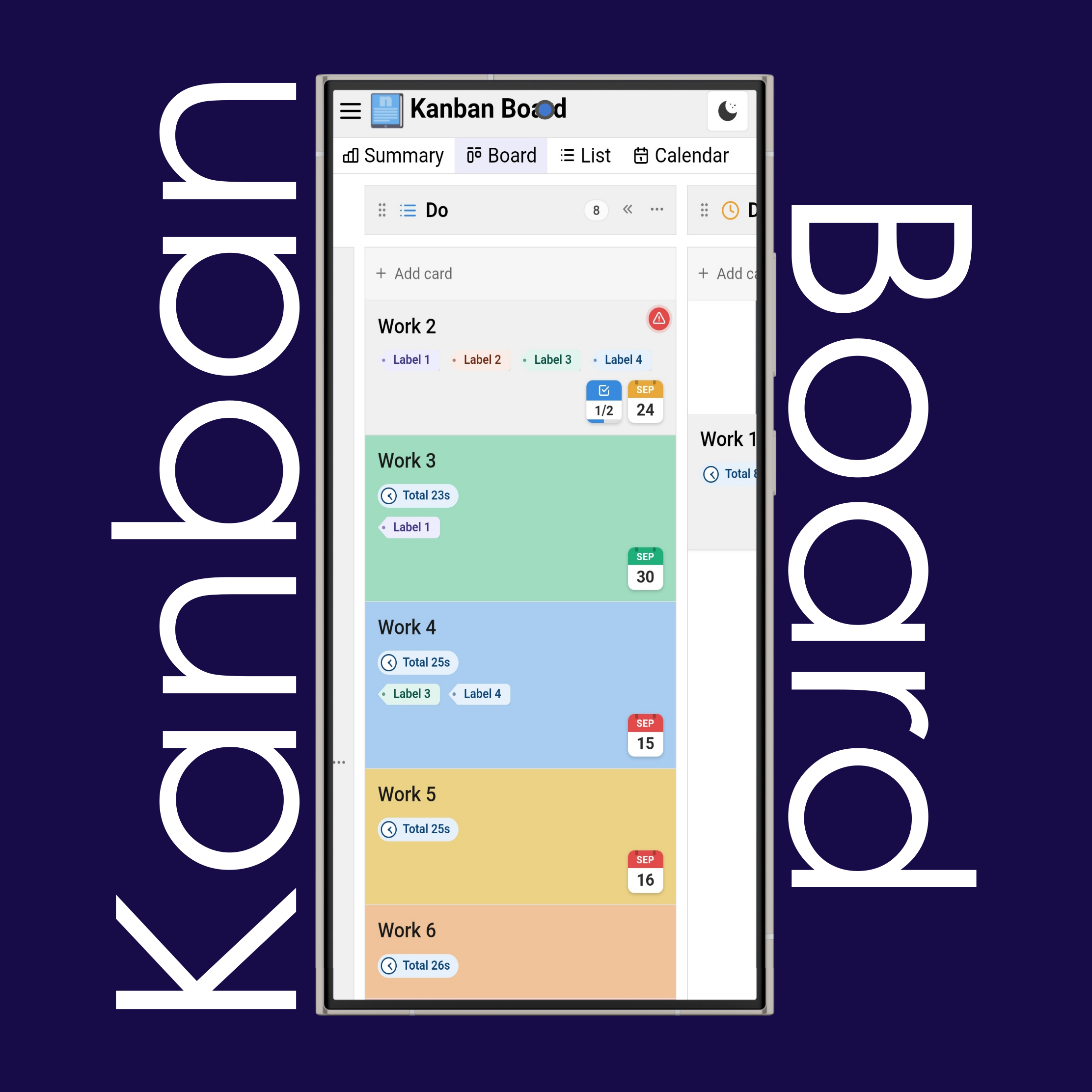
Click/tap the "+ Add Card" button, write the title, and click "Add" to add tasks to the Do, Doing, Done, or any custom column you want.
Each kanban card you added will appear in the corresponding column.
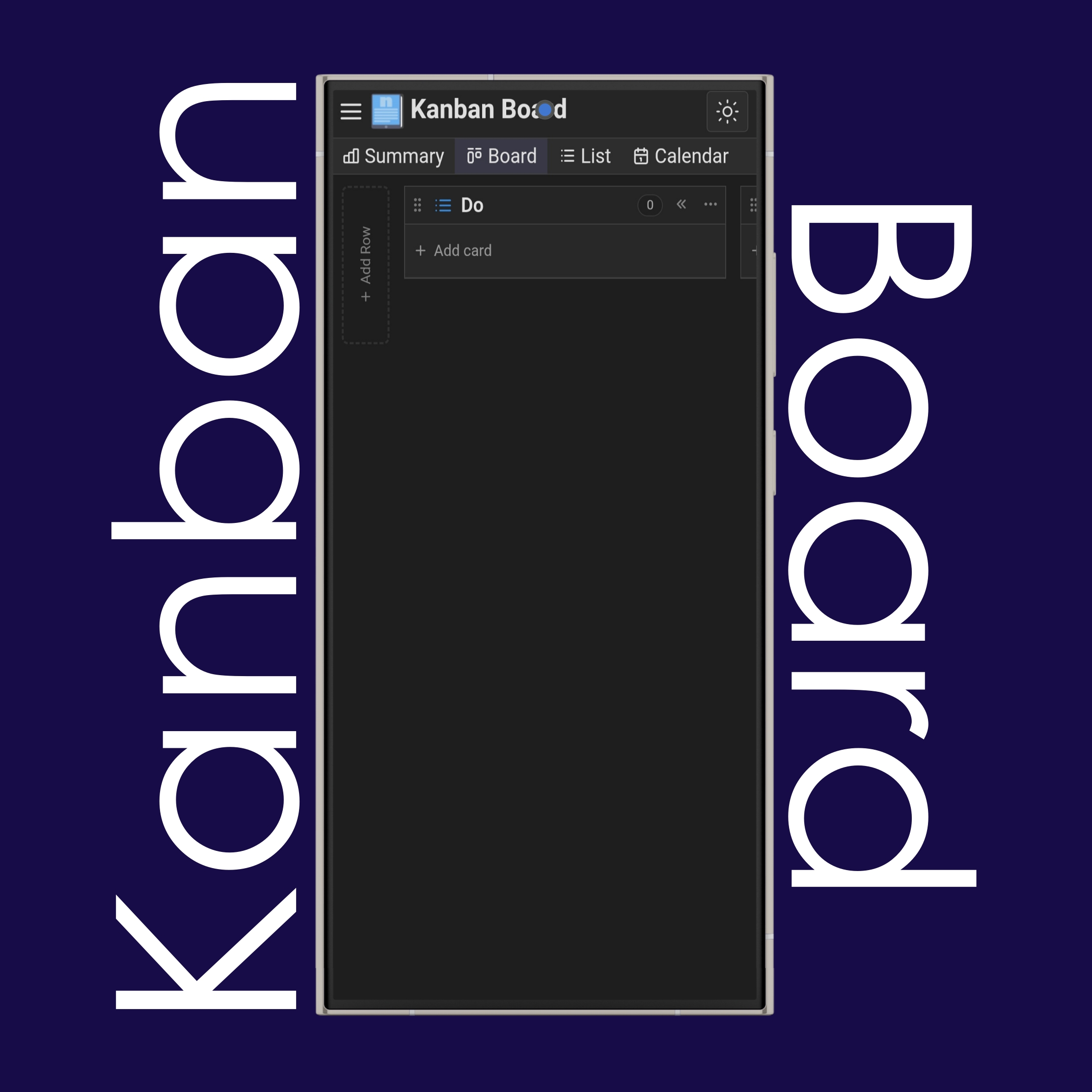
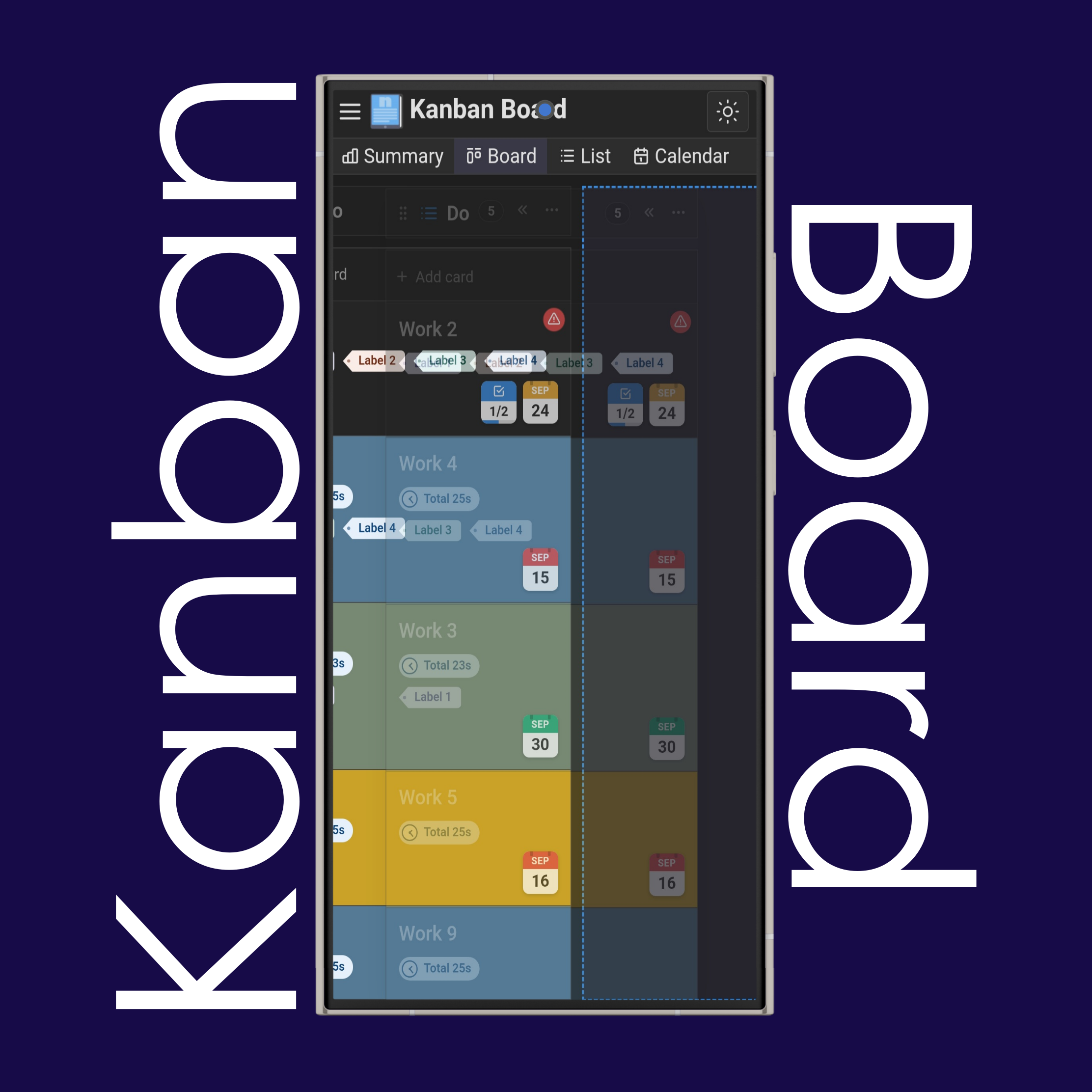
Create swimlanes using the "+ Add Row" button at the beginning of the page, and add custom columns using the "+ Add Column" button at the end of the page.
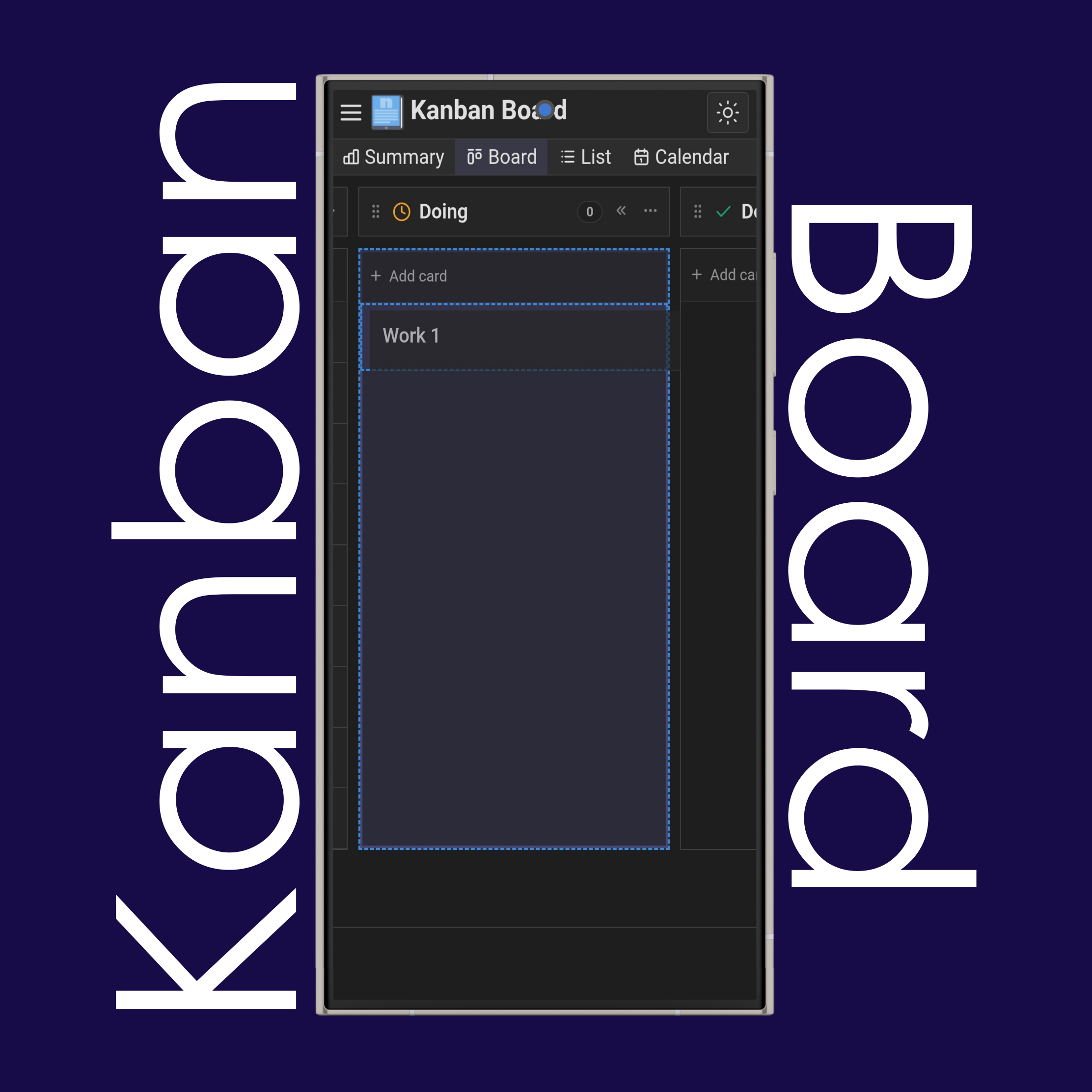
Hold any kanban card you want to move, using your mouse or your finger, and drag it to the new location.
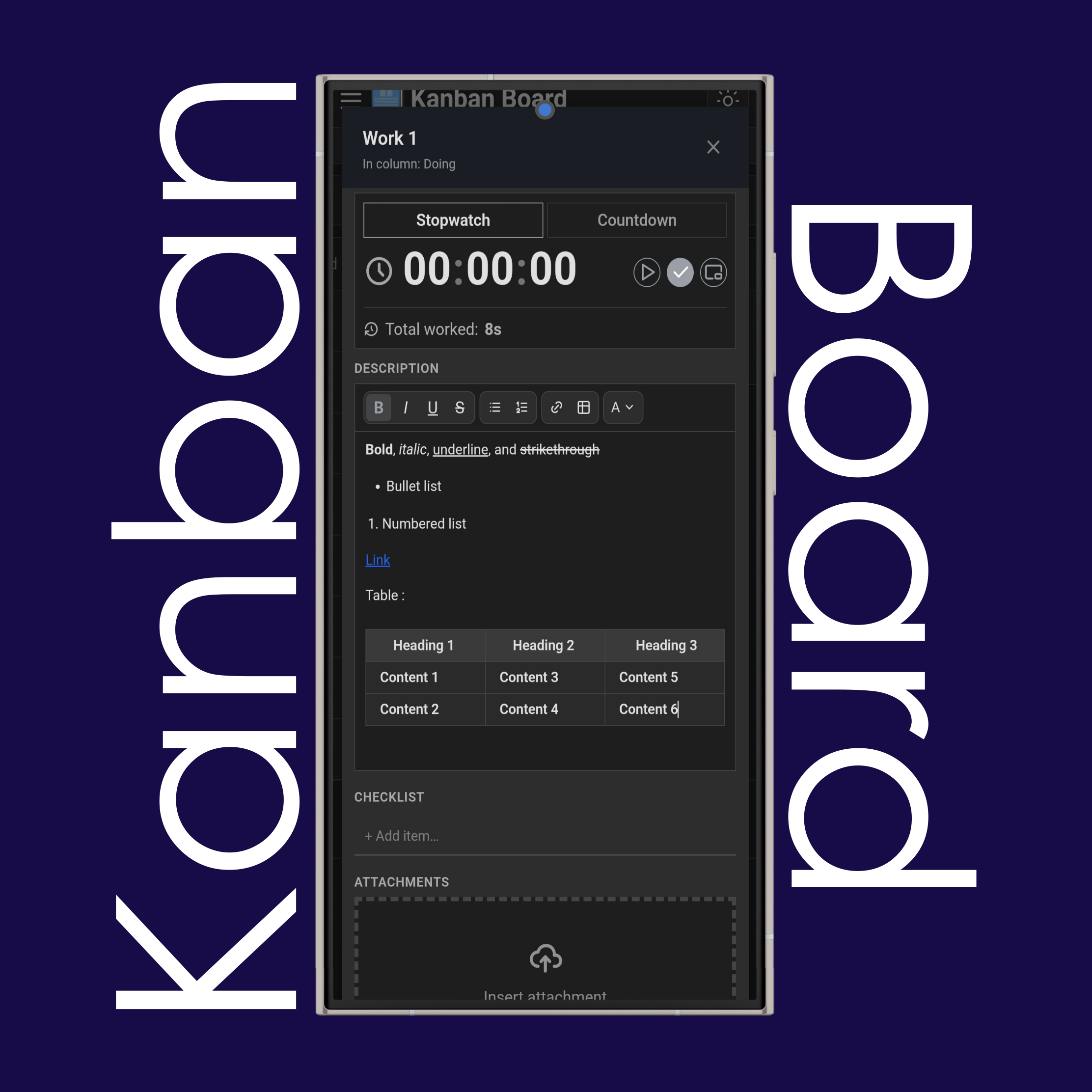
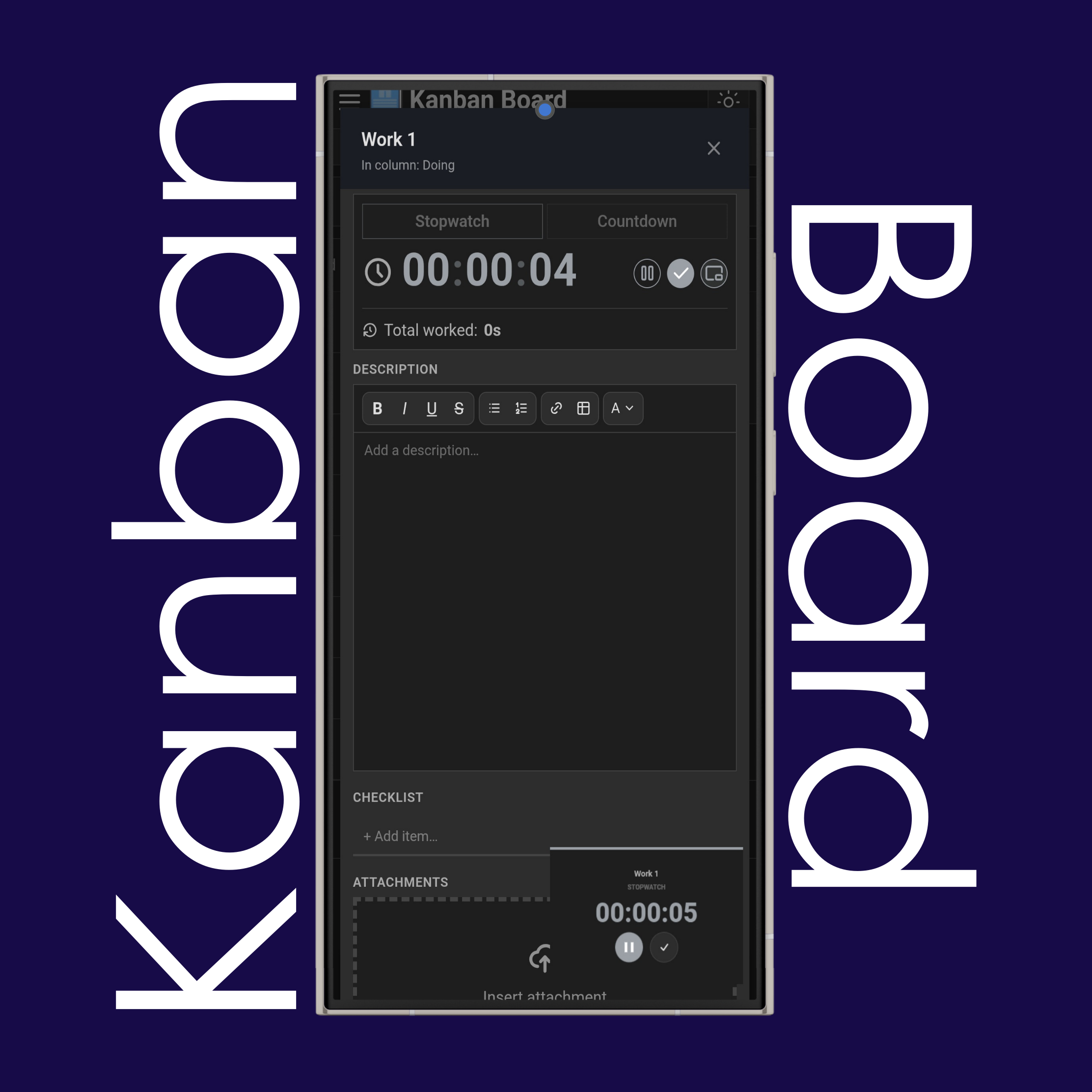
Click/tap the card to add more details to it.
Rename it by clicking on the card's title and writing the new one.
Use " Stopwatch" or " Countdown" to track how much time you worked on each task and how productive you are, then save the time using the " Save" button.
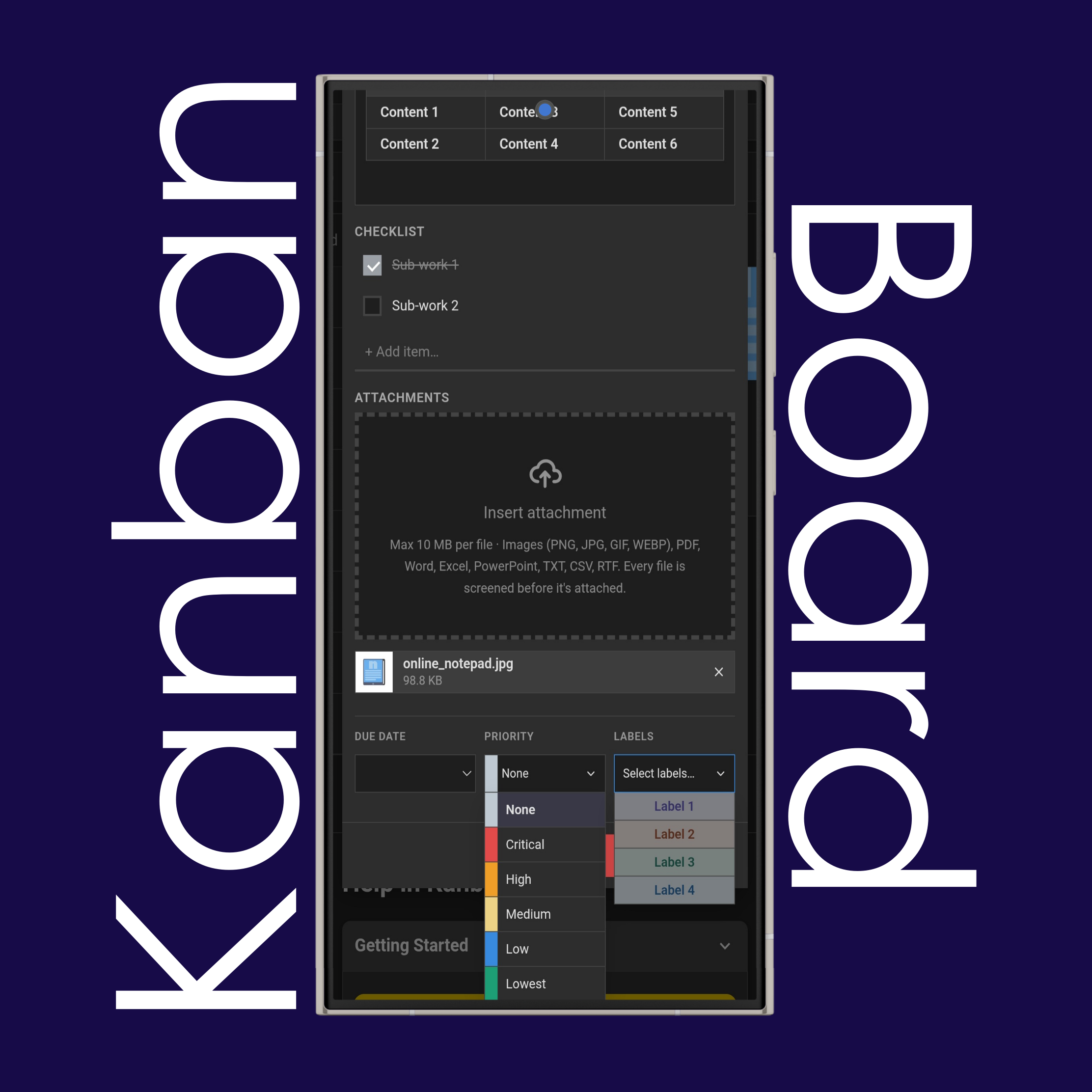
Use the text editor to add notes and format them with the formatting tools ( ), and add checklists.
Use the " PiP" button to use timers in picture-in-picture mode, which stays on your screen and follows you across any screen you open while working on a task.
Add attachments such as .png, .jpg, .pdf, .doc, .txt, .rtf, etc., up to 10 MB per file.
Add due dates with specific times to your tasks, so each one has a clear deadline to be completed by. A color-coded calendar icon on the card notifies you: green means there's time before the due date, yellow means the due date is close, and red means the due date has passed. An alert symbol also appears when the due date is today or tomorrow.
Select a priority level, such as Crucial, Medium, or Lowest, to color and make the card stand out.
Add labels to categorize your cards and make them easy to distinguish.
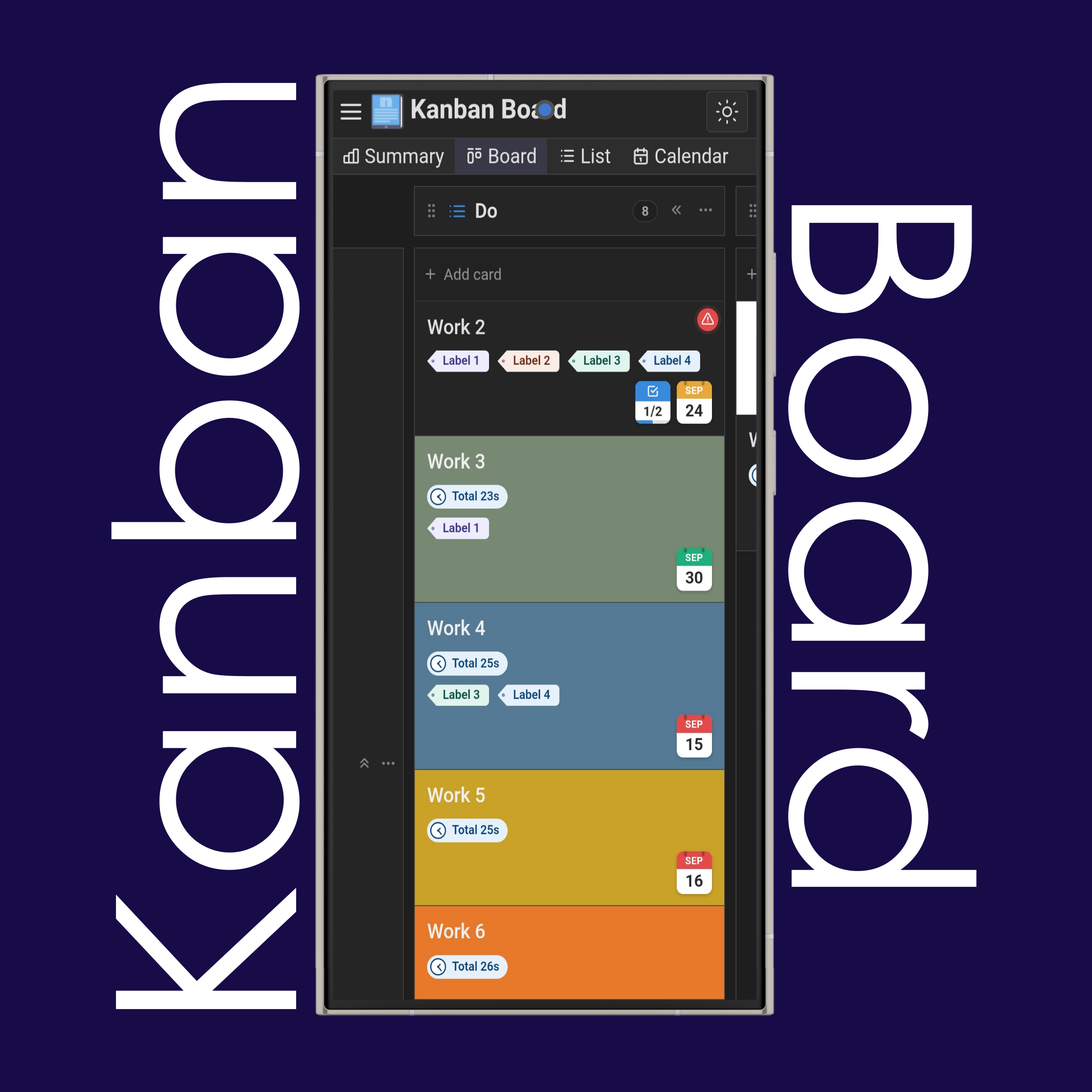
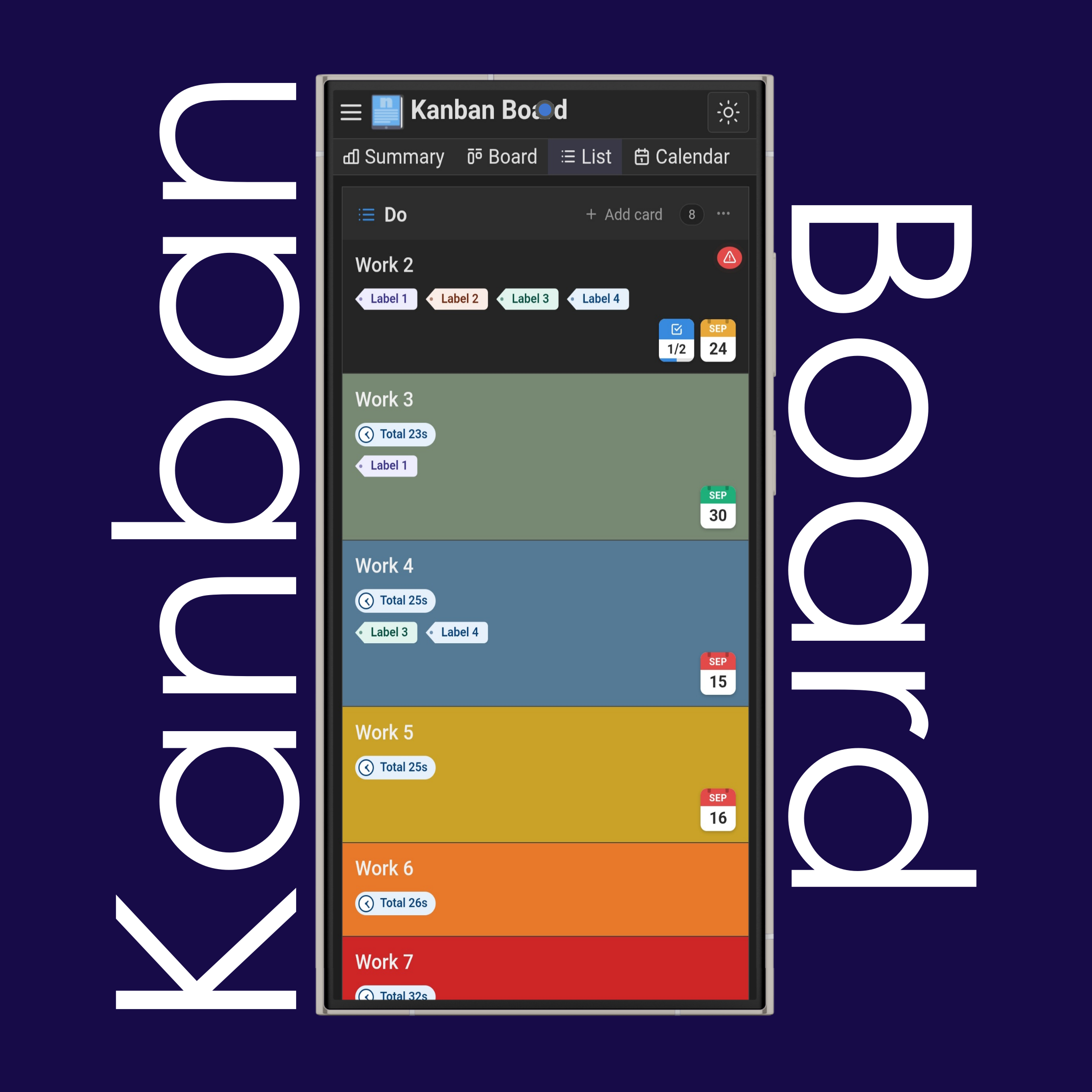
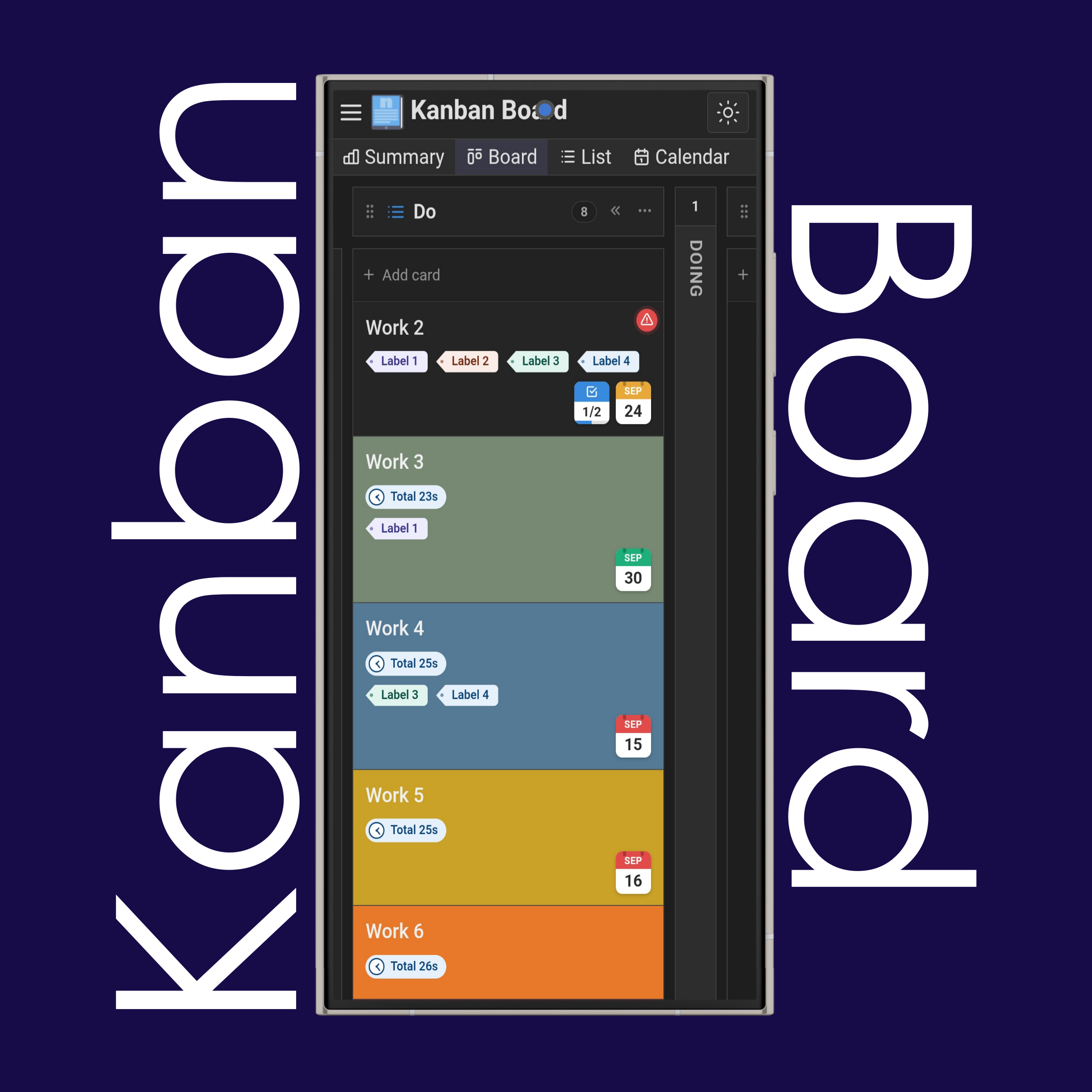
See a quick overview of each kanban card directly on the card itself, including its name, labels, due date, priority, checklist progress (how many items are done and how many remain), total time spent on the card, and a preview of the first uploaded attachment (for images).
Change the view from the top menu to see your kanban cards in Board, List, or Calendar view.
Reorder columns and swimlanes using the " six dots" symbol — hold and drag it with your finger or mouse.
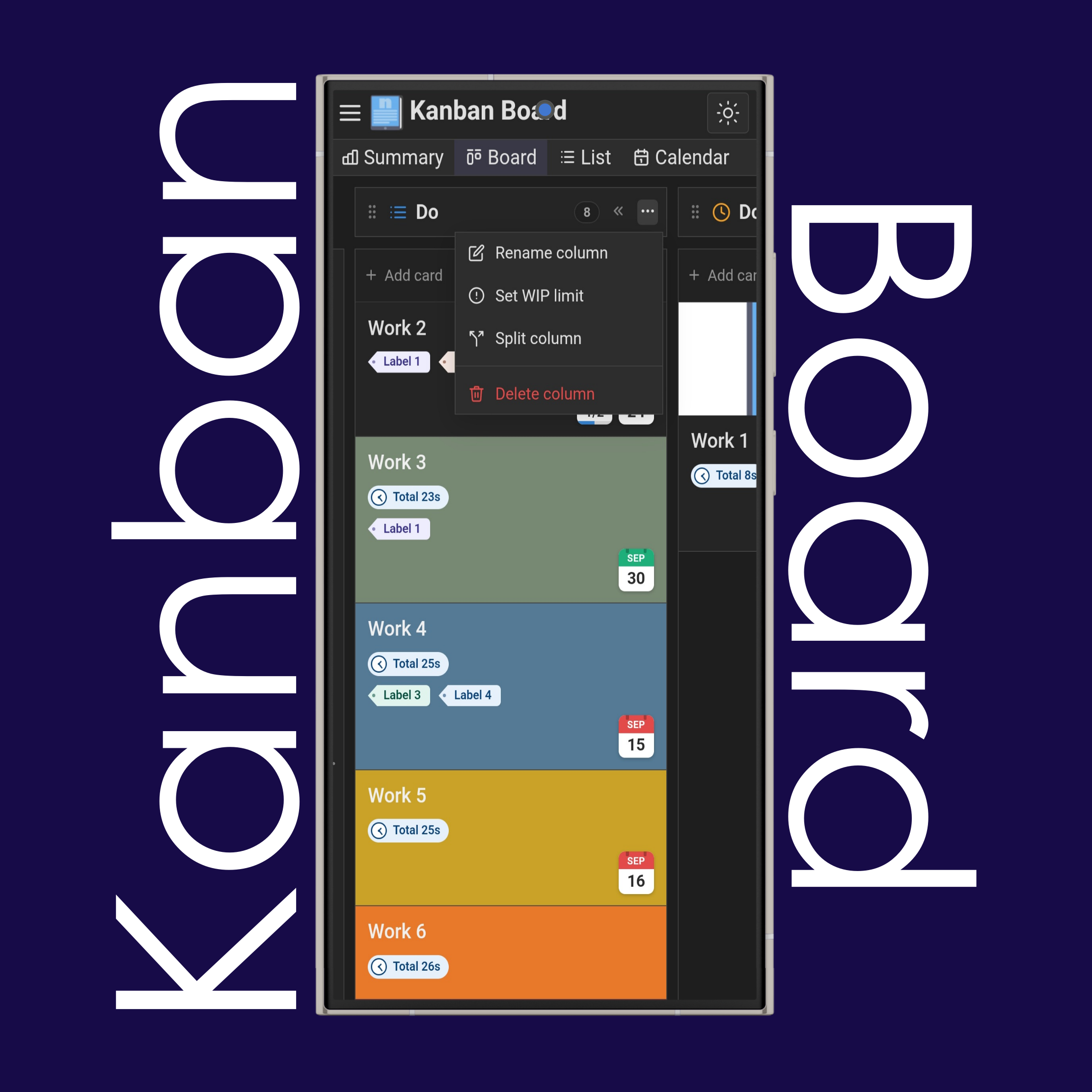
Use the " three-horizontal-dots" menu on the top right of each column to rename it, set WIP (work in progress) limits, split it, or delete it.
Use the " double-less-than sign" to shrink columns or swimlanes and click/tap the shrunk column or swimlane to expand it again.
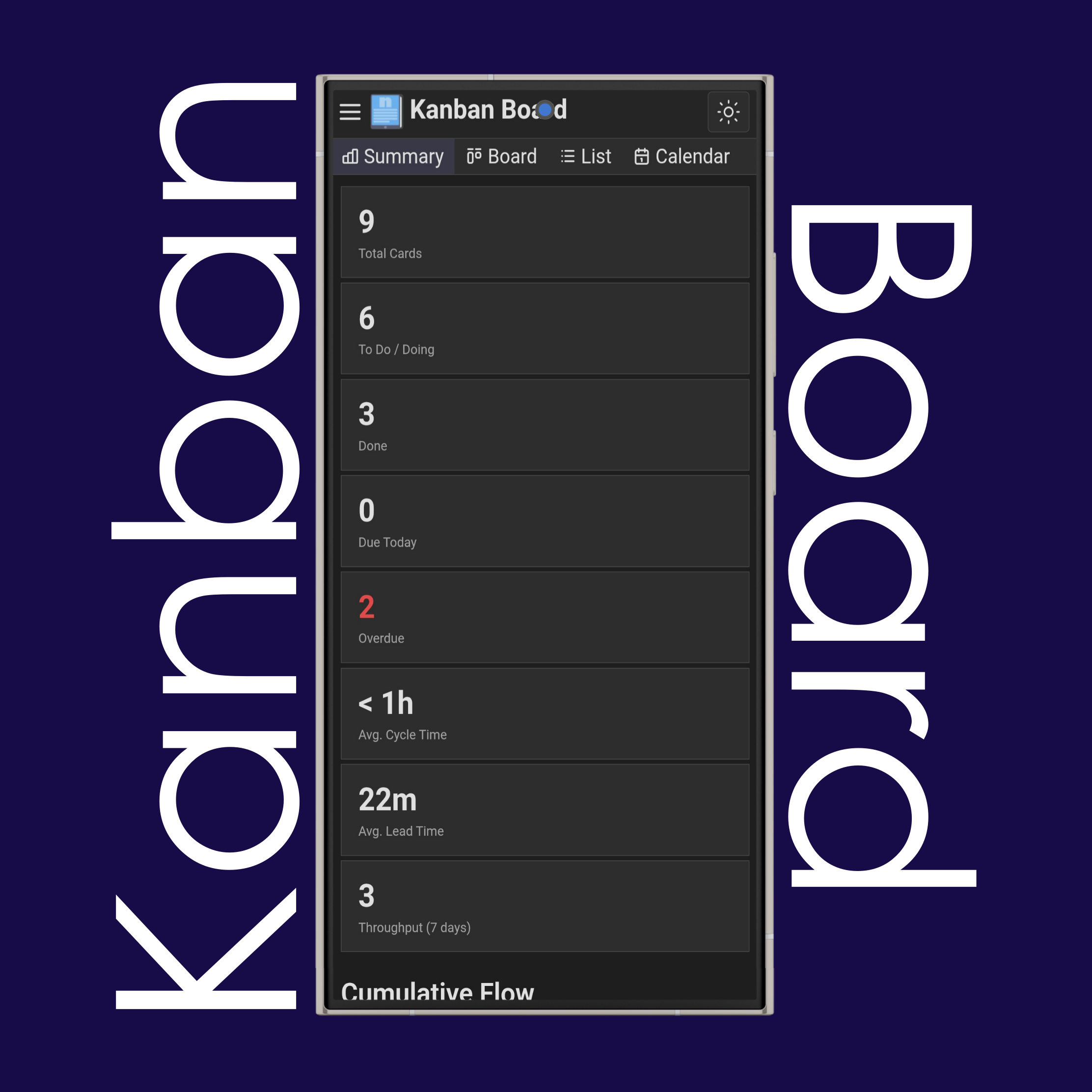
Use " Summary" to see statistical information about your kanban boards, including total cards, cumulative flow, cycle & lead time, burndown, throughput, Monte Carlo forecasting, time estimate & task count, board & task history, recently completed cards and more.
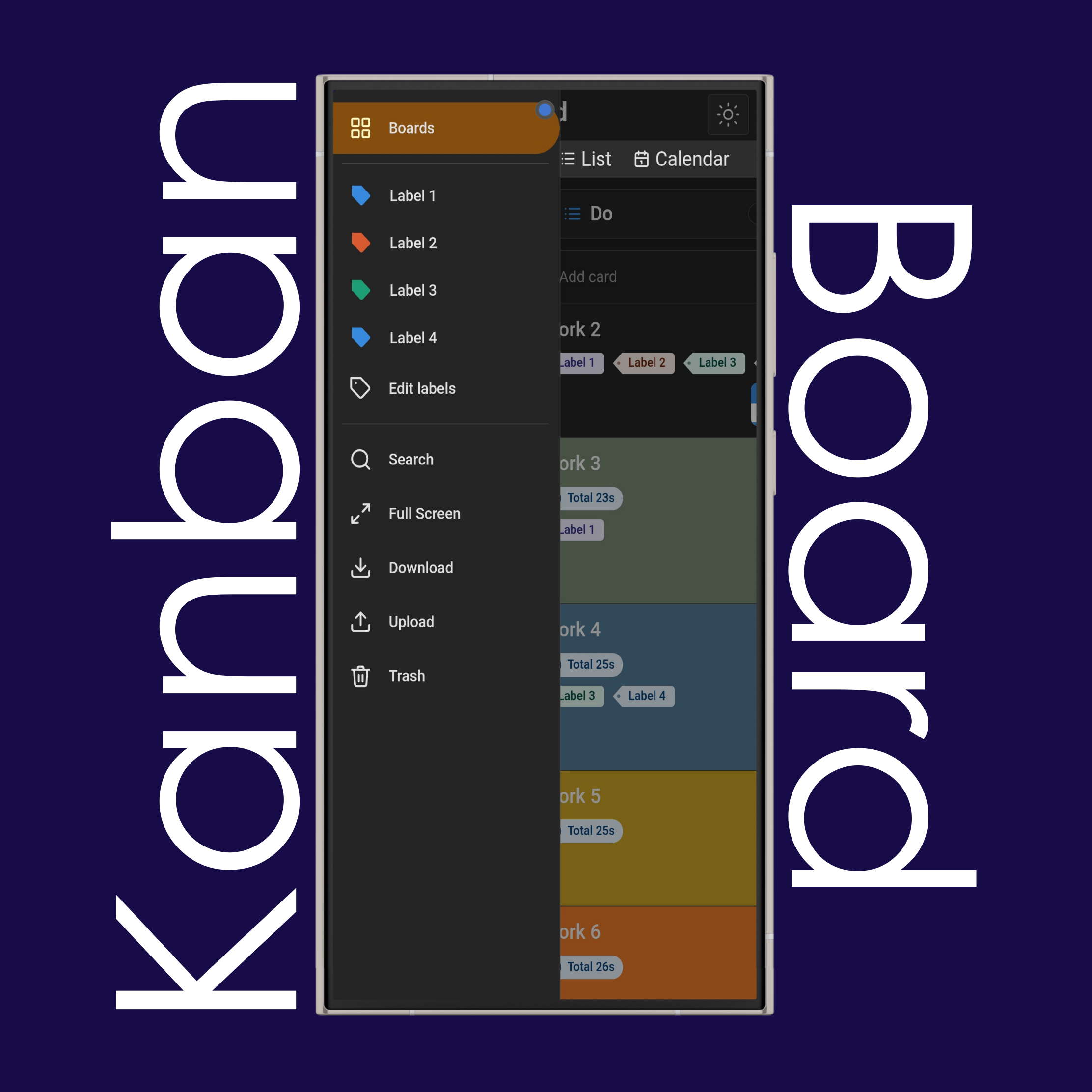
Use the "☰ Sidebar" to access additional and essential features.
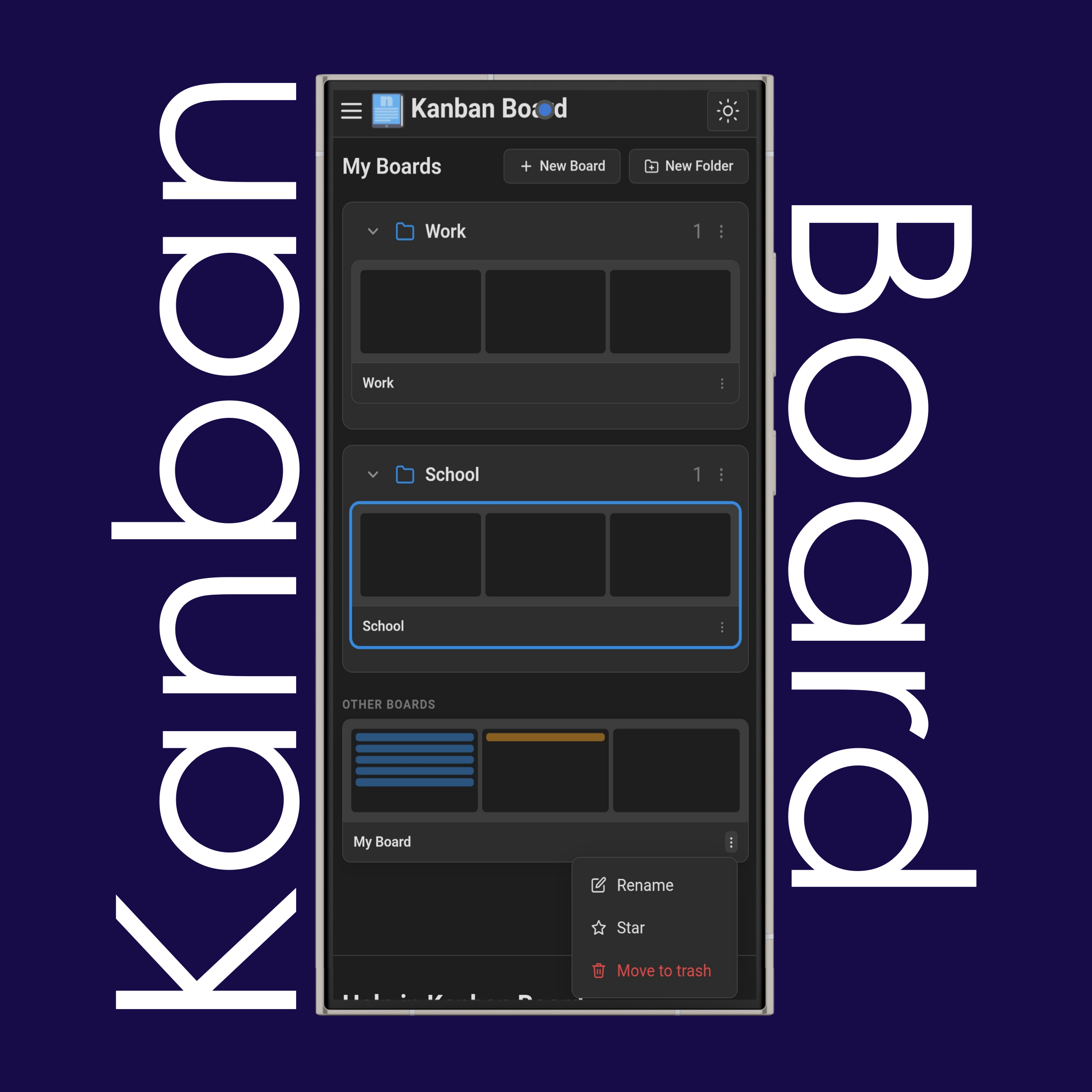
Use "Boards" to see your currently available boards. Keep them organized by grouping them into folders, create new boards or delete finished ones, and star important boards to pin them to the top.
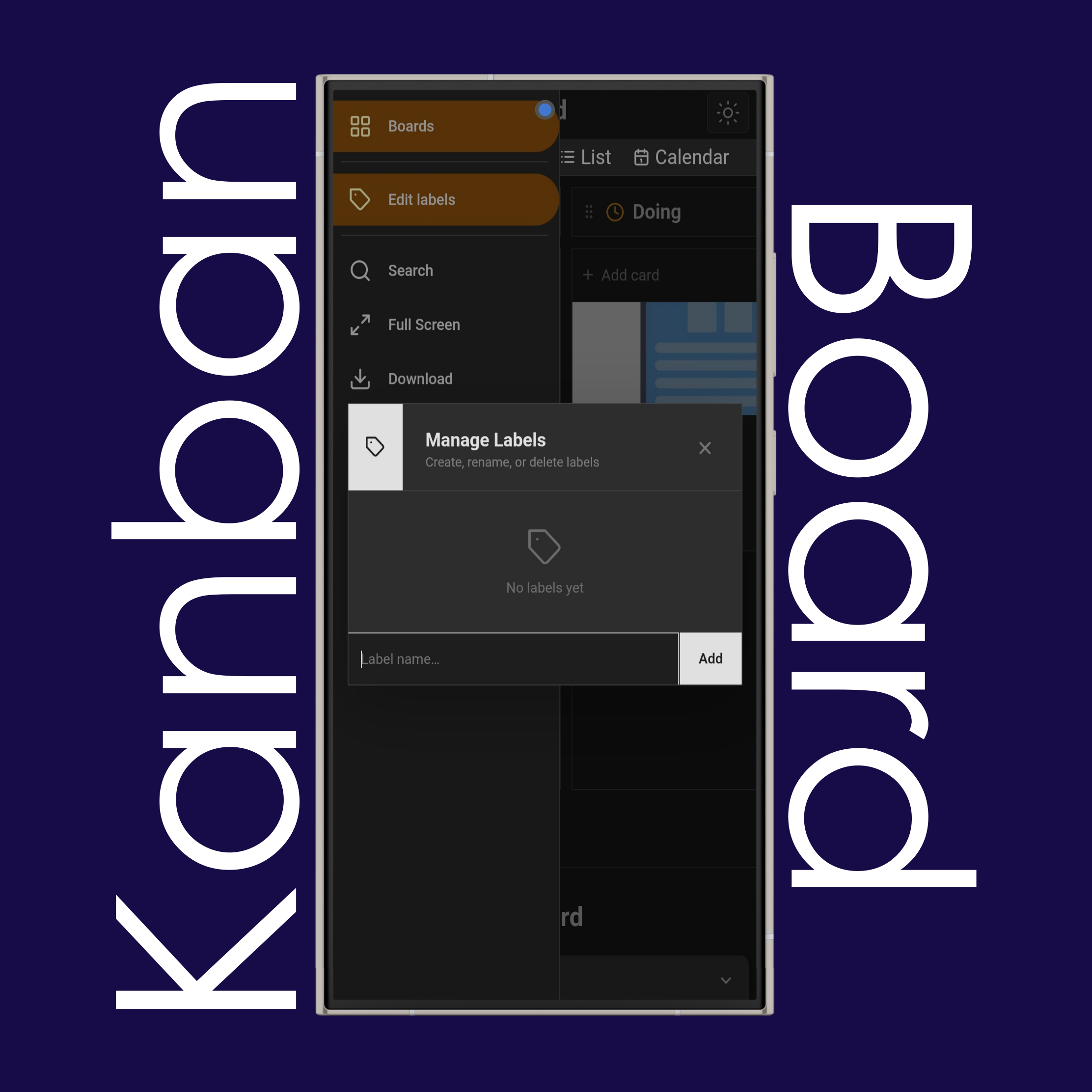
Use "Edit Labels" to create, edit, and delete the labels you use in the editor to categorize your cards.
Use "Download" to download your kanban board as .png, .pdf, .xlsx (Excel), or .kanban.
Use "Upload" to upload your .kanban boards from your device.
Use the (Sun) and (Moon) buttons on the top right side of the website to change the site theme to light or dark mode.
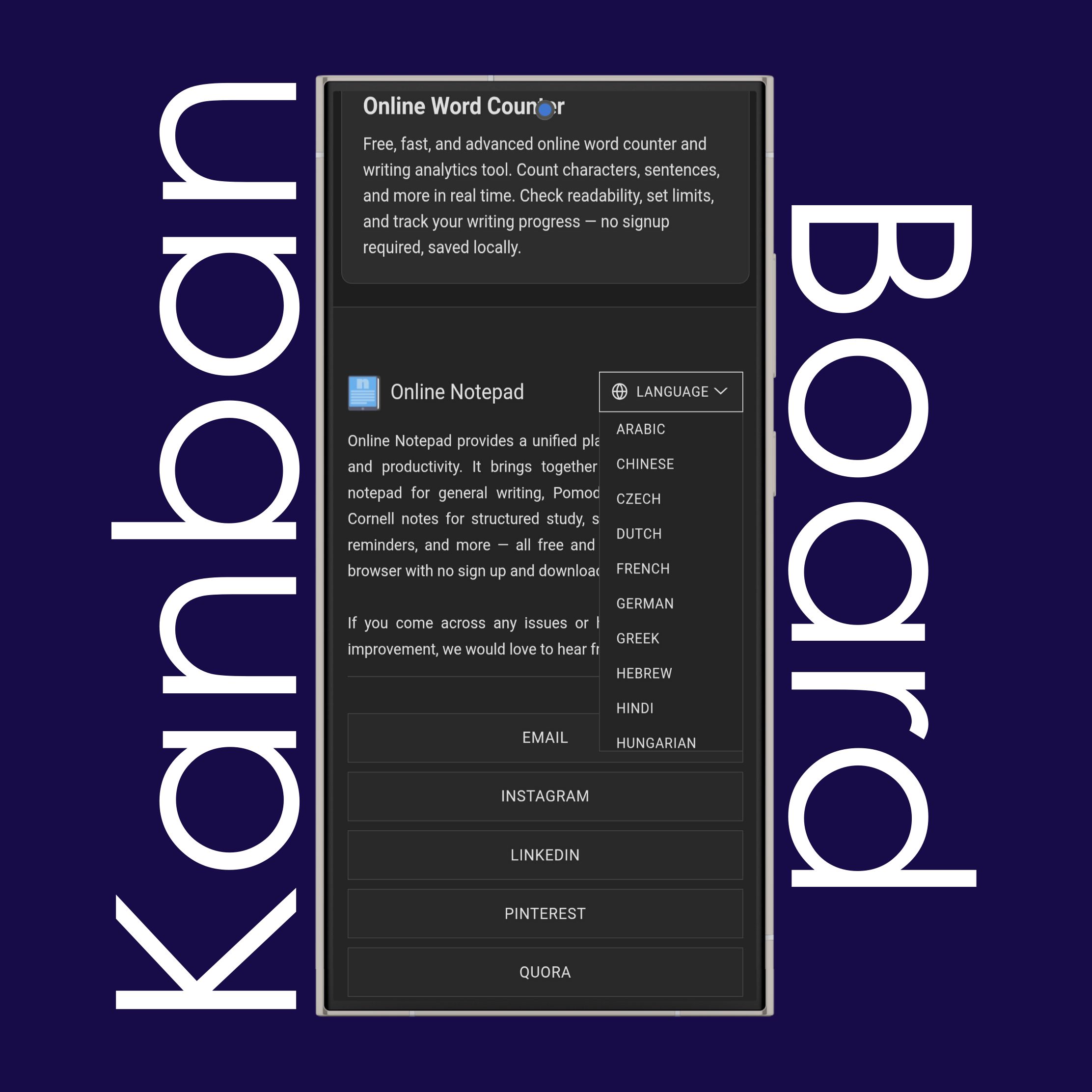
Use the language list at the bottom of the page to change the website language to your native language.
It currently has 20 different languages available.
A kanban board is a visual workflow management tool that uses columns and cards to represent tasks moving through stages of a process. Each column typically represents a stage (like "Do", "Doing", "Done"), and each card represents a single task or work item.
The goal is to give teams a clear, at-a-glance view of what's being worked on, what's next, and where bottlenecks are forming.
Kanban originated at Toyota in the late 1940s as part of the Toyota Production System. Engineer Taiichi Ohno developed it to improve manufacturing efficiency by using visual signals (the word "kanban" means "signboard" or "billboard" in Japanese) to control inventory and production flow.
It was later adapted for software development and knowledge work in the 2000s, popularized by David J. Anderson.
Most kanban boards use at least three core statuses: Do (not yet started), Doing (actively being worked on), and Done (completed). Many teams add more granular stages like "In Review", "Blocked", or "Testing" depending on their workflow.
A kanban board organizes and visualizes work so teams can track progress, limit how much is in motion at once (via WIP limits), and spot bottlenecks before they cause delays. It supports a pull-based system, where team members pull new tasks when they have capacity, rather than having work pushed onto them.
Yes. Kanban is considered one of the agile methodologies, though it's more flexible than frameworks like Scrum. It follows agile principles like continuous delivery and iterative improvement, but doesn't require fixed-length sprints or prescribed roles.
Both are visual boards used in agile project management, but they work differently. A scrum board resets each sprint (usually 1–4 weeks) and is tied to sprint planning and sprint goals. A kanban board is continuous — there are no sprints, and work flows through columns at its own pace, often governed by WIP limits.
Yes, many kanban boards include a "Backlog" column as the first stage, holding tasks that haven't been started or prioritized yet. It's optional, but common in team setups where new work needs a holding area before it enters active workflow.
No, kanban boards don't use sprints. Sprints are a scrum concept — fixed time boxes (usually 1–4 weeks) where a set amount of work is planned and completed. Kanban is a continuous flow system instead: work moves through columns as capacity allows, with no fixed iterations or resets.
Not inherently, no. Story points are an estimation technique commonly used in scrum to size work relative to effort or complexity. Kanban doesn't require estimation at all — it focuses on flow metrics like cycle time and throughput instead. That said, some teams choose to layer story points onto a kanban board if it fits their workflow, but it's not a built-in kanban concept.
If you have additional questions or need assistance, please contact our support team.