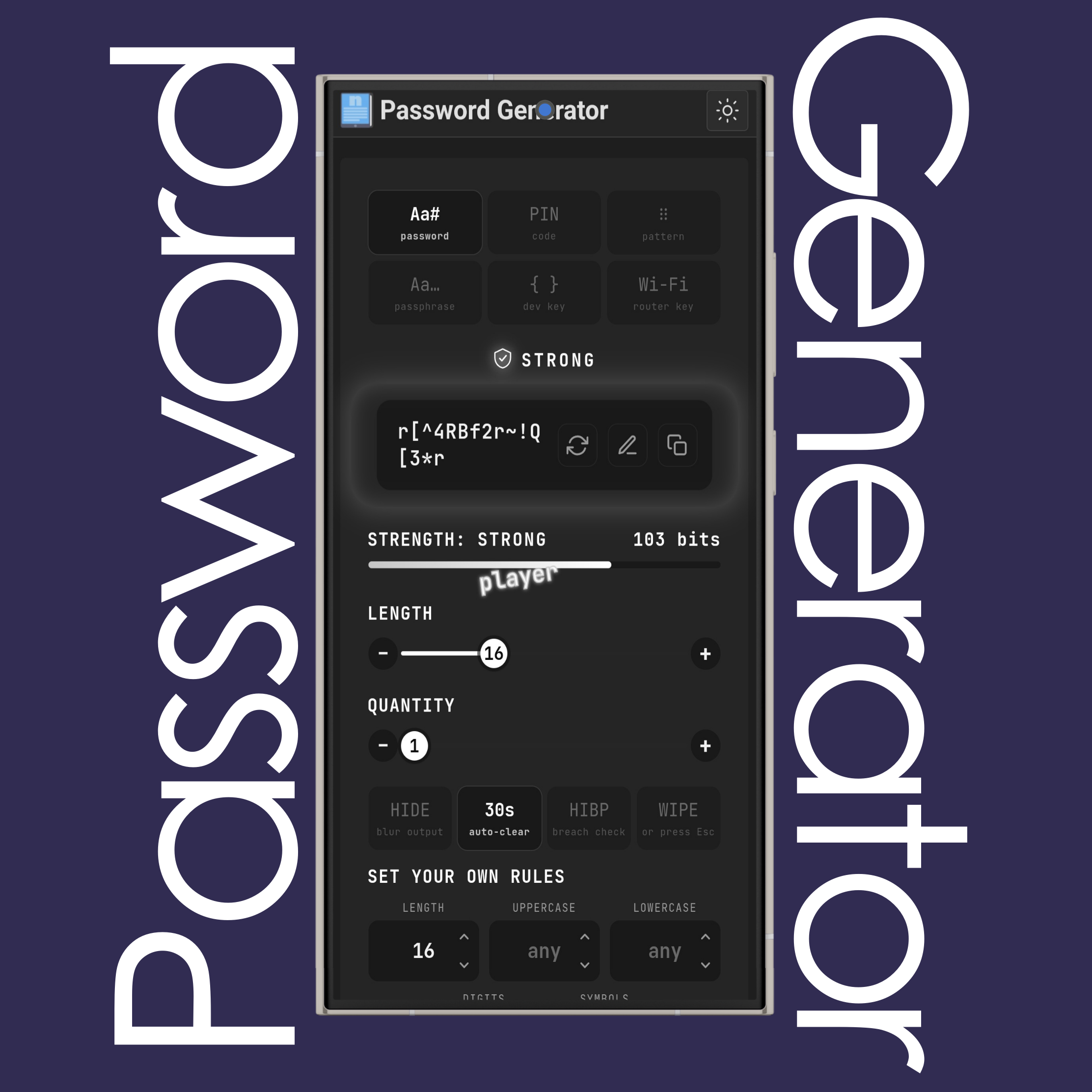
Get a strong, random password right away. And use the additional settings to make new ones...
NOTE: Everything is generated in your browser. Nothing is sent to a server.
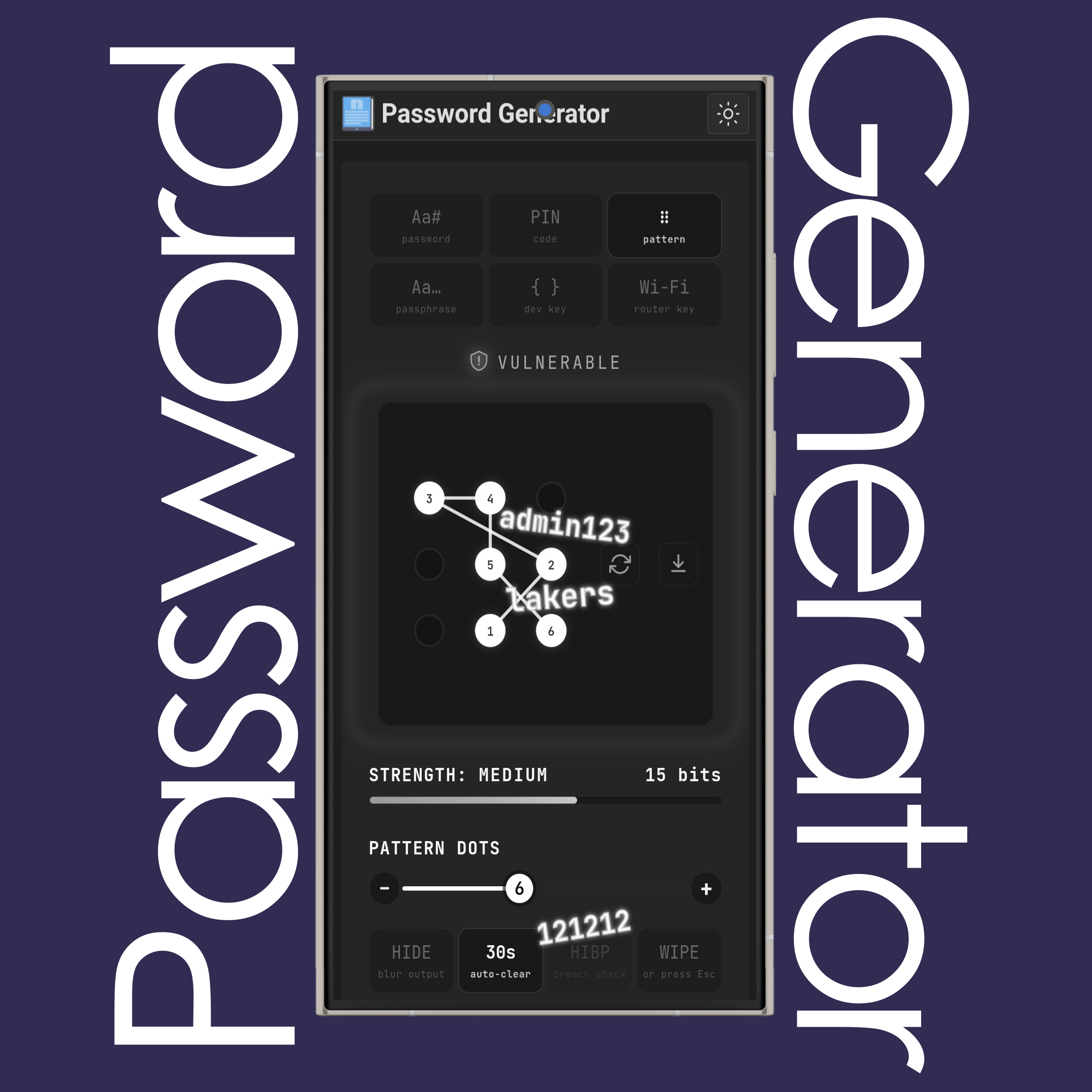
You may use different password types like PIN, pattern, passphrase, dev key, router key and more.
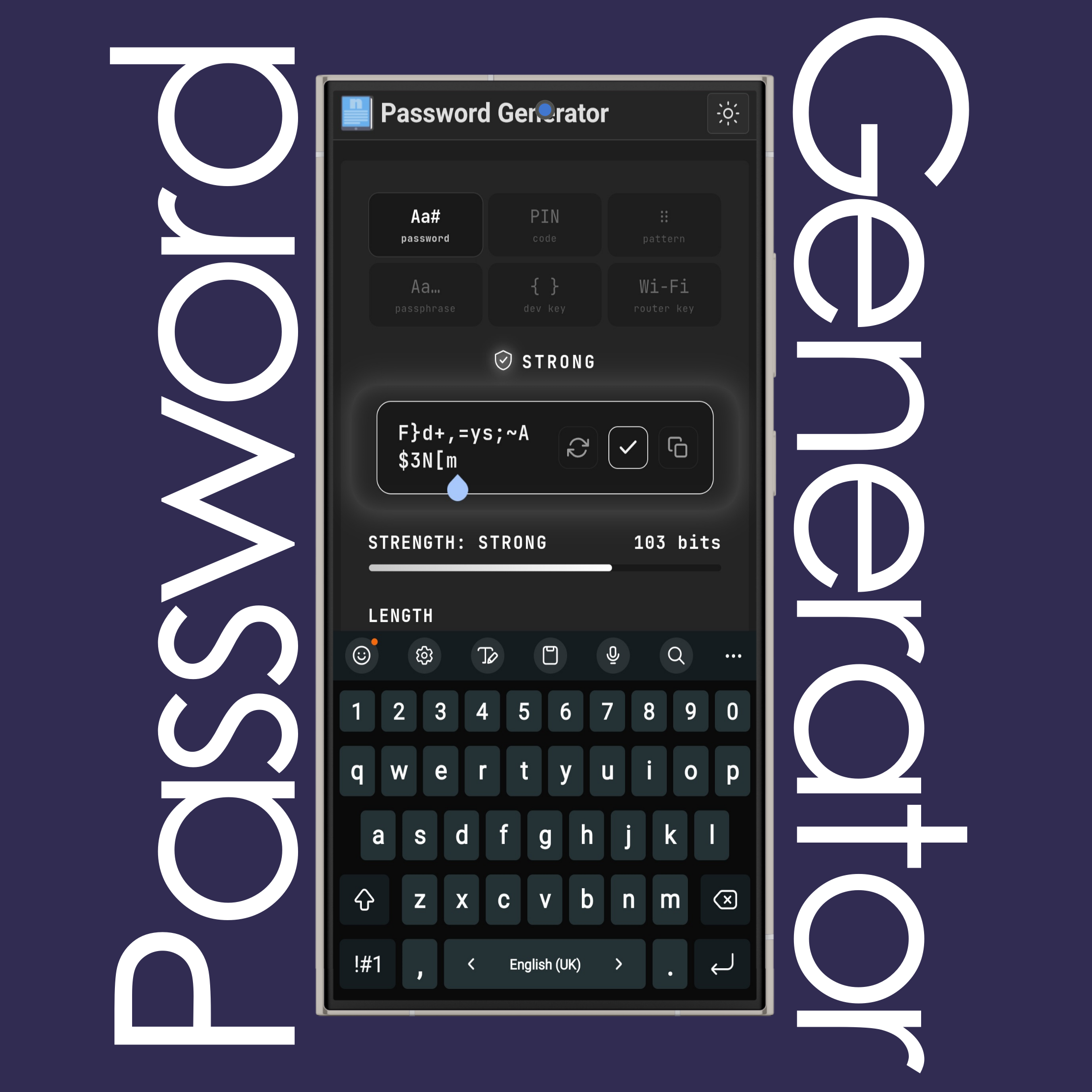
Click/tap the regenerate button for a new password, the pencil button to edit it by adding or deleting letters, numbers and symbols, or the copy button to copy it with one click.
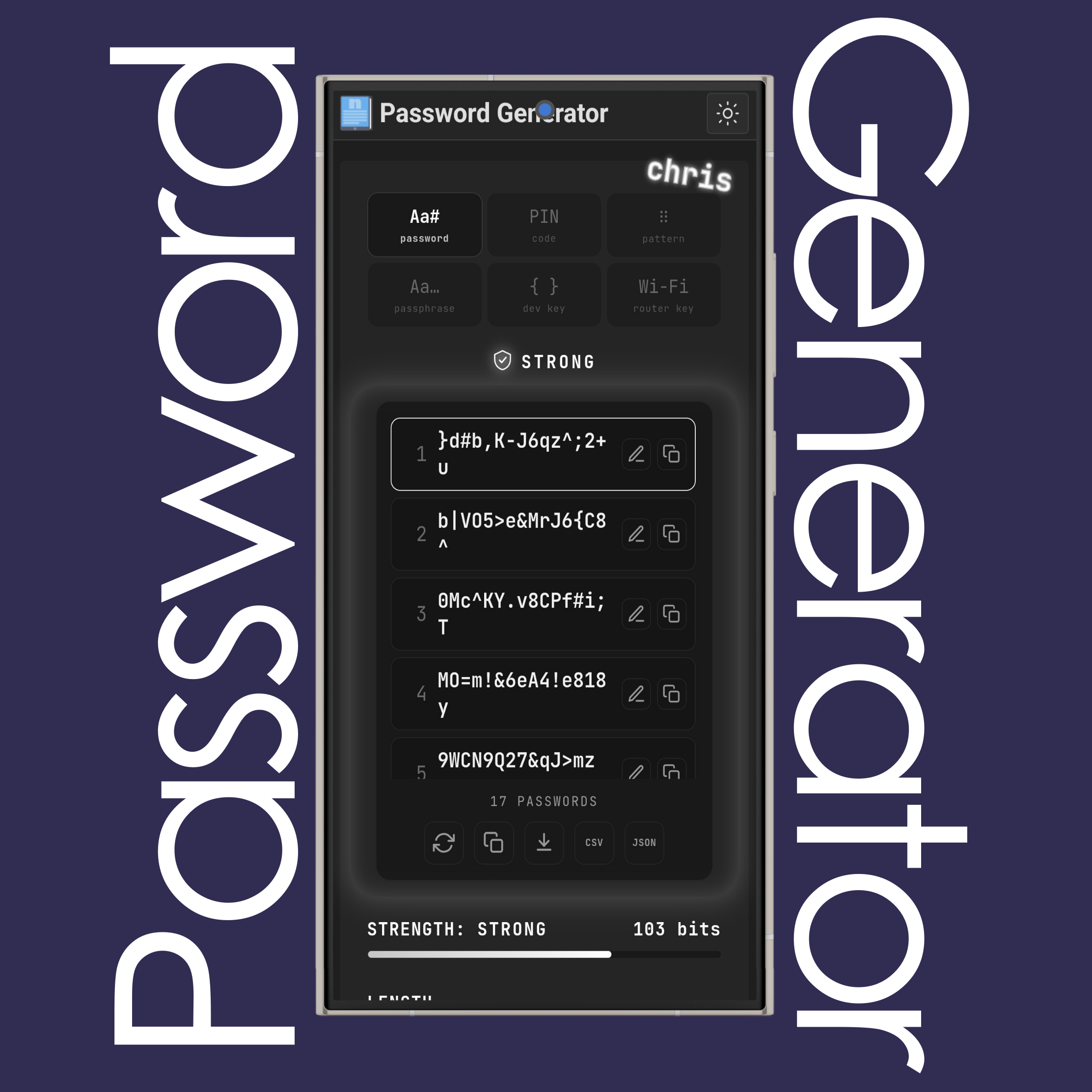
Use the Quantity slider or the +/- buttons to generate up to 100 passwords at once. Each row has its own Copy and Edit button.
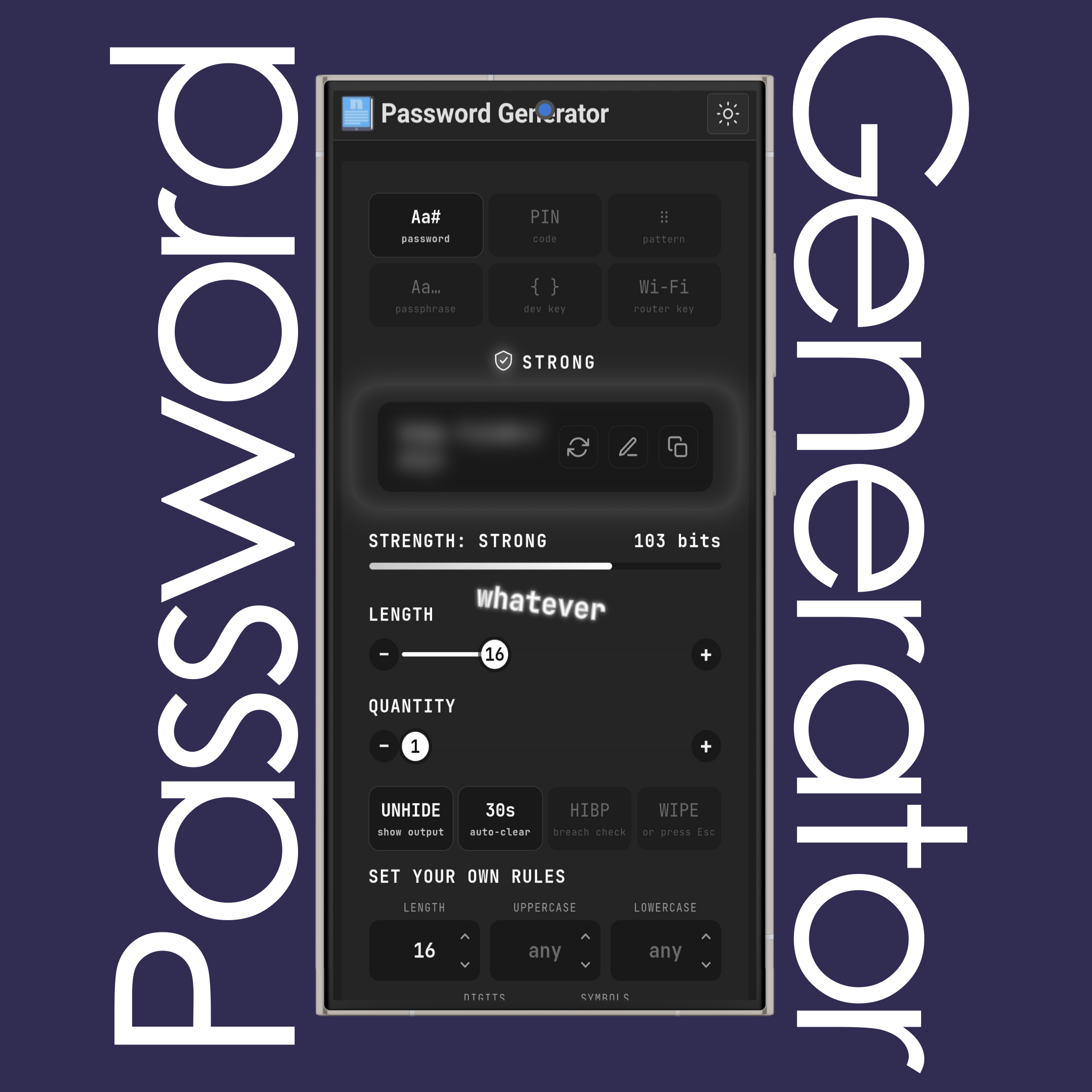
Turn on Hide to blur the password and QR code until you click Unhide. It helps against shoulder surfing and screen sharing.
Auto-clear wipes your clipboard after 10, 30 or 60 seconds, and Wipe (or pressing Esc) clears the screen and clipboard at once.
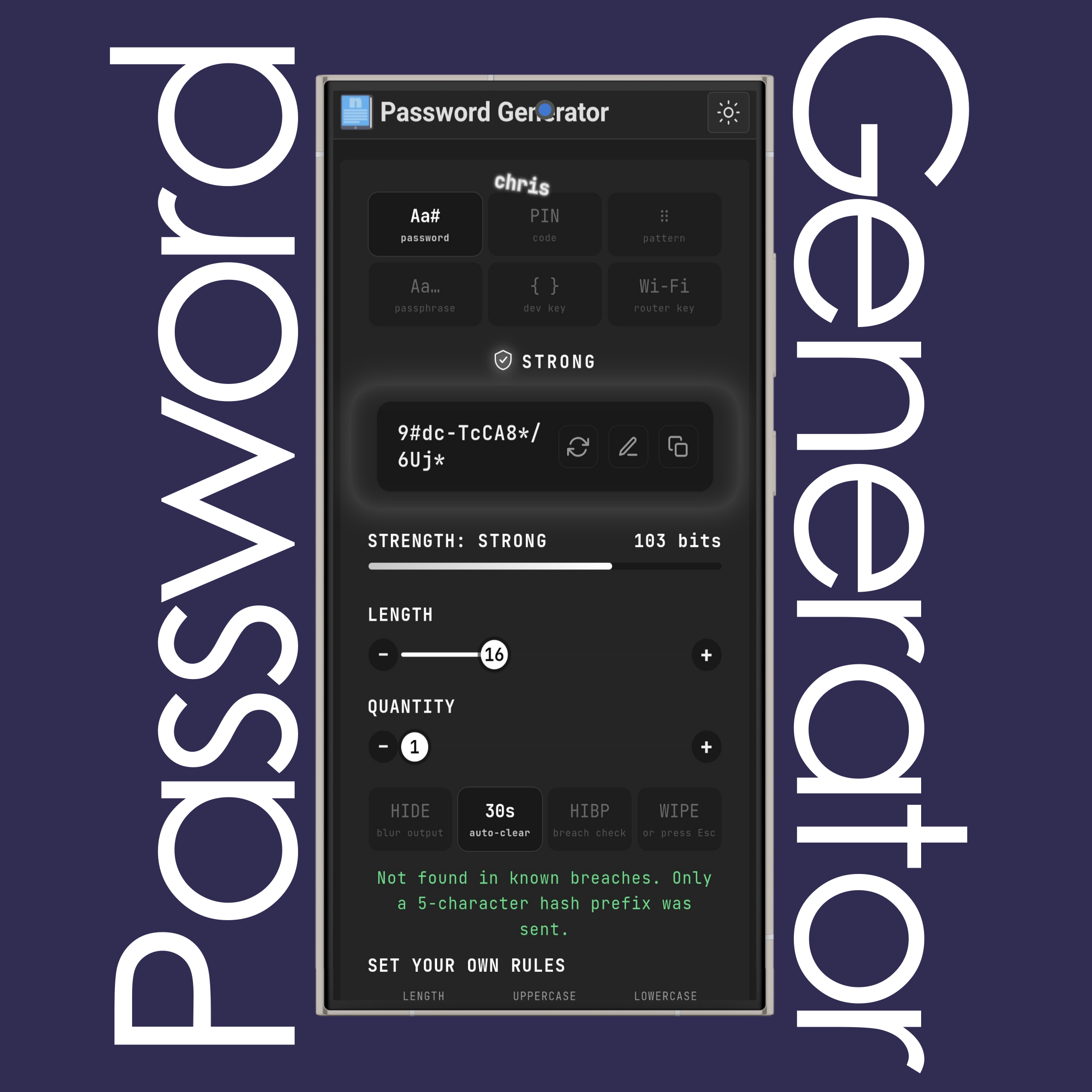
Click/tap HIBP to check the password against Have I Been Pwned. Only the first five characters of its SHA-1 hash are sent.
NOTE: Nothing is sent unless you press the button.
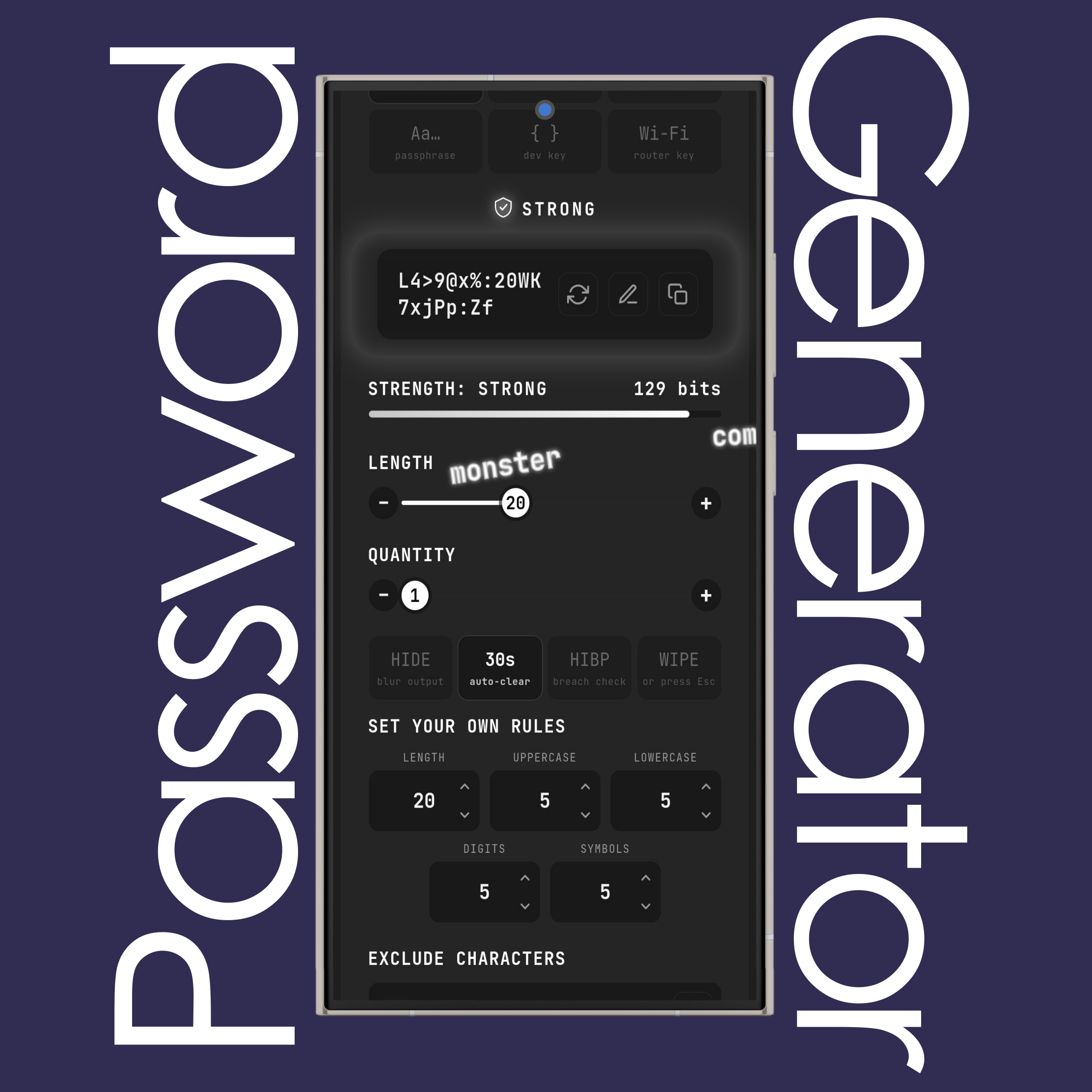
Use the Set Your Own Rules to set the exact length and the number of uppercase letters, lowercase letters, digits and symbols a site requires.
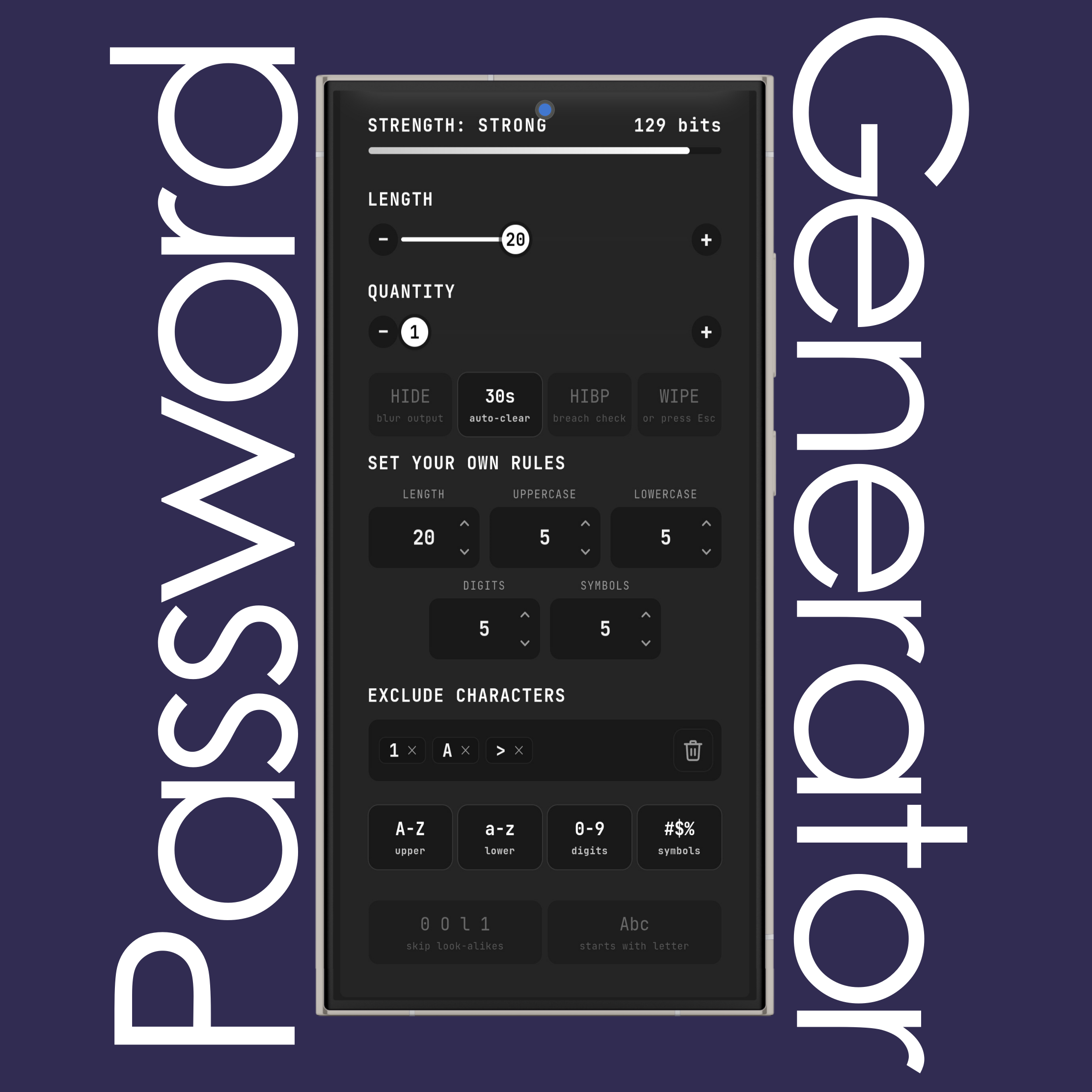
Type any characters into the Exclude Characters box to keep them out of every password.
Remove one with its X or use Clear All (recycle bin).
NOTE: In Passphrase mode you can exclude words too.
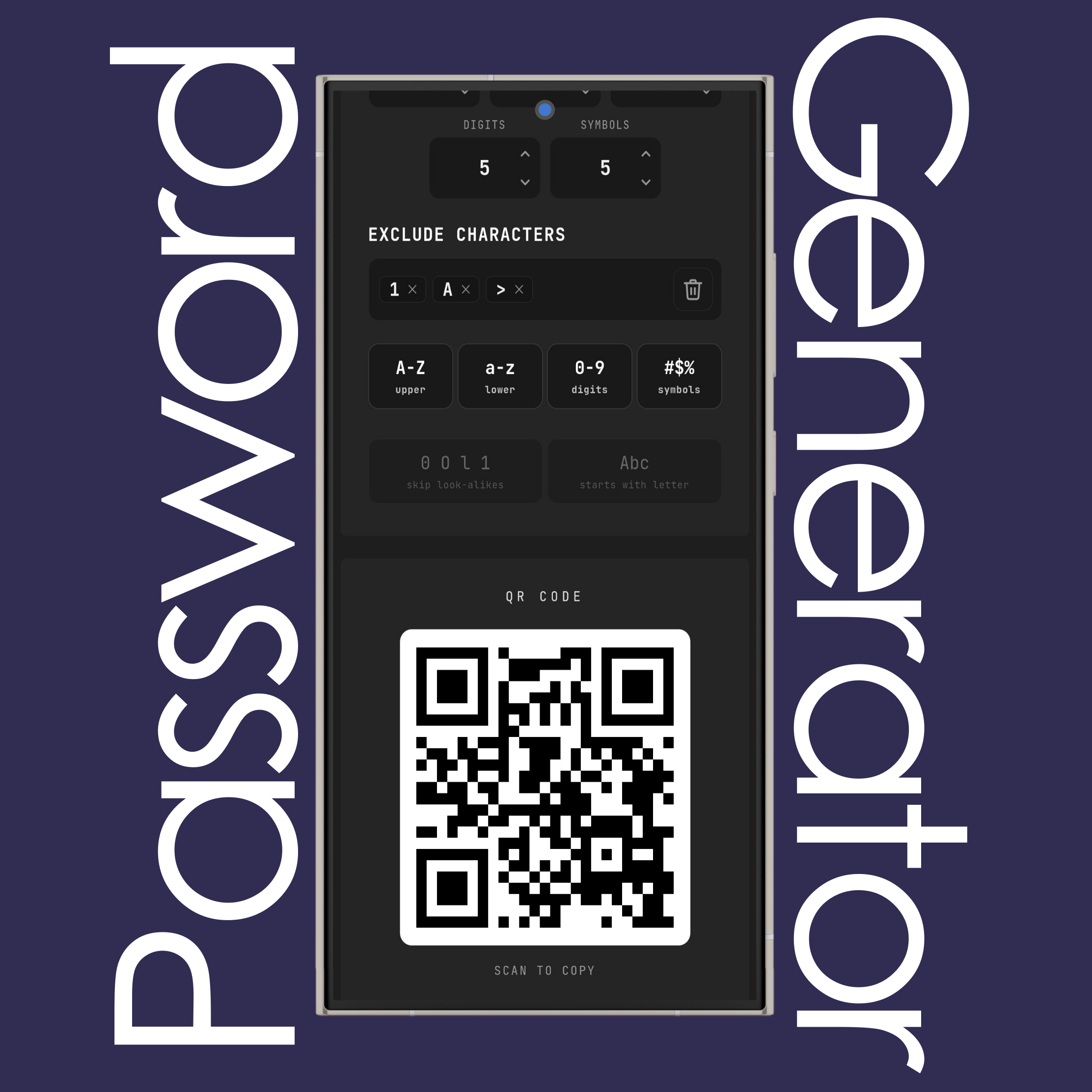
Scan the QR code next to the password to move it to your phone. When you generate several, use the arrows to flip through their QR codes.
NOTE: In Wi-Fi mode, scanning it joins the network.
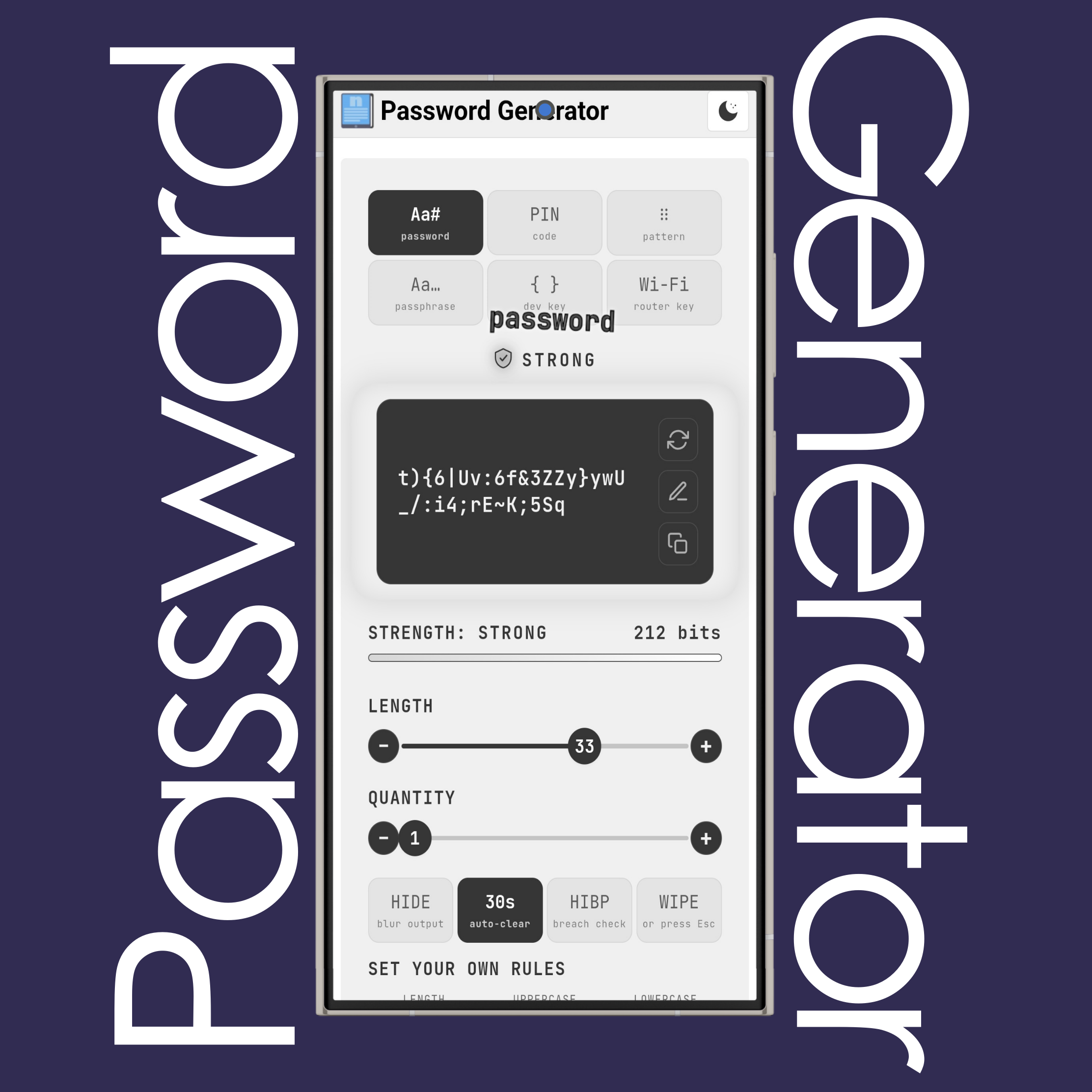
Use the (Sun) and (Moon) buttons on the top right side of the website to change the site theme to light or dark mode.
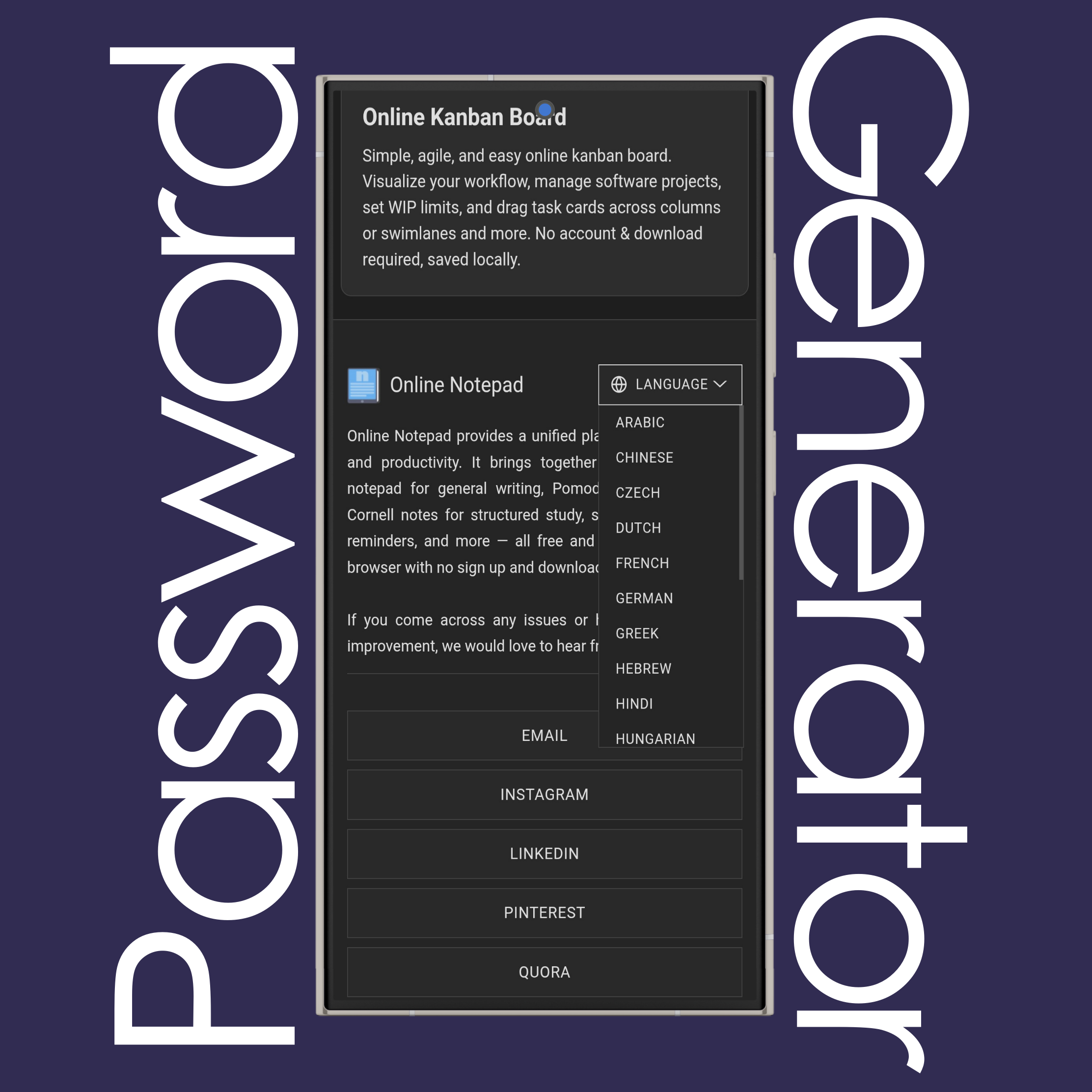
Use the language list at the bottom of the page to change the website language to your native language.
It currently has 20 different languages available.
Pick a mode, set the length with the slider (16 or more characters is a good default), choose which character types to include, then press the refresh button for a new one. Copy it with one click, or scan the QR code to move it to your phone.
Passwords are created in your browser with the Web Crypto API (crypto.getRandomValues), a cryptographically secure random source. This tool never sends them to a server and never saves them. Your list of excluded characters is the only thing stored on your device.
Strength is estimated entropy in bits: length multiplied by log2 of the character pool size. For random passwords, under 72 bits is rated weak, 72 to 99 medium and 100 or more strong. Passphrases, PINs and lock patterns are scored against ranges that suit those formats.
Use Password for accounts stored in a password manager, Passphrase for something you must type from memory (the EFF list has 7,776 words, about 12.9 bits per word), PIN for numeric codes, Pattern for Android-style lock patterns, Dev for API keys and secrets (hex, Base64, Base64URL, UUID or .env), and Wi-Fi for a router-safe key with a scannable join QR code.
Some banks, government portals and older systems limit length or ban symbols. Use the rule builder under “Set your own rules”: enter the length and how many uppercase letters, lowercase letters, digits and symbols you need, and the password updates as you type. Counts are minimums, and any leftover slots are filled randomly. For sites that ban look-alike characters or require a starting letter, use the extra options below it.
Hide blurs the password and QR code until you click Unhide, which helps against shoulder surfing and screen sharing. Auto-clear overwrites your clipboard 10, 30 or 60 seconds after you copy, or never; click the auto-clear button to cycle through the options. Wipe, or pressing Esc, clears the screen and the clipboard at once.
The optional HIBP button hashes the password with SHA-1 in your browser and sends only the first five characters of that hash to the Have I Been Pwned range API, then compares the response locally. The password itself is never transmitted. Nothing is sent unless you press the button.
If you have additional questions or need assistance, please contact our support team.