What is word/character counter?
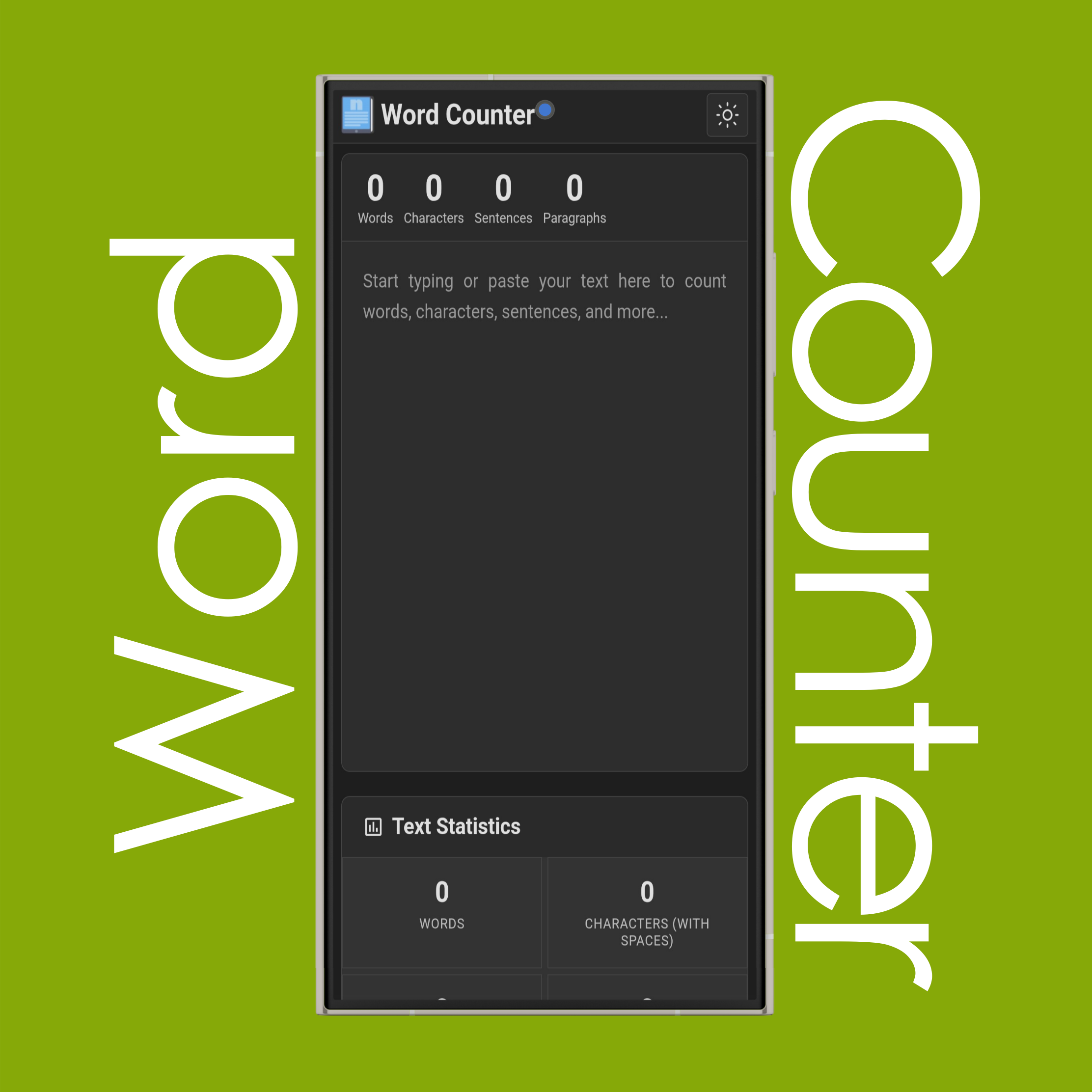
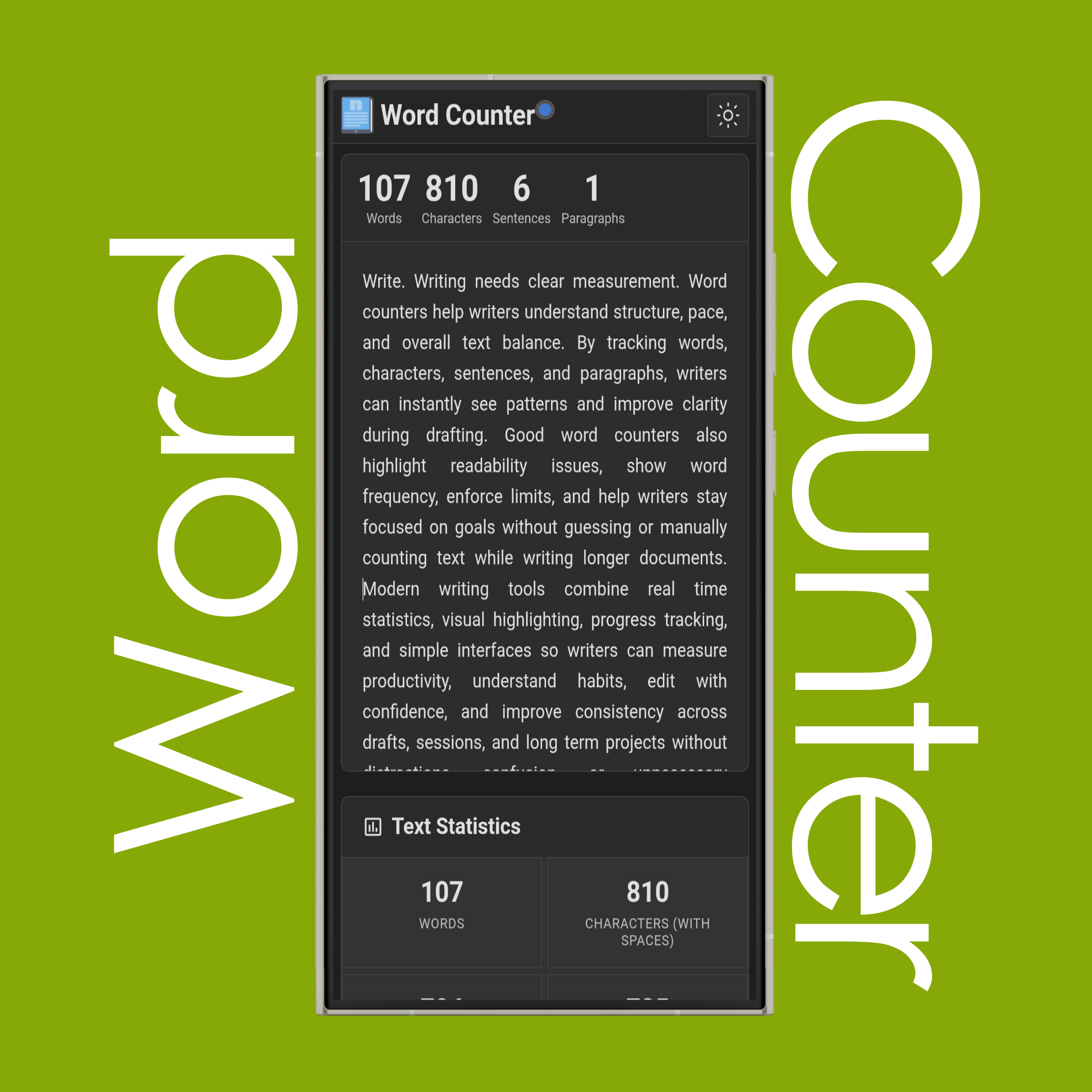
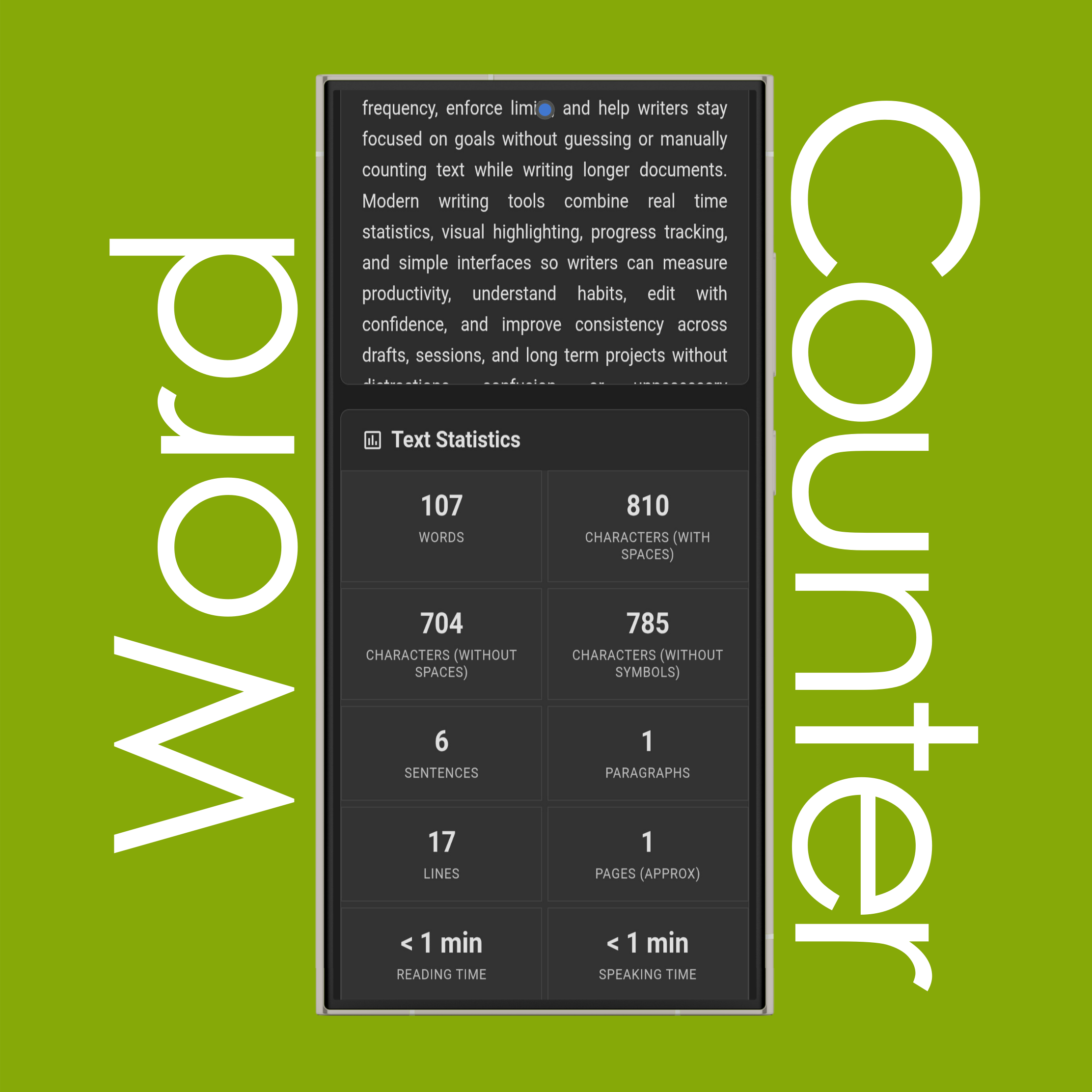
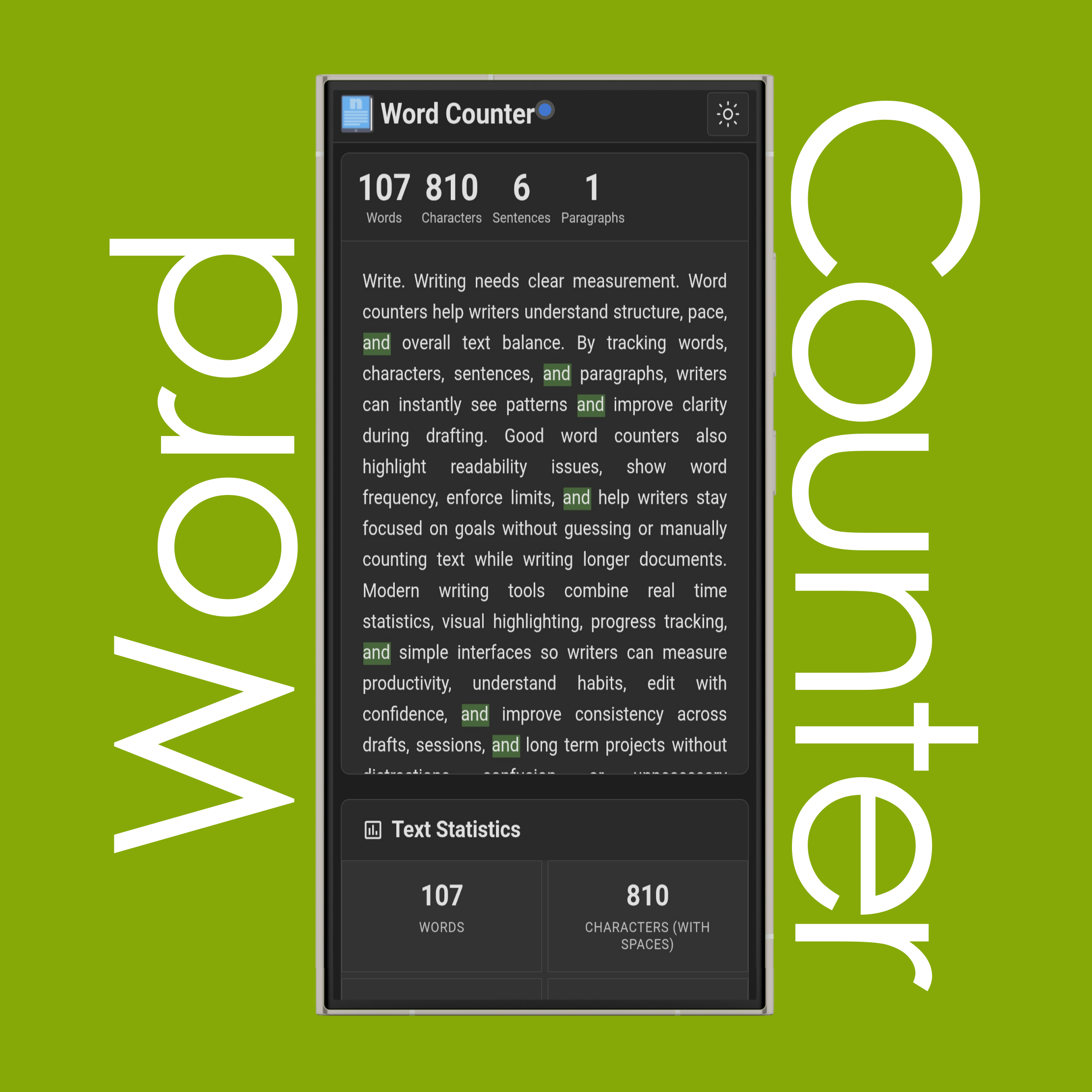
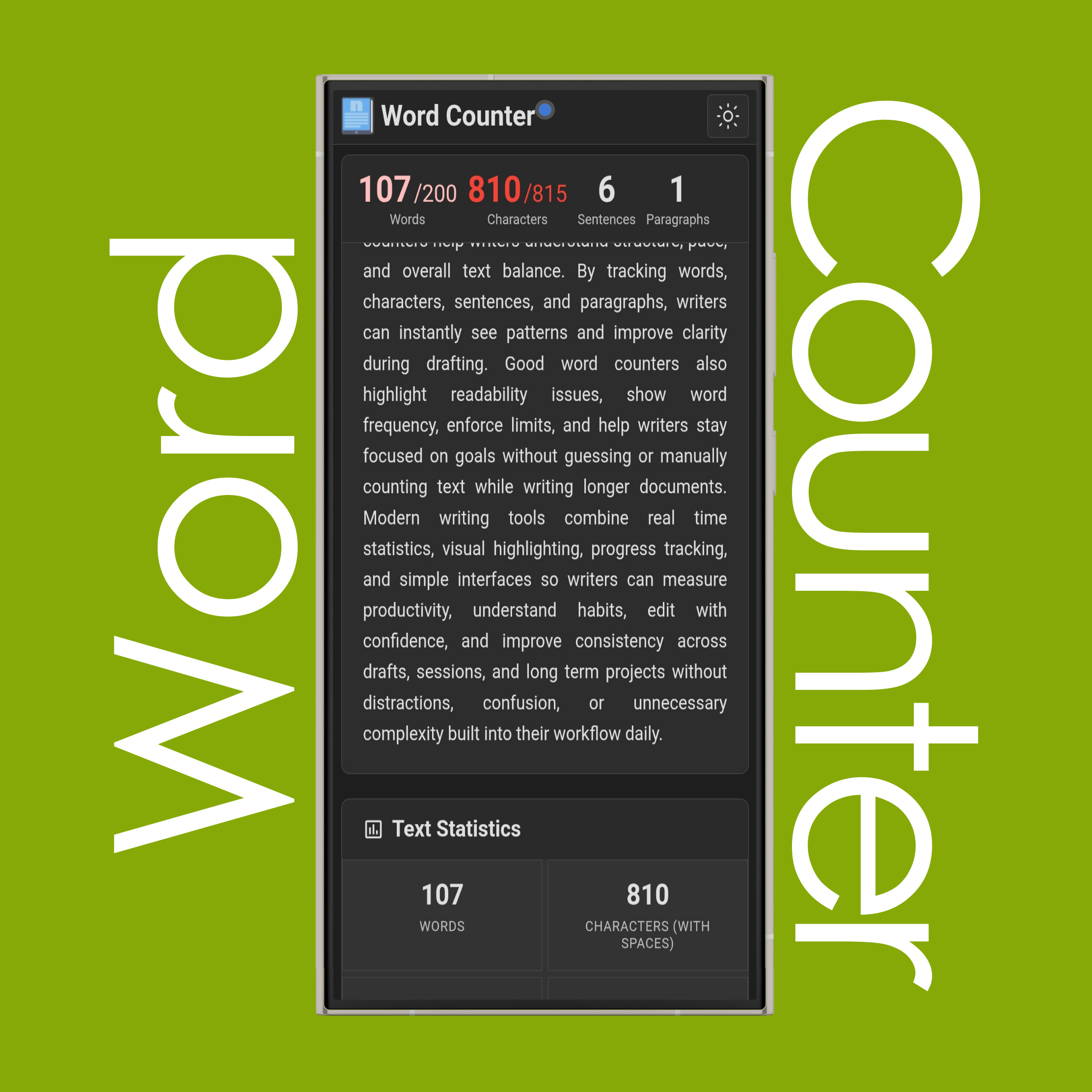
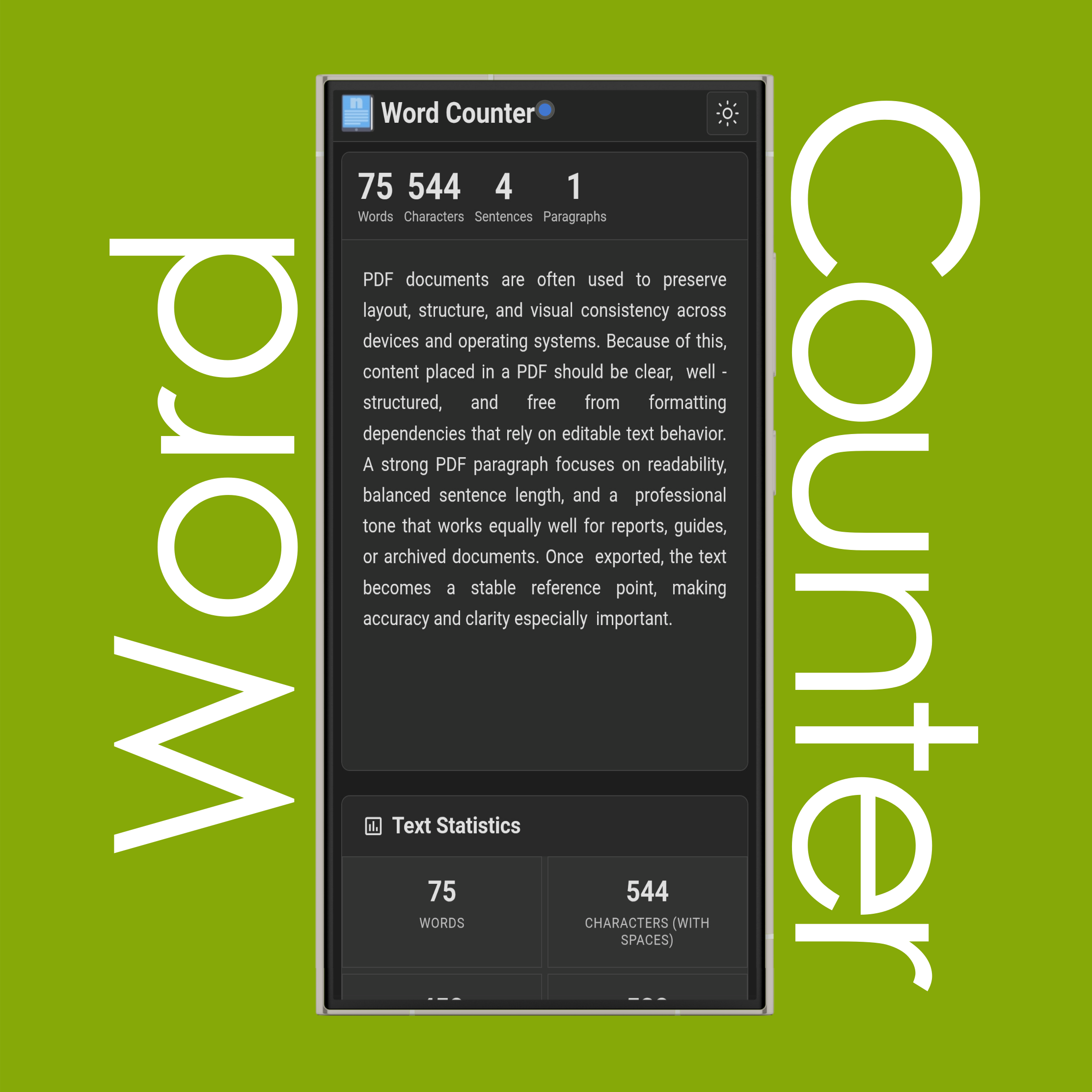
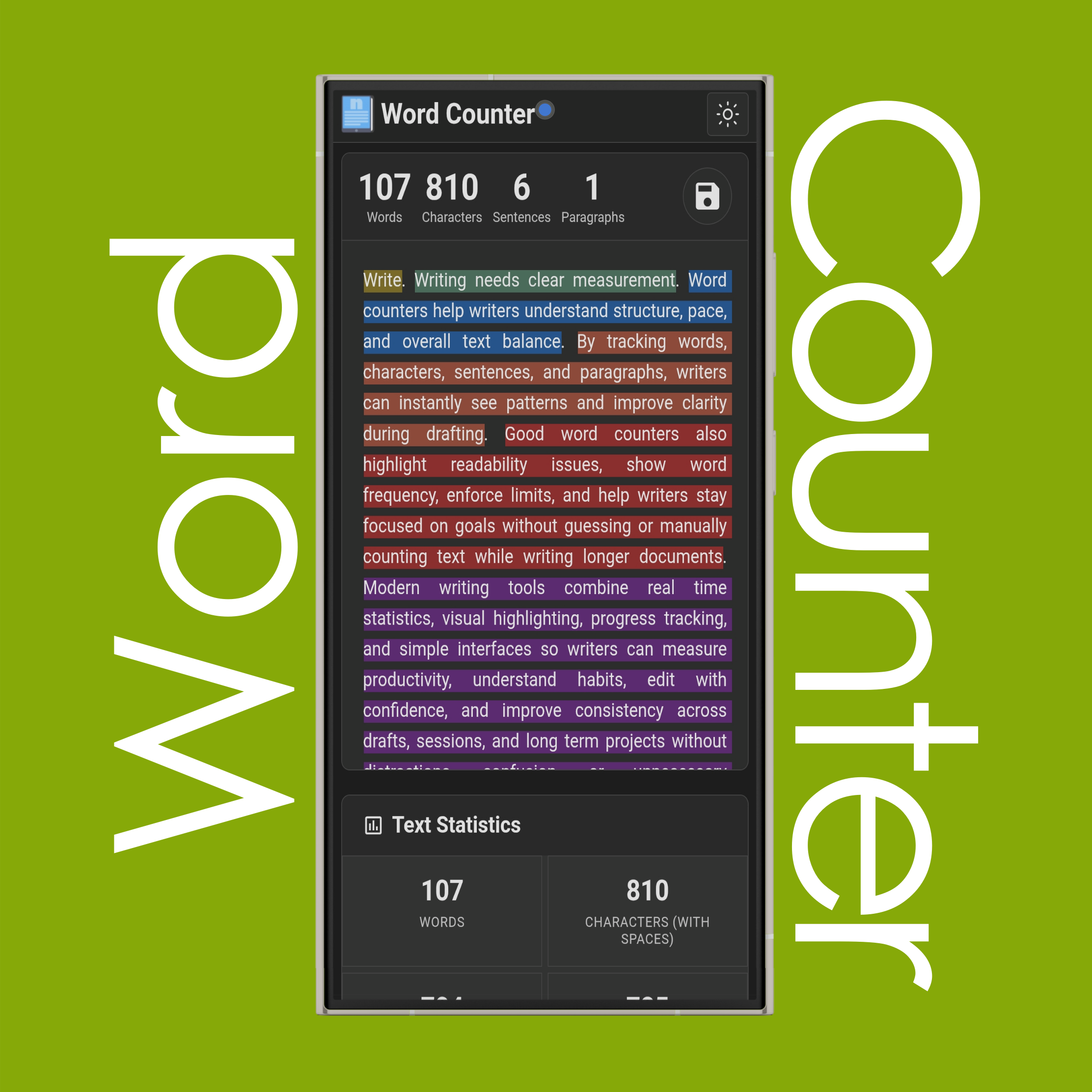
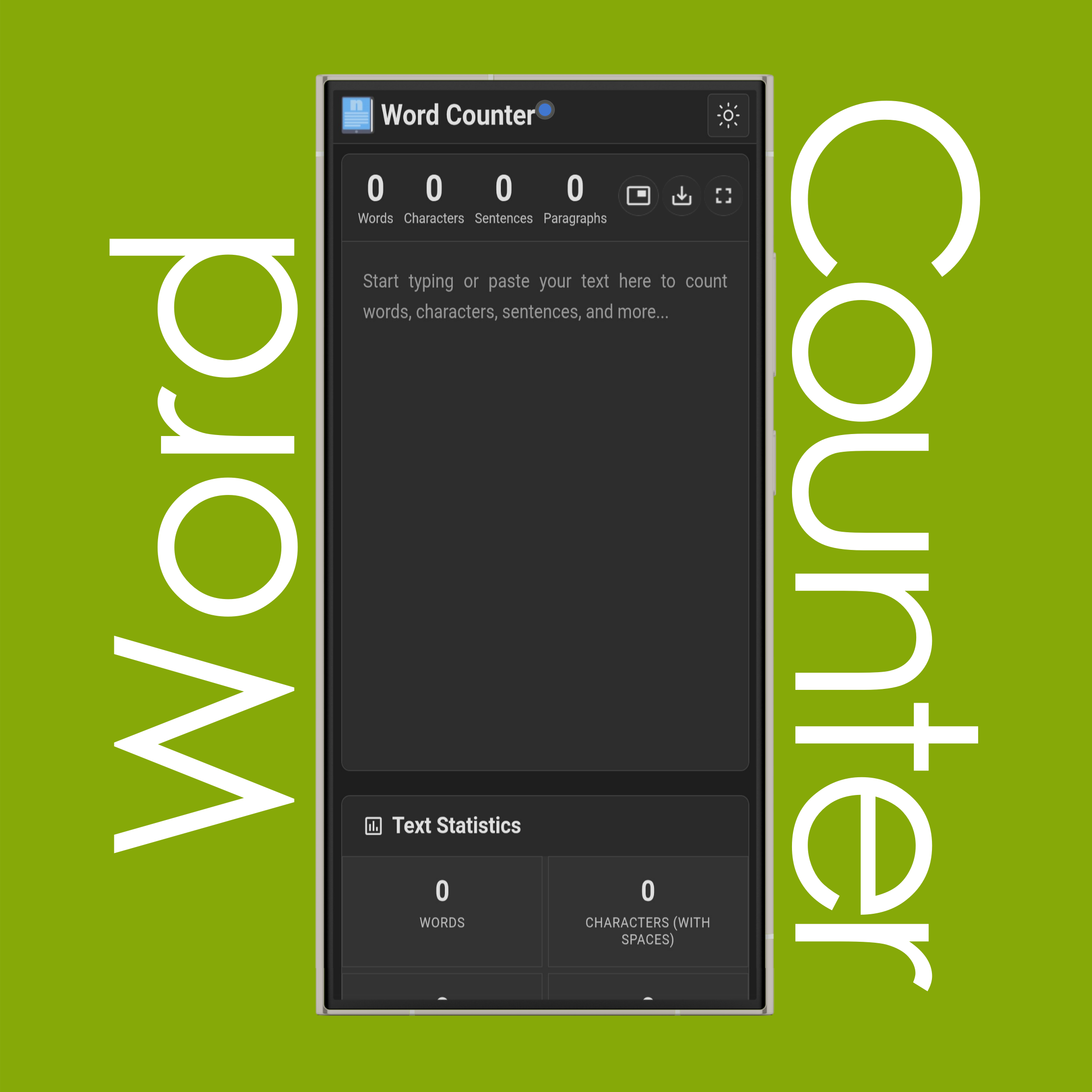
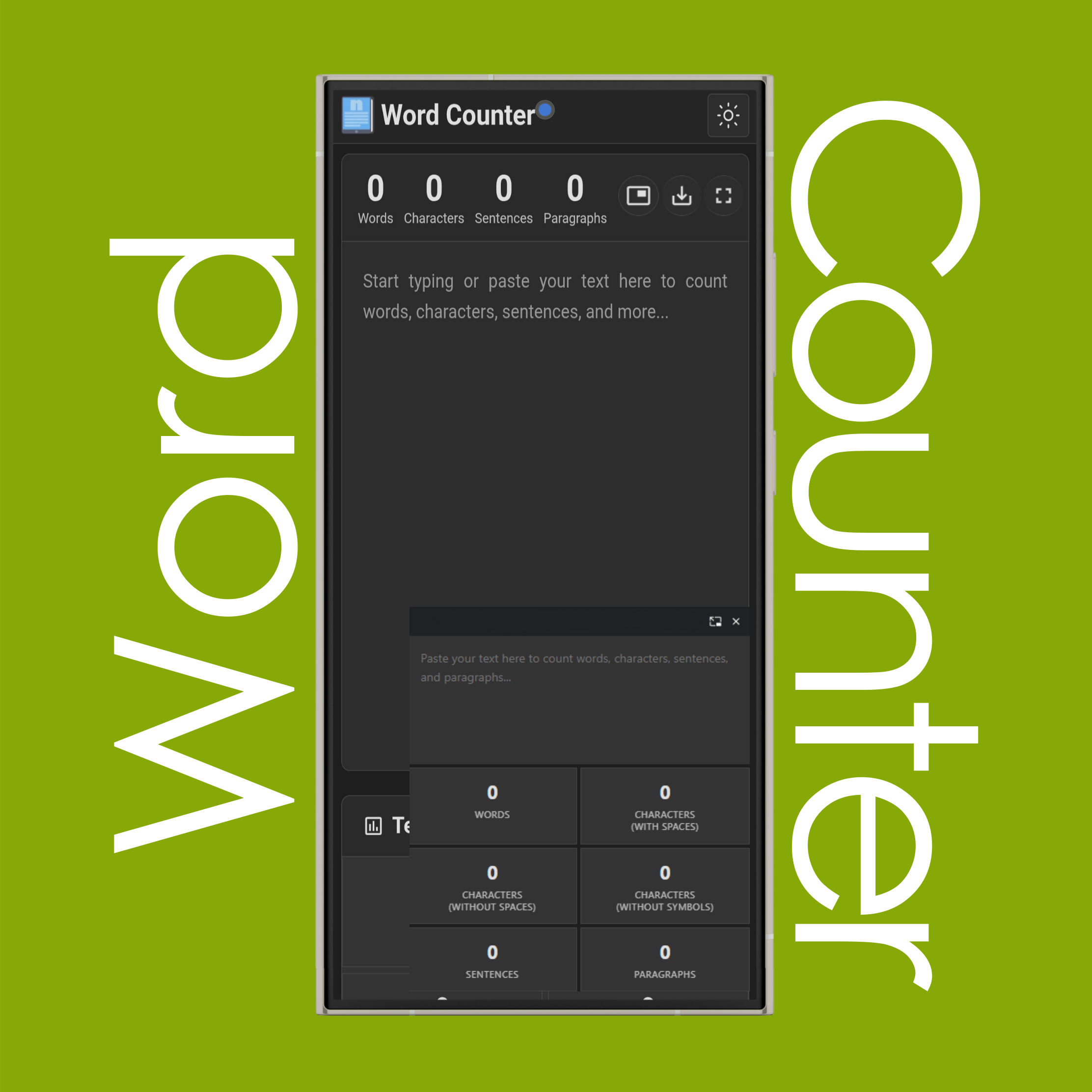
A word counter is a tool that counts words, characters (with spaces - without spaces/symbols), sentences, and paragraphs, as well as lines and pages. In addition, it includes advanced features such as word frequency analysis for single words, two-word phrases, and three-word phrases, word search and highlighting, word exclusion, and limit settings to restrict the number of words, characters, sentences and paragraphs.
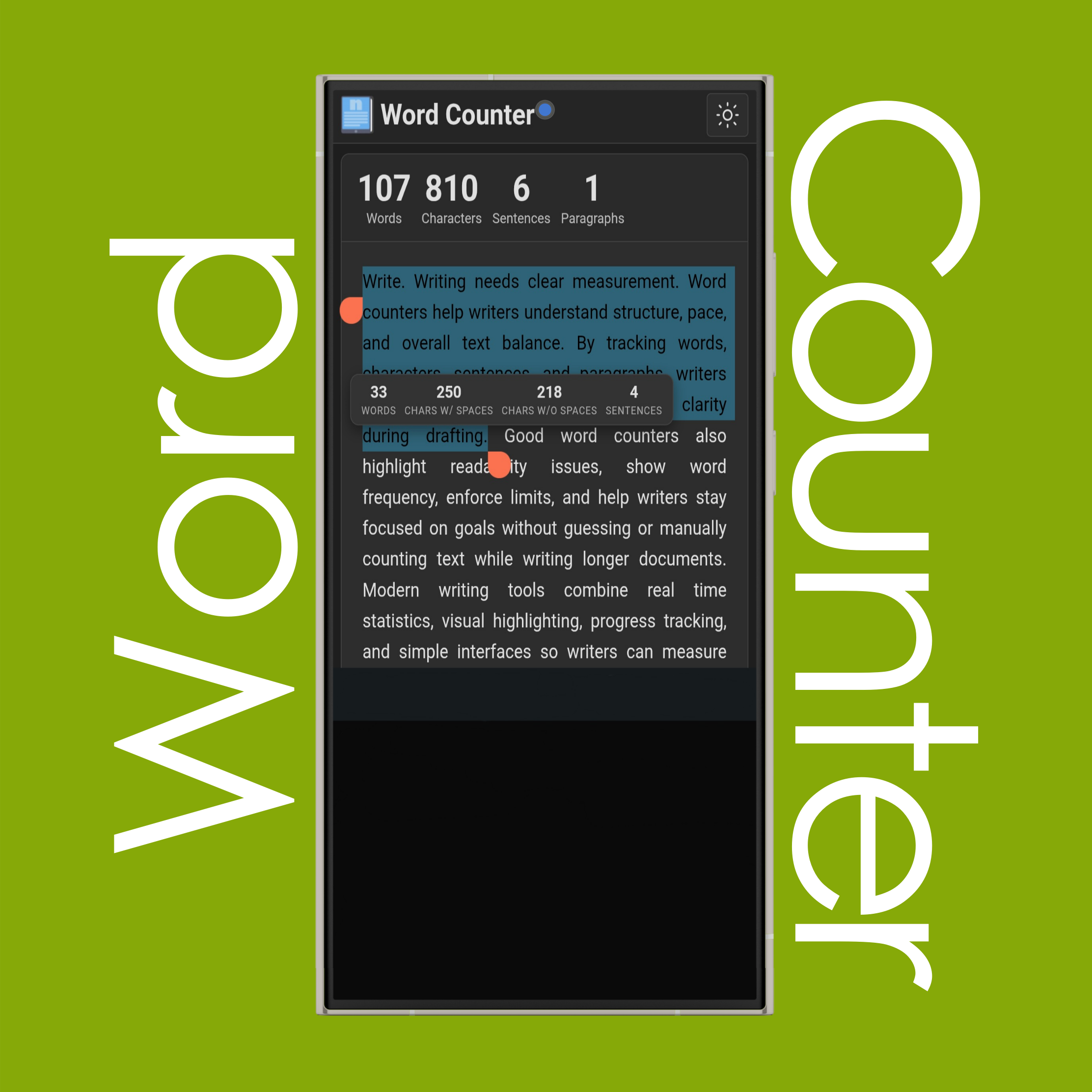
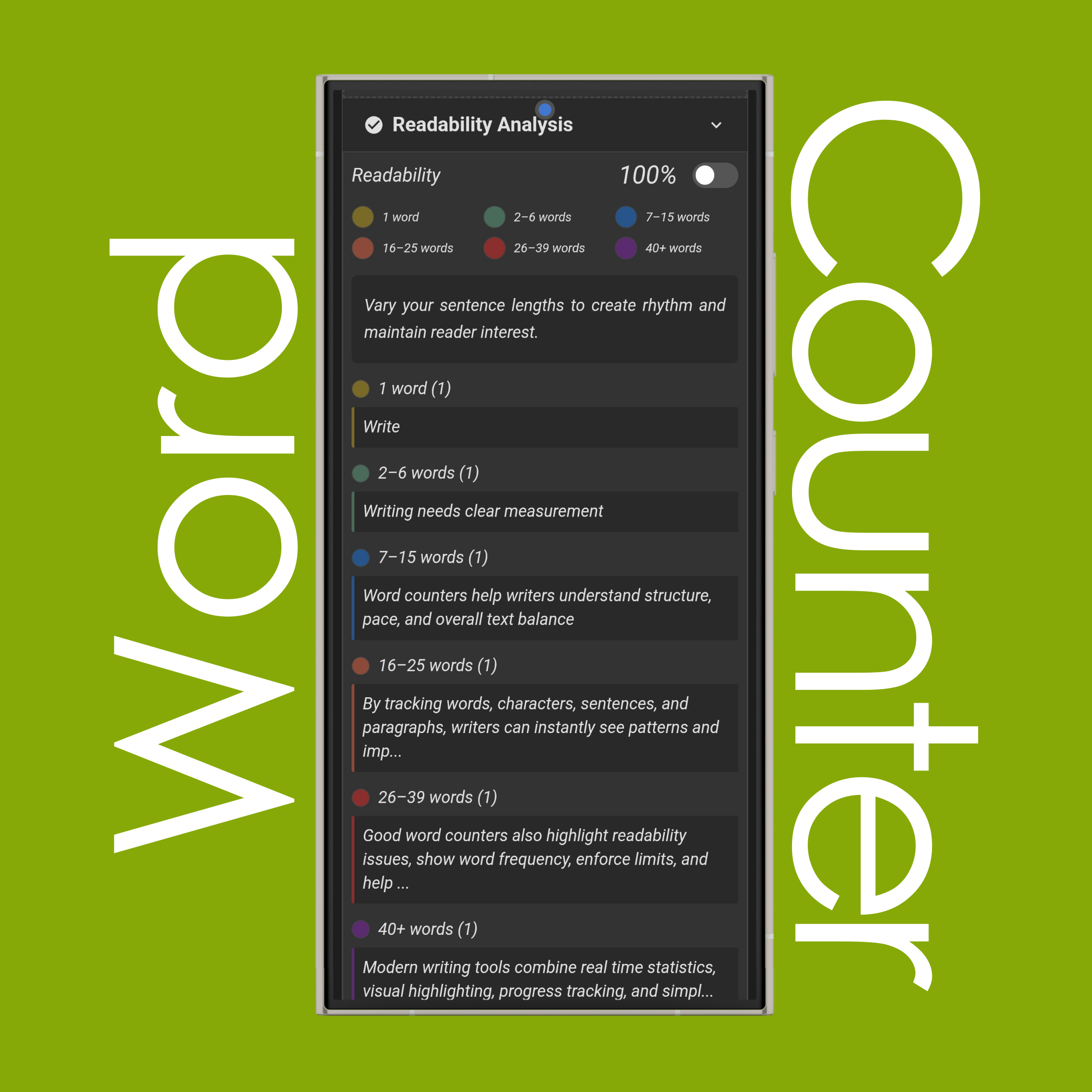
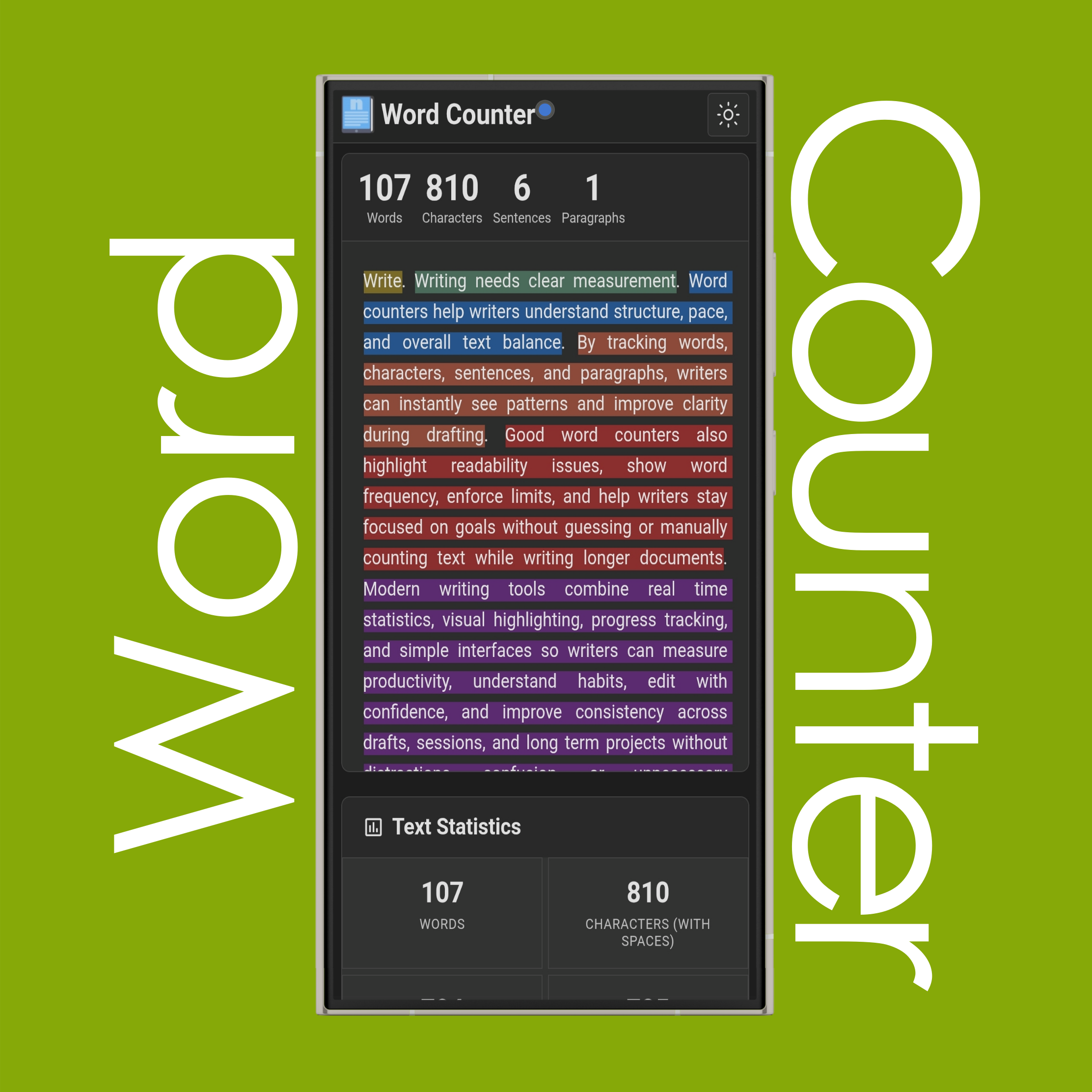
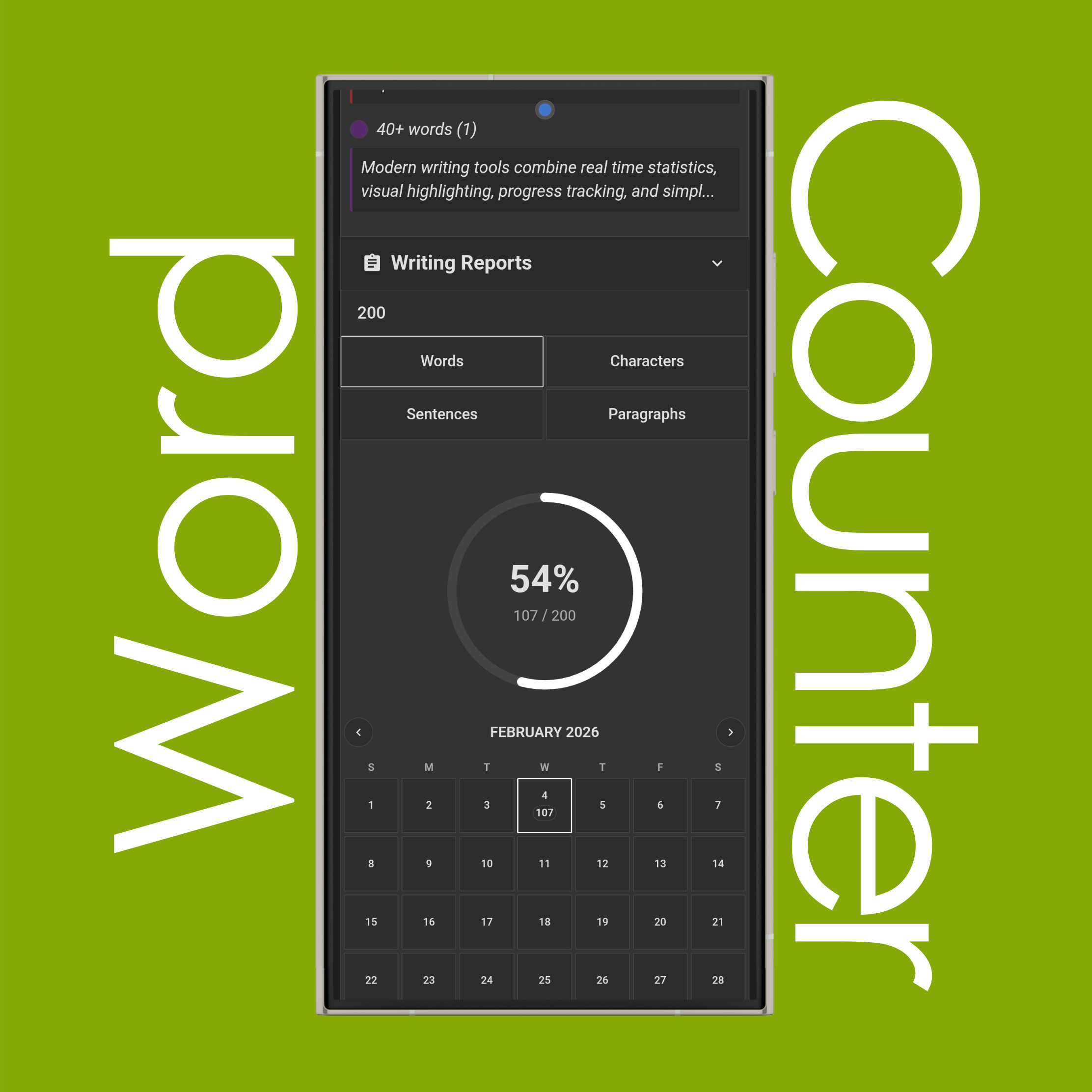
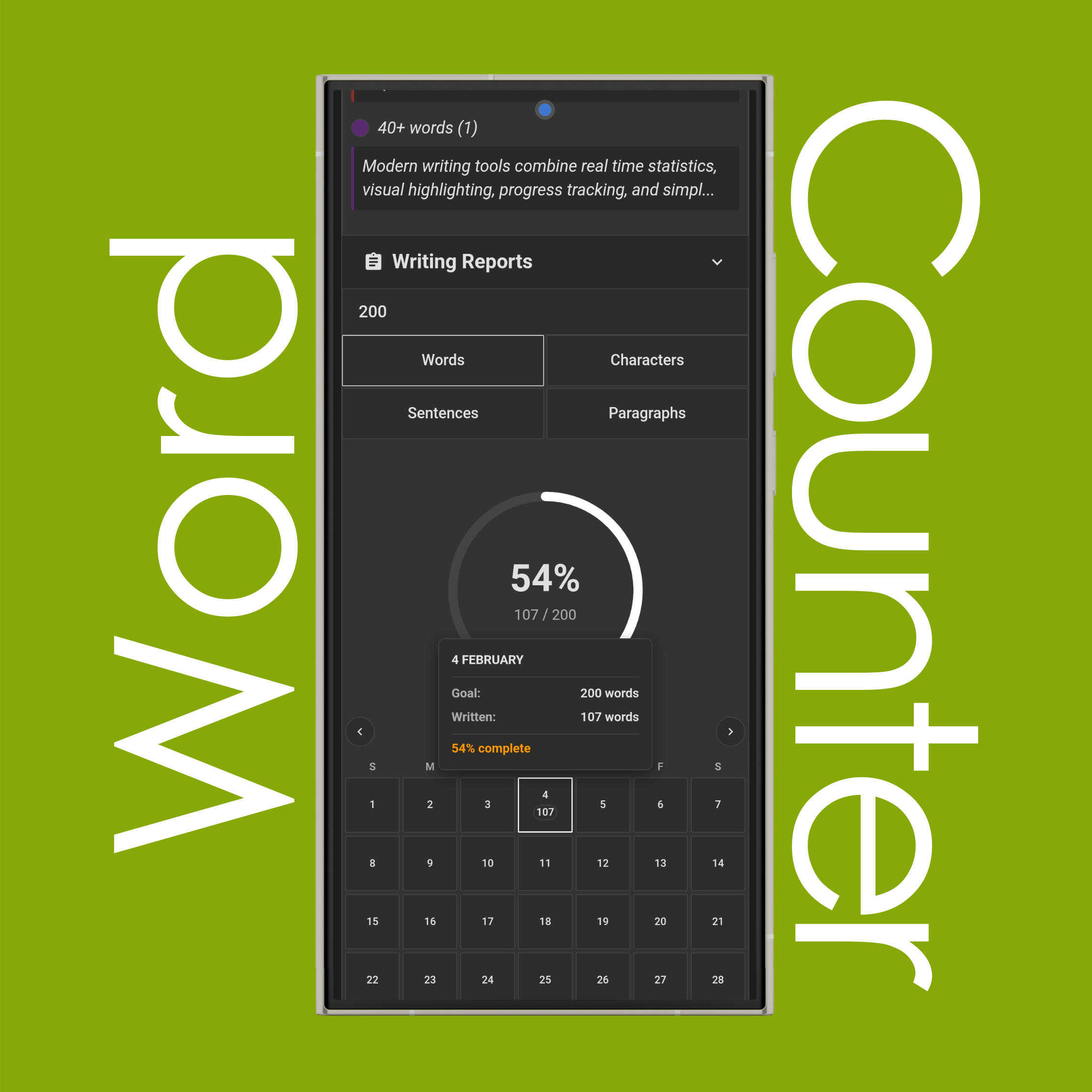
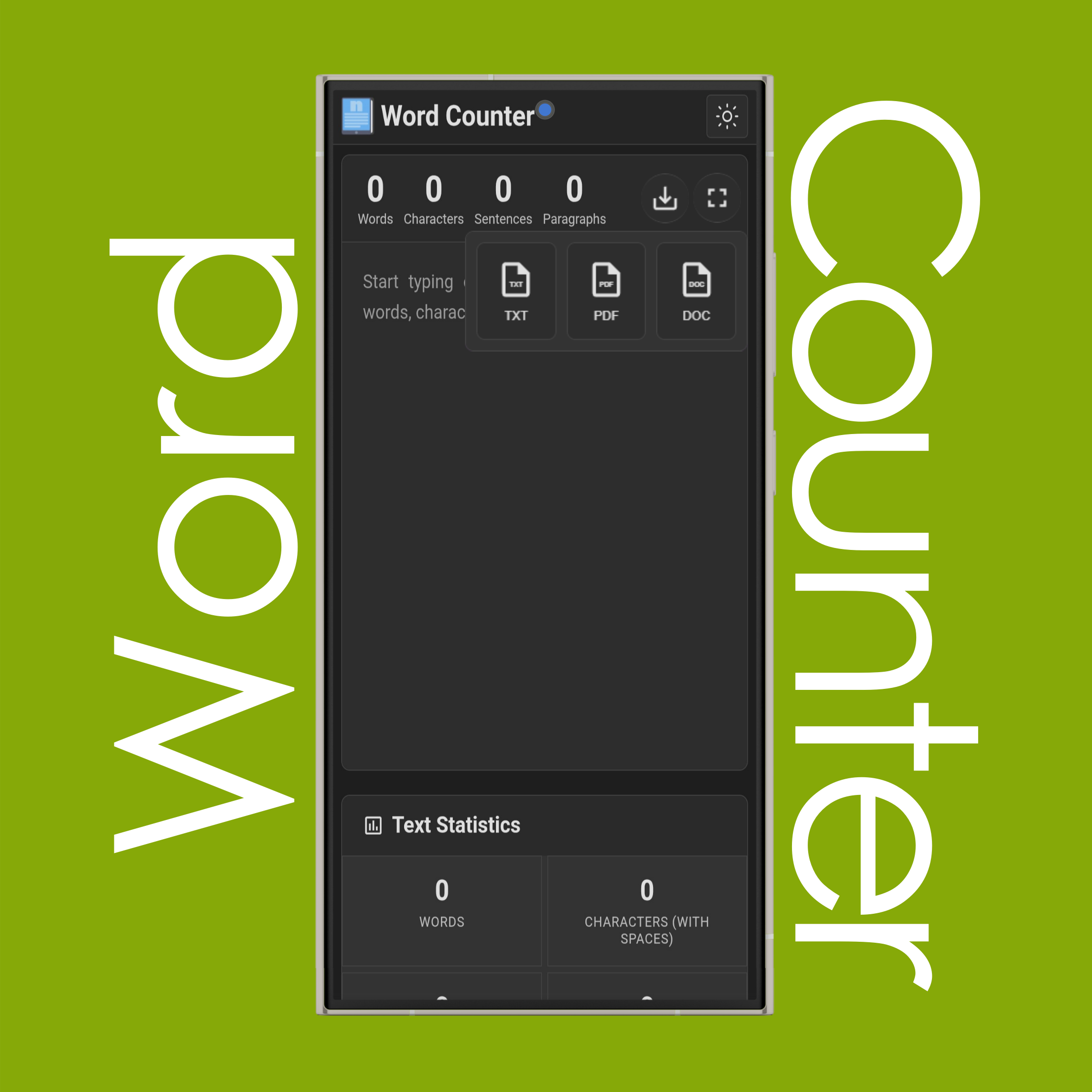
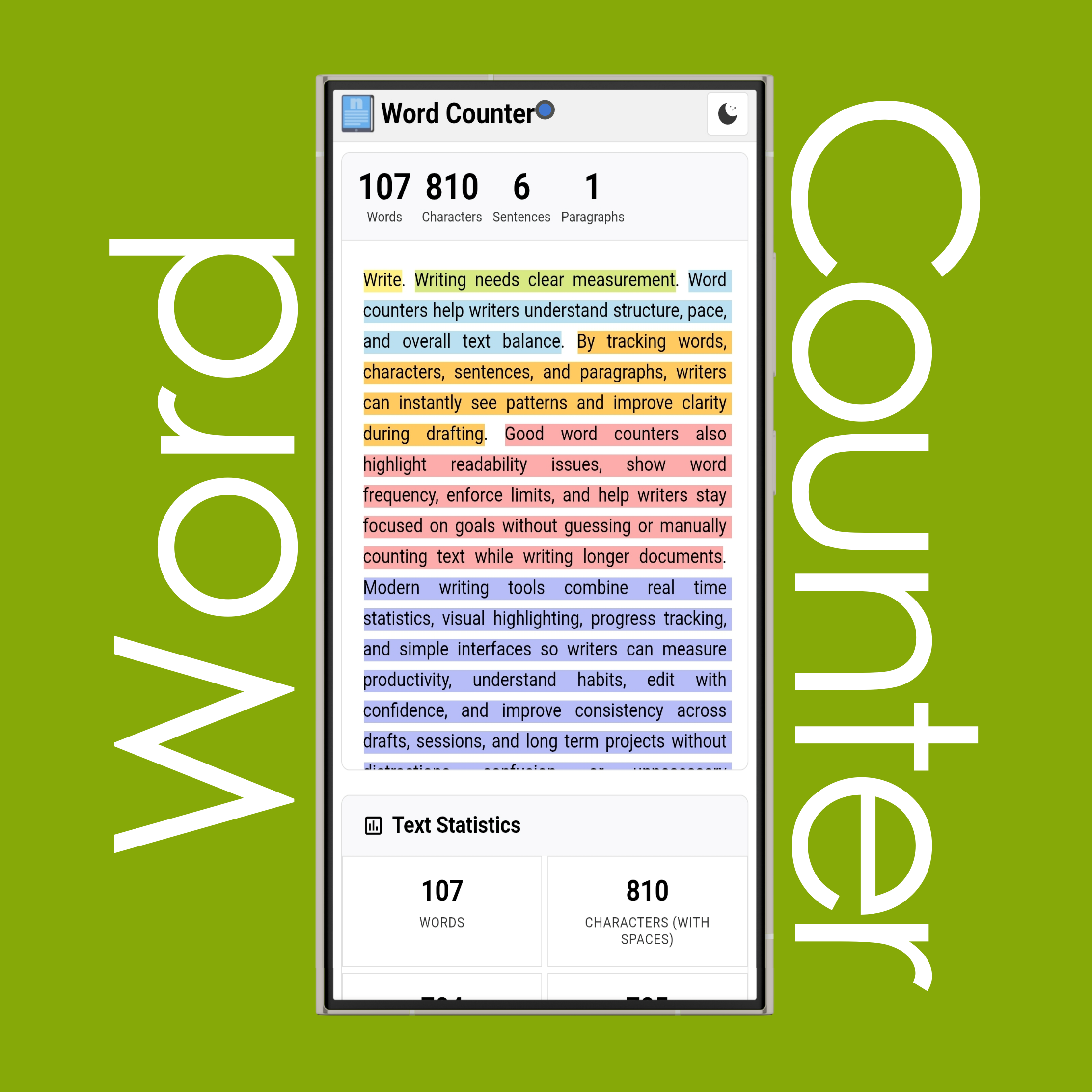
It also supports file uploads (PDF, TXT, DOC) to count the words and characters inside documents. It includes readability analysis with a score and sentence-level word counts and color highlighting. It provides writing reports with daily goals shown in a circular progress bar and a calendar that shows daily results across months, including daily goals and actual writing progress. Other features include saving texts, downloading statistics as files in PDF, TXT, or DOC format, fullscreen mode, and selected-text counting that shows word and character counts only for highlighted text.
Is word/character counter safe?
It is safe. It works directly in your browser, and your text stays there. It is not saved to the cloud or shared with third parties, and it cannot be accessed from another device. Your data is unique to your device and browser — even if you open another browser, you won’t see the same saved data. However, you should always check each website’s Privacy Policy, Terms of Use and so forth to understand how your data may be processed.
Is word/character counter accurate?
It is very accurate. For example, in a sentence like 'Do you like sticky notes?', we provide character counts with spaces, without spaces, and without symbols. It understands contractions like 'you’re' and hyphenated words like 'well-known'. It also correctly handles numbering such as '1.', em dashes (—), and abbreviations like 'Doc.' or 'Mon.' without classifying them as separate sentences. In addition, it supports punctuation rules for more than 20 languages to ensure accurate sentence separation. It also applies additional rules and optimizations for maximum accuracy.
Is word/character counter free?
It is free. We keep it free by using advertising platforms like Google AdSense. Ads are placed strategically and manually to keep both users and advertisers satisfied, instead of automatic ad placement, so they do not interrupt your work while still providing effective placement for advertisers.
Can I download word/character counter?
Yes, you can download text statistics (words, characters, sentences, paragraphs, lines, pages, and more), word frequency data, and the text content itself in a single file as PDF, TXT, or DOC. It also supports more than 20 languages for PDF downloads. However, downloads are only available on desktop (computer), not on phones or tablets.
Can I upload files to count words/characters?
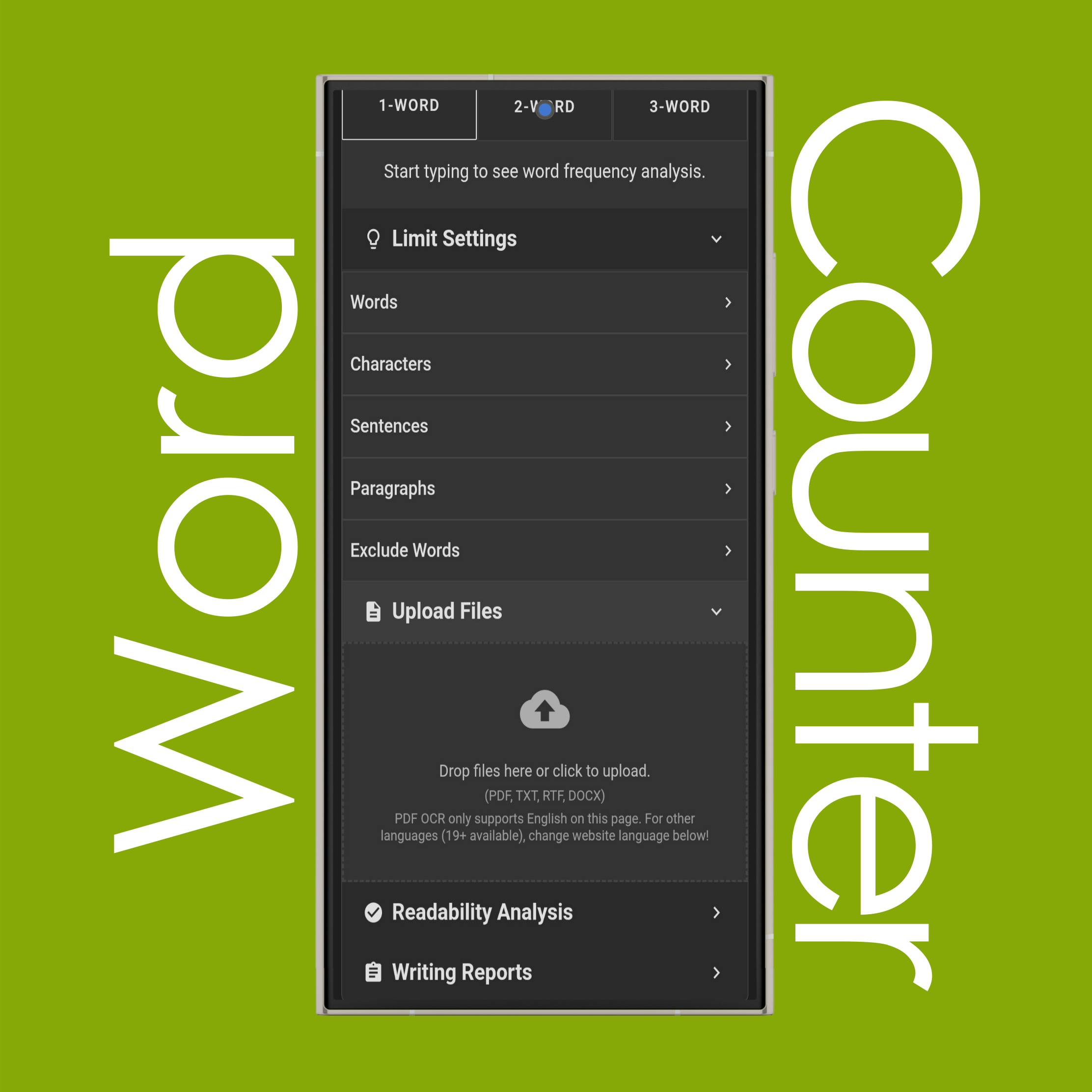
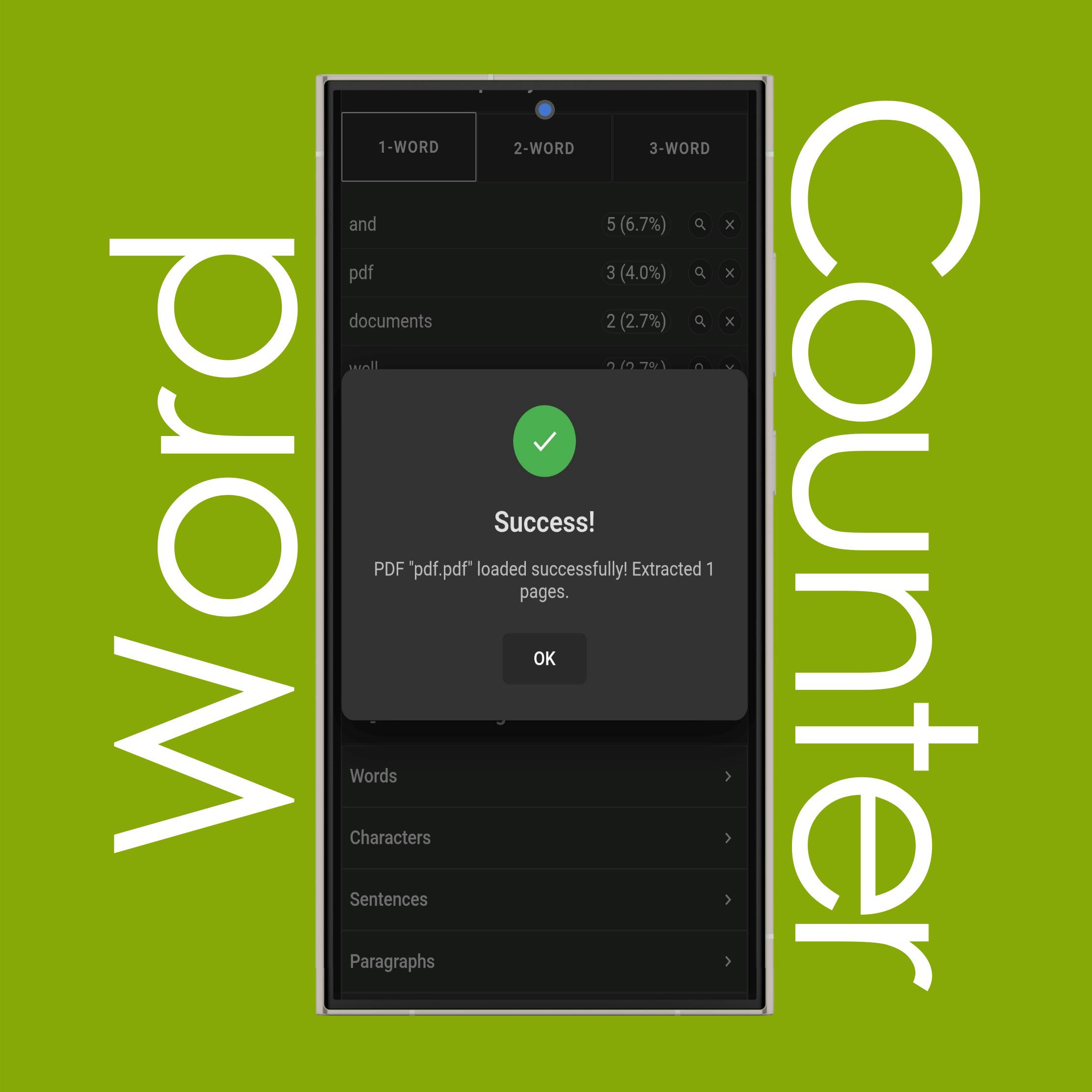
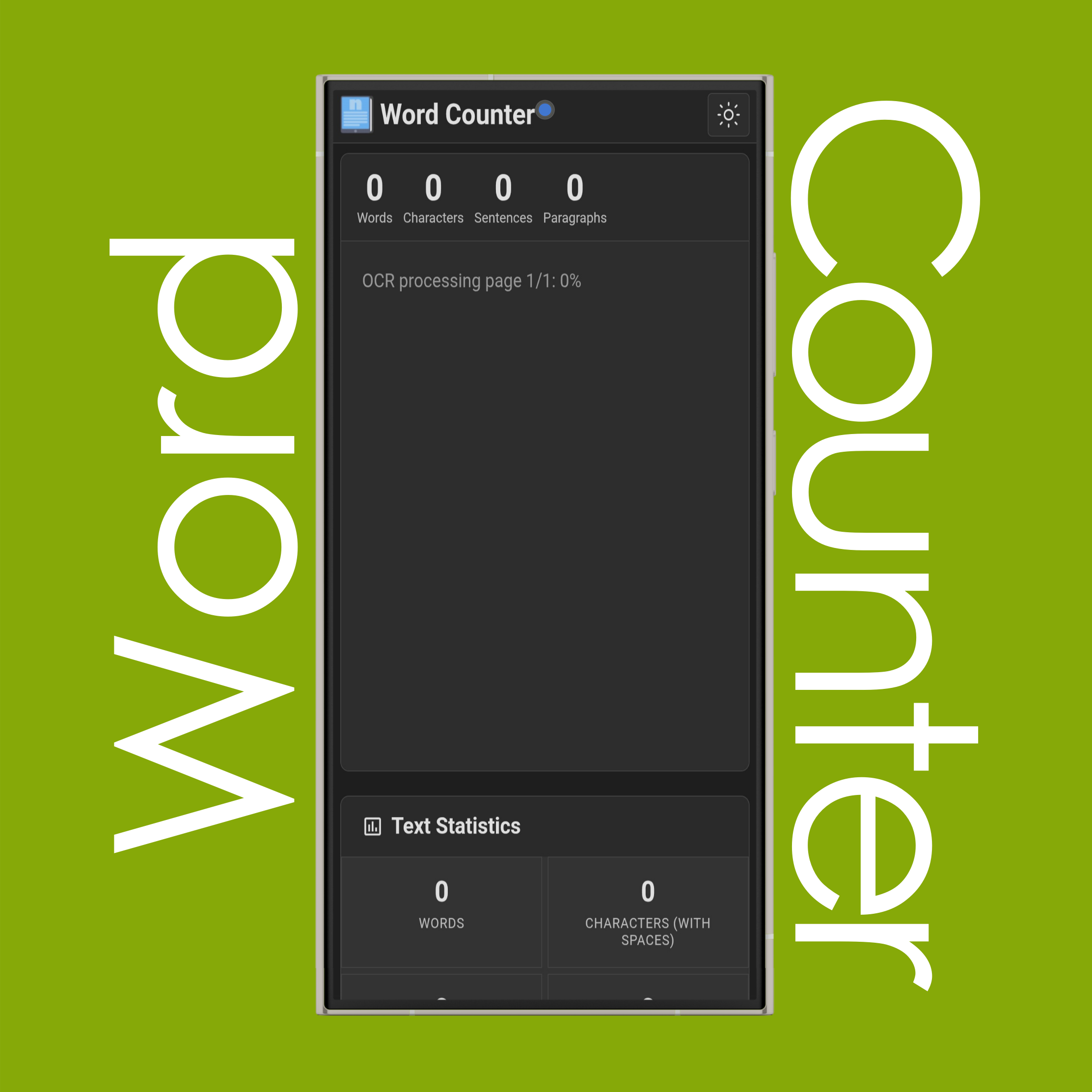
Yes, you can upload .TXT, .PDF, and .DOCX files to count words, characters, and more instead of typing or copying and pasting text. OCR support for image-based or scanned files is only available for PDFs and is not supported for DOCX files. OCR supports the current page language plus English (for example, Turkish + English, Dutch + English, Swedish + English, etc.).
For the first upload of image-based or scanned PDFs, processing may take longer than usual because the required JavaScript libraries and language data need to be downloaded. After the first upload, processing becomes much faster.
Can I save word/character counts?
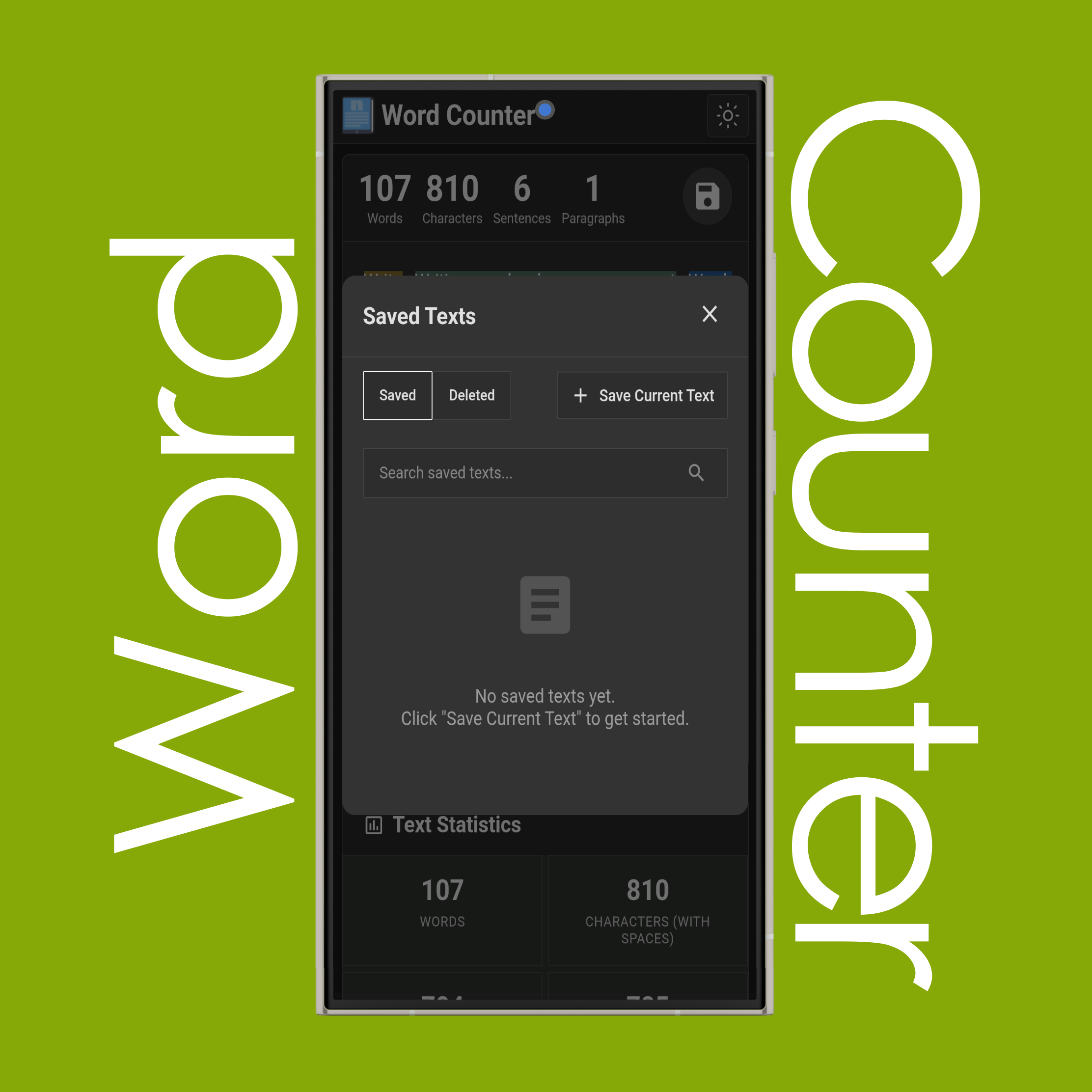
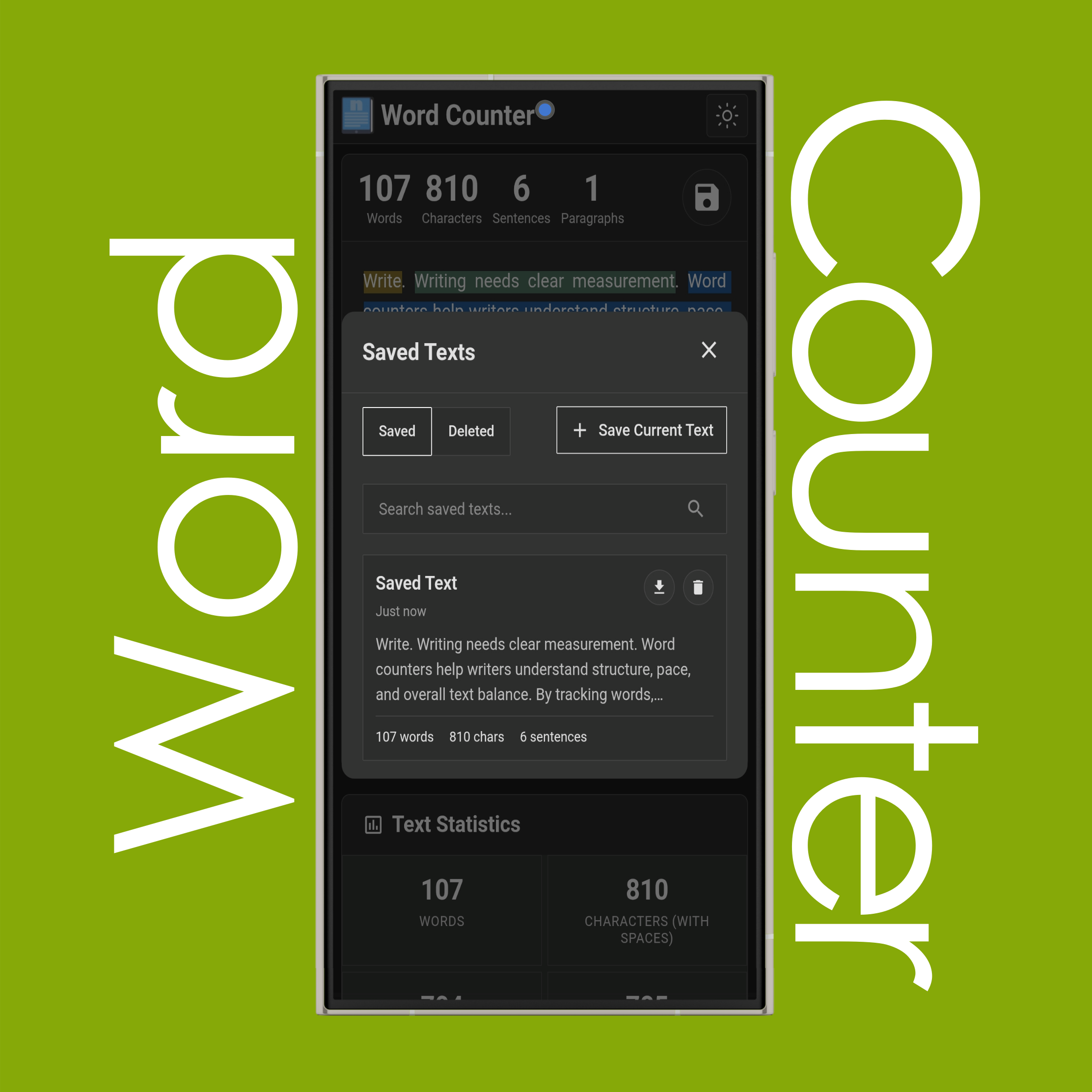
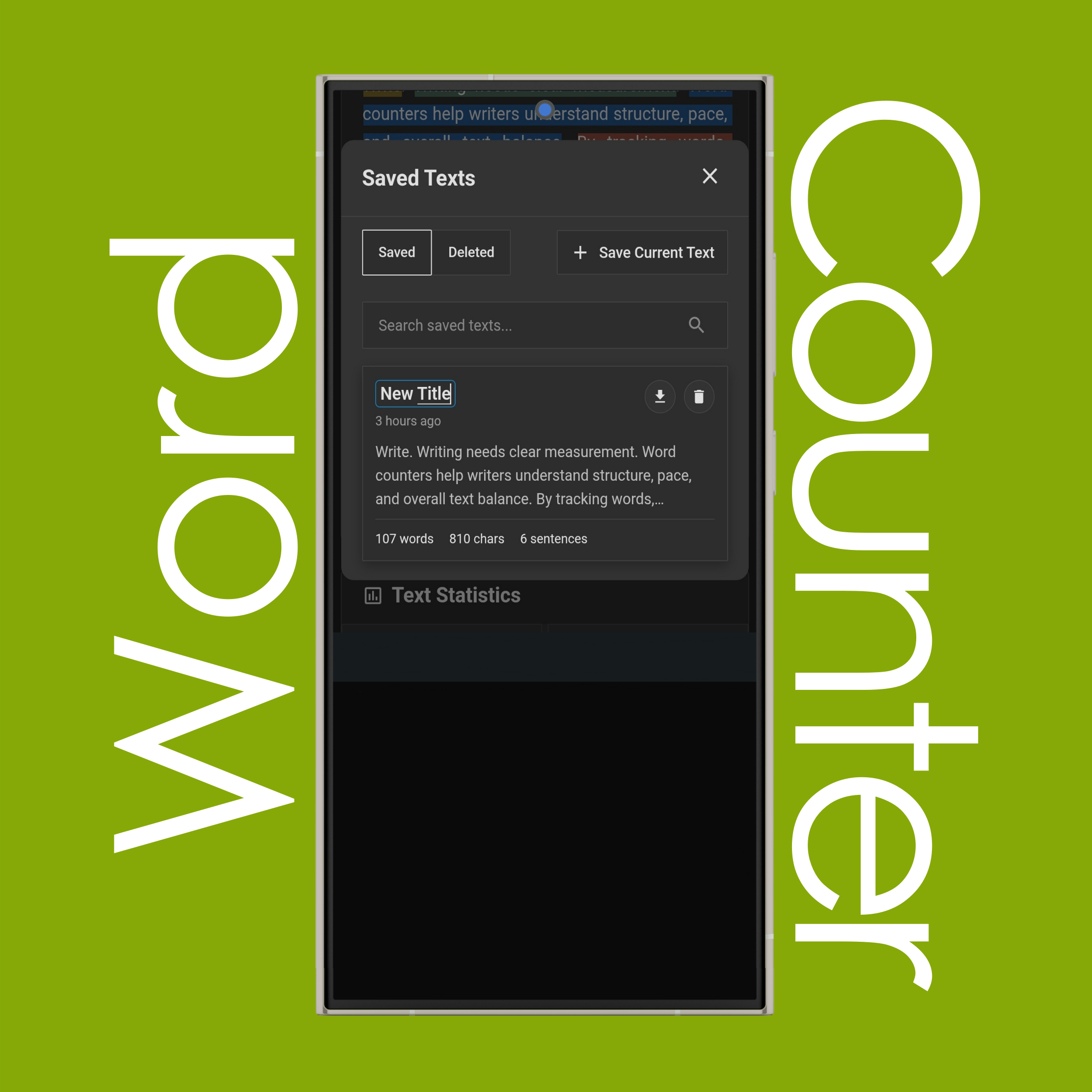
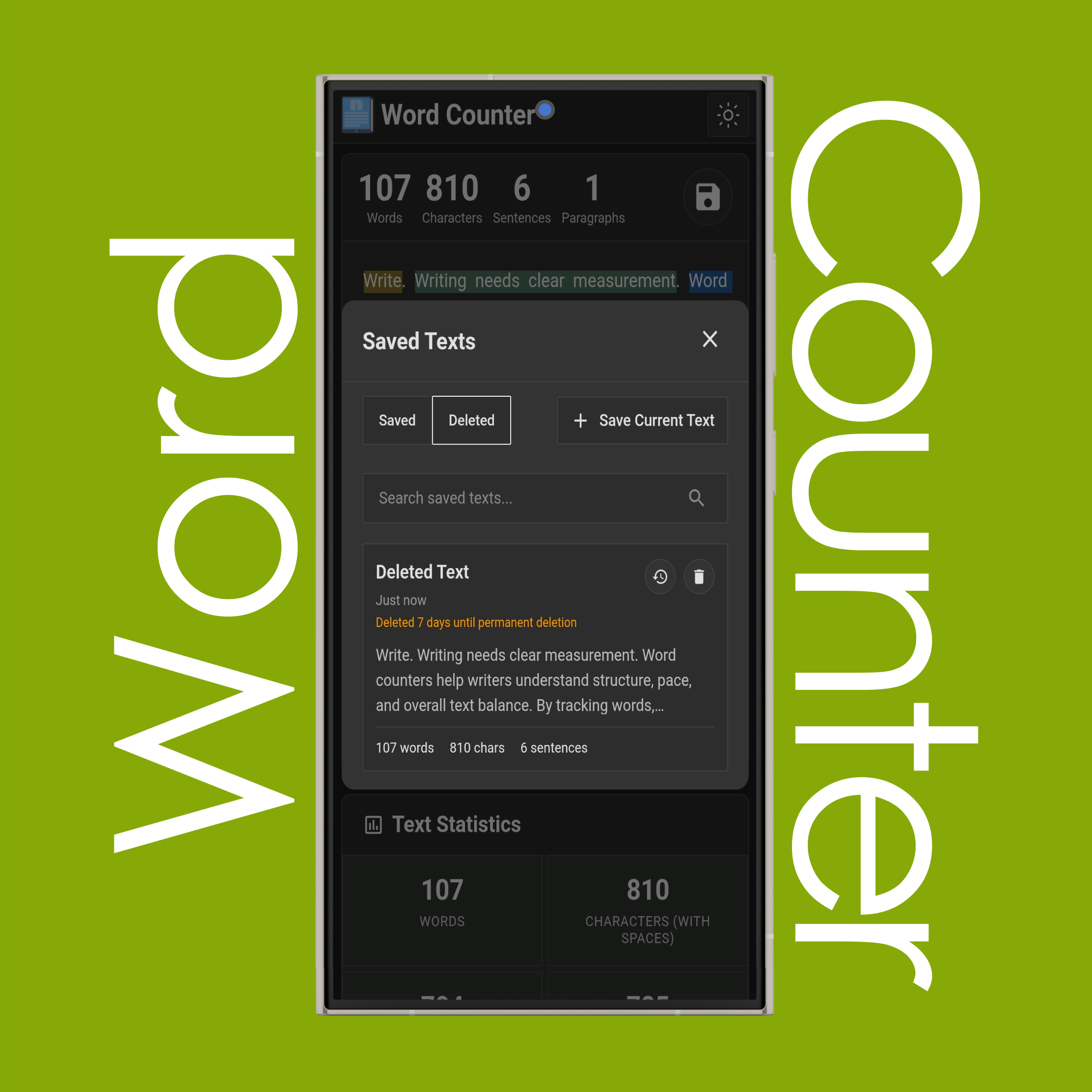
Yes, you can save your text using the + Save Text option in Saved Text menu and load any saved text from the list. You can also delete saved items, which are moved to the Deleted folder, where they can be restored within 7 days. After that, they are automatically deleted permanently.
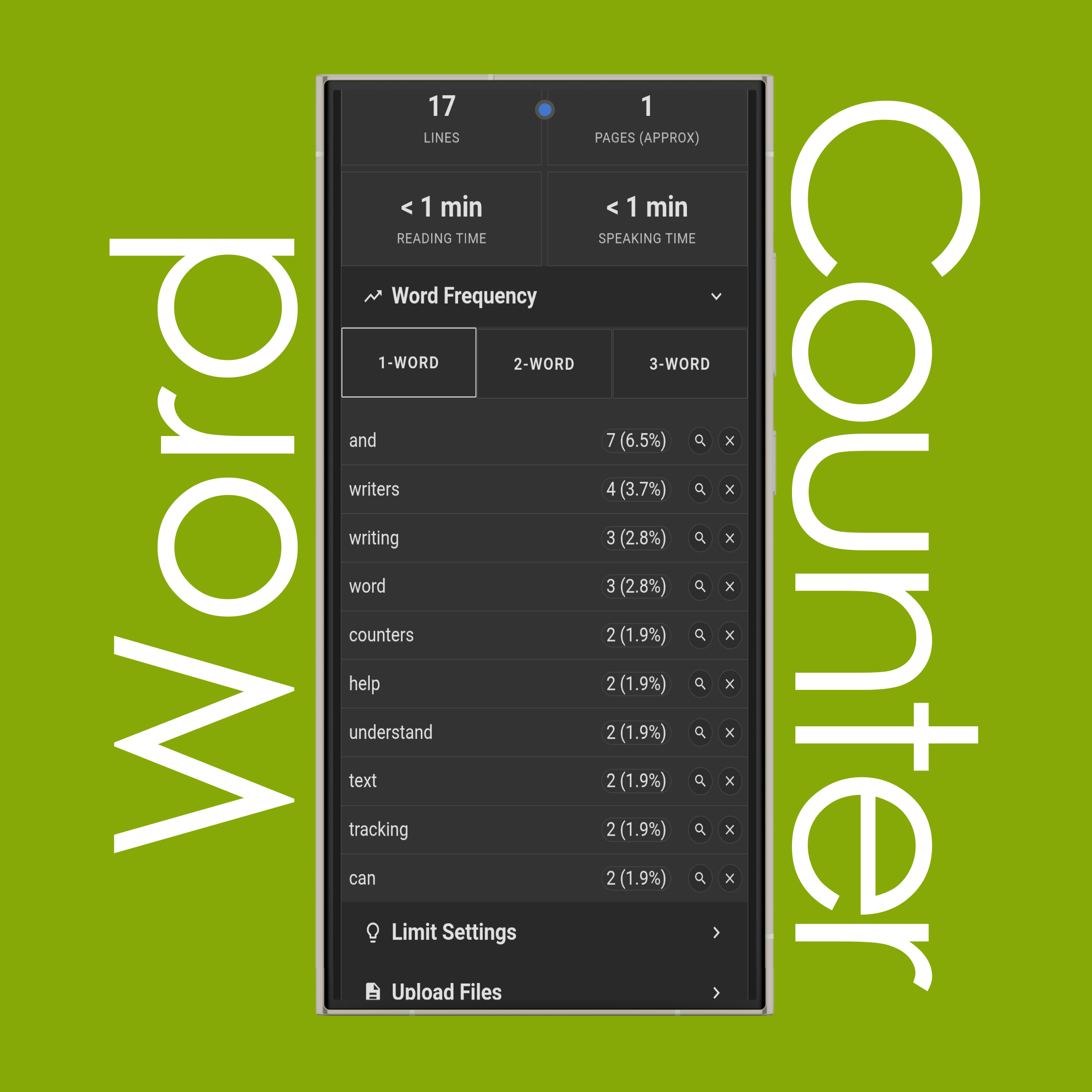
Can I see word frequency?
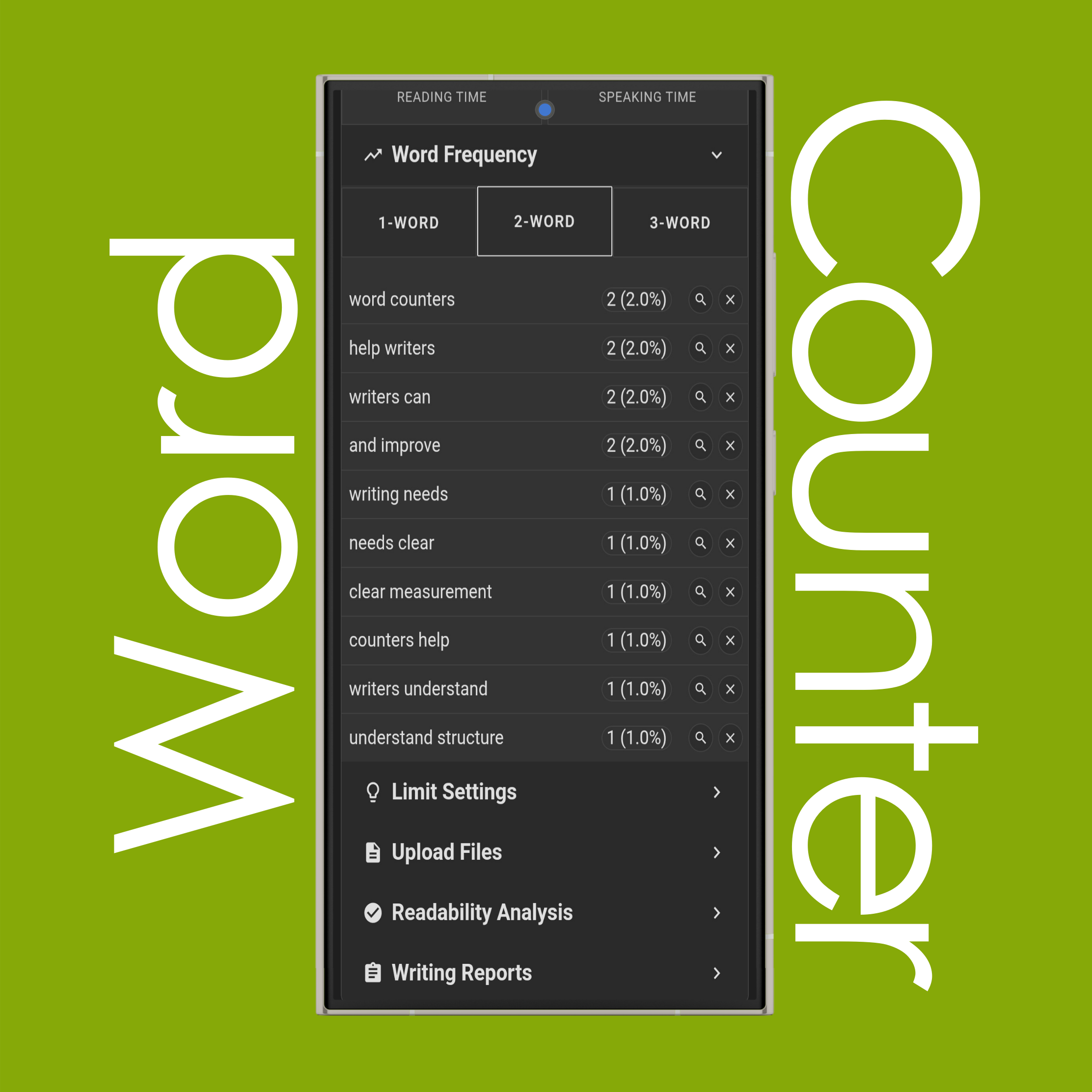
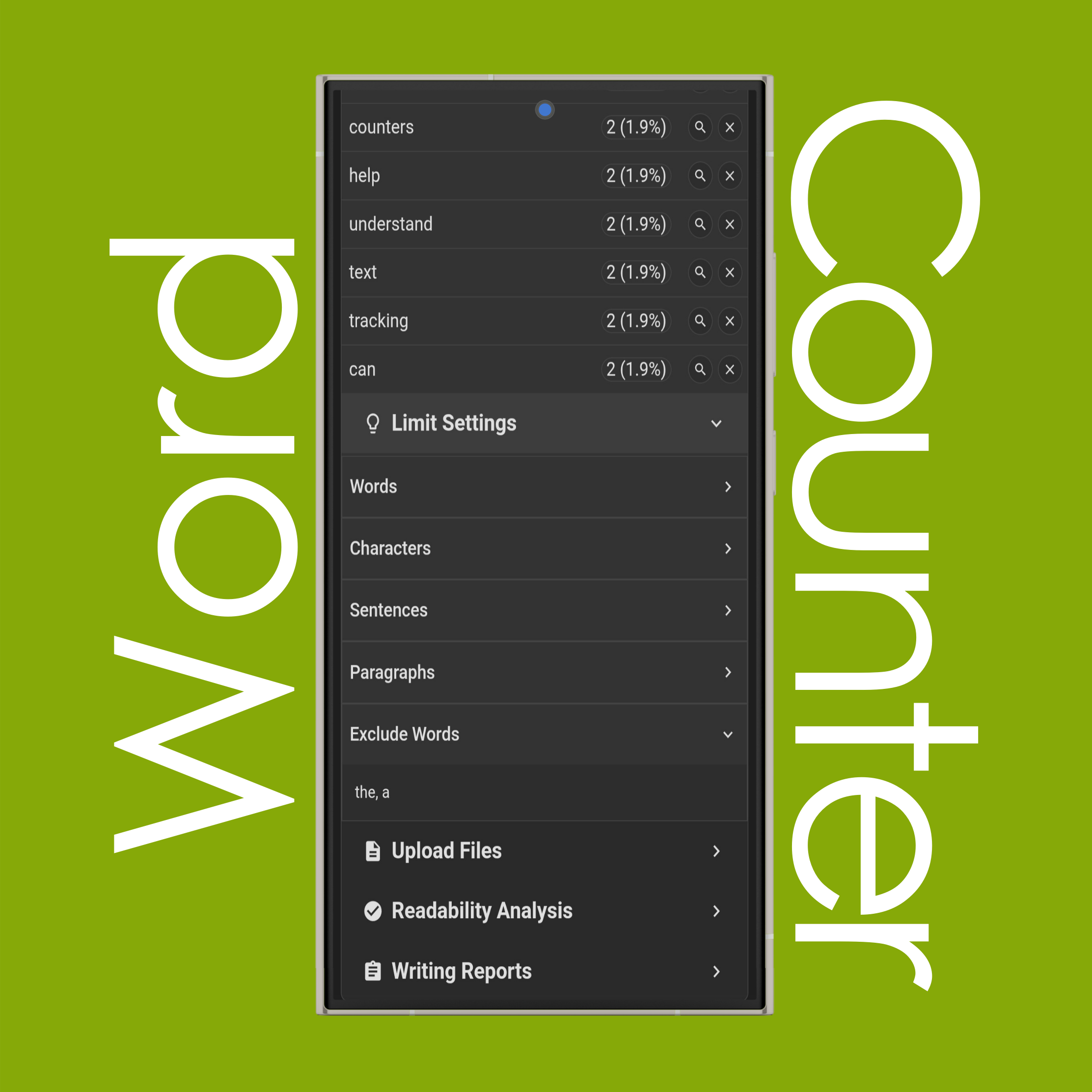
Yes, you can see word frequency for 1-word ('I'), 2-word ('I love'), and 3-word ('I love notepad') combinations for the 10 most frequently repeated terms. It shows the exact number of times each appears and its percentage of the total word count. You can also use the 'Word Finder' and 'Remove' buttons. Word Finder highlights selected words in the text so you can see where exactly they appear, and Remove option temporarily excludes any word from the list like common stop words (such as 'a', 'the', 'of', and 'in').
Can I limit word/character counts?
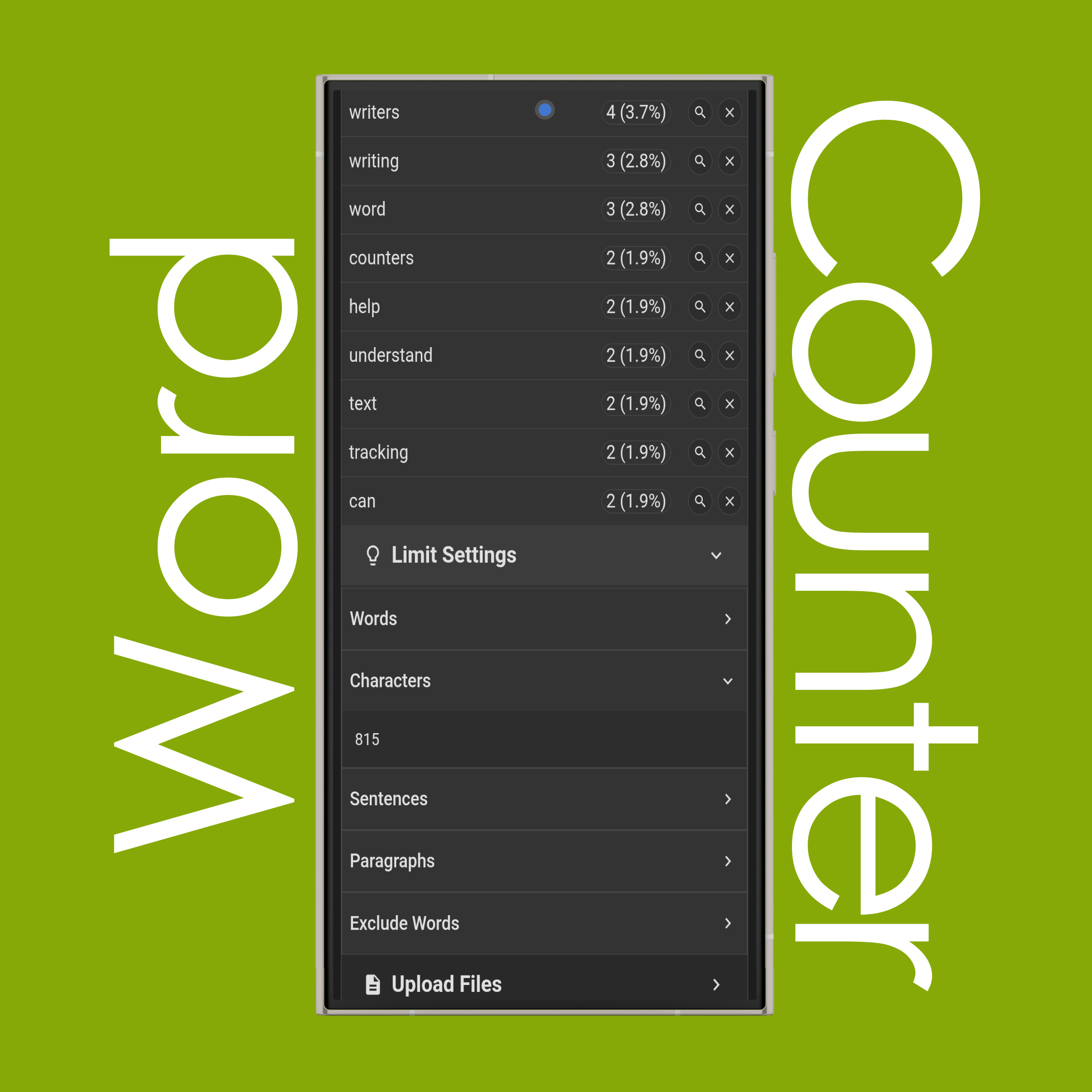
Yes, you can limit words, characters, sentences, and paragraphs using 'Limit Settings'. You can do so by selecting the metric (words, characters, etc.) and entering a limit number (such as 100 or 200). The limit will appear next to the corresponding metric (for example, 100/112 Words). The indicator will gradually turn red from white or black as you get closer to your limit and will notify you when you reach it, but you can still continue writing without restriction.
You can also add 'Excluded Words', which are not counted in text statistics, word frequency, writing reports, and more. Unlike Remove in Word Frequency, they remain saved even if you refresh the page, unless you delete them manually.