Help – Online Cornell Notes
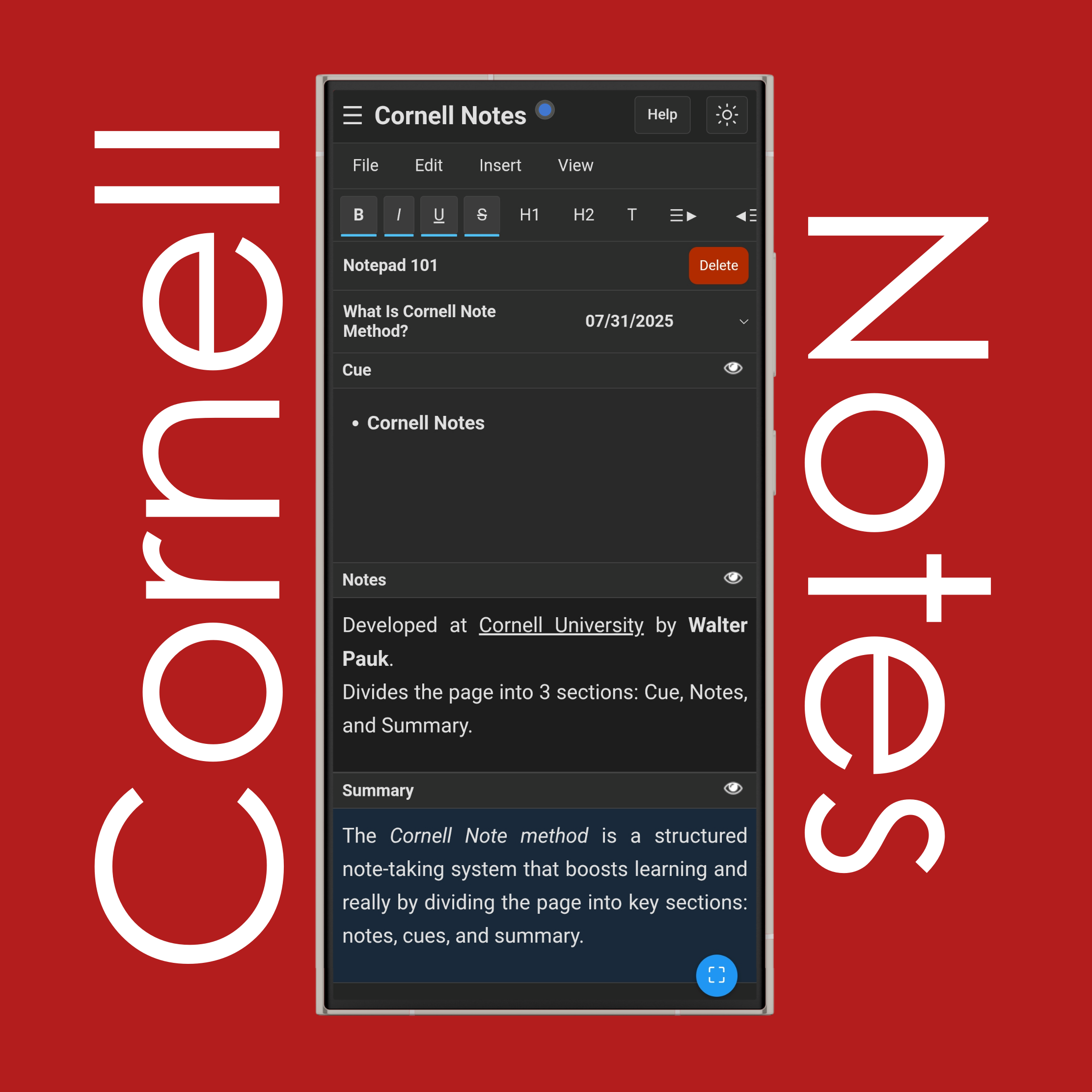
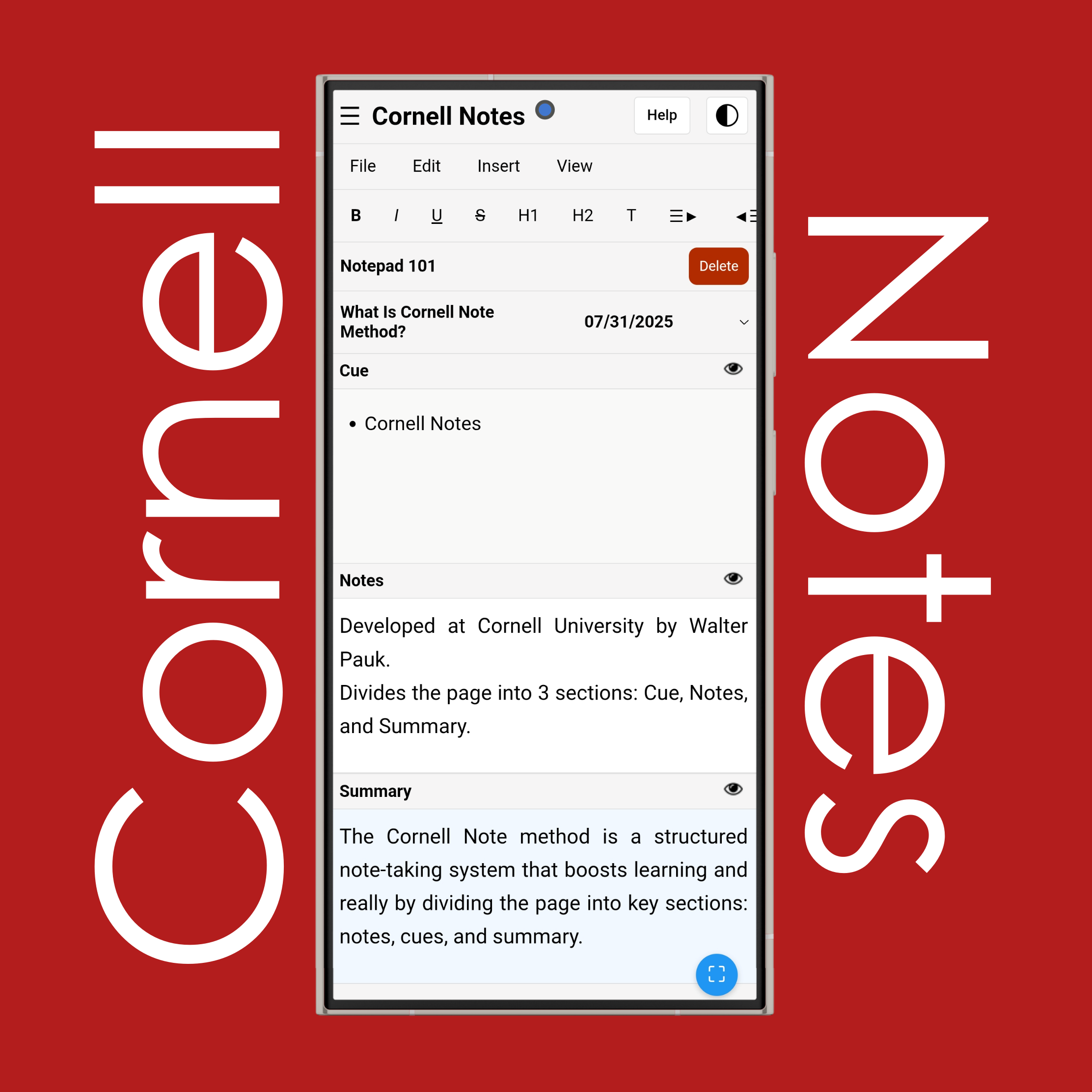
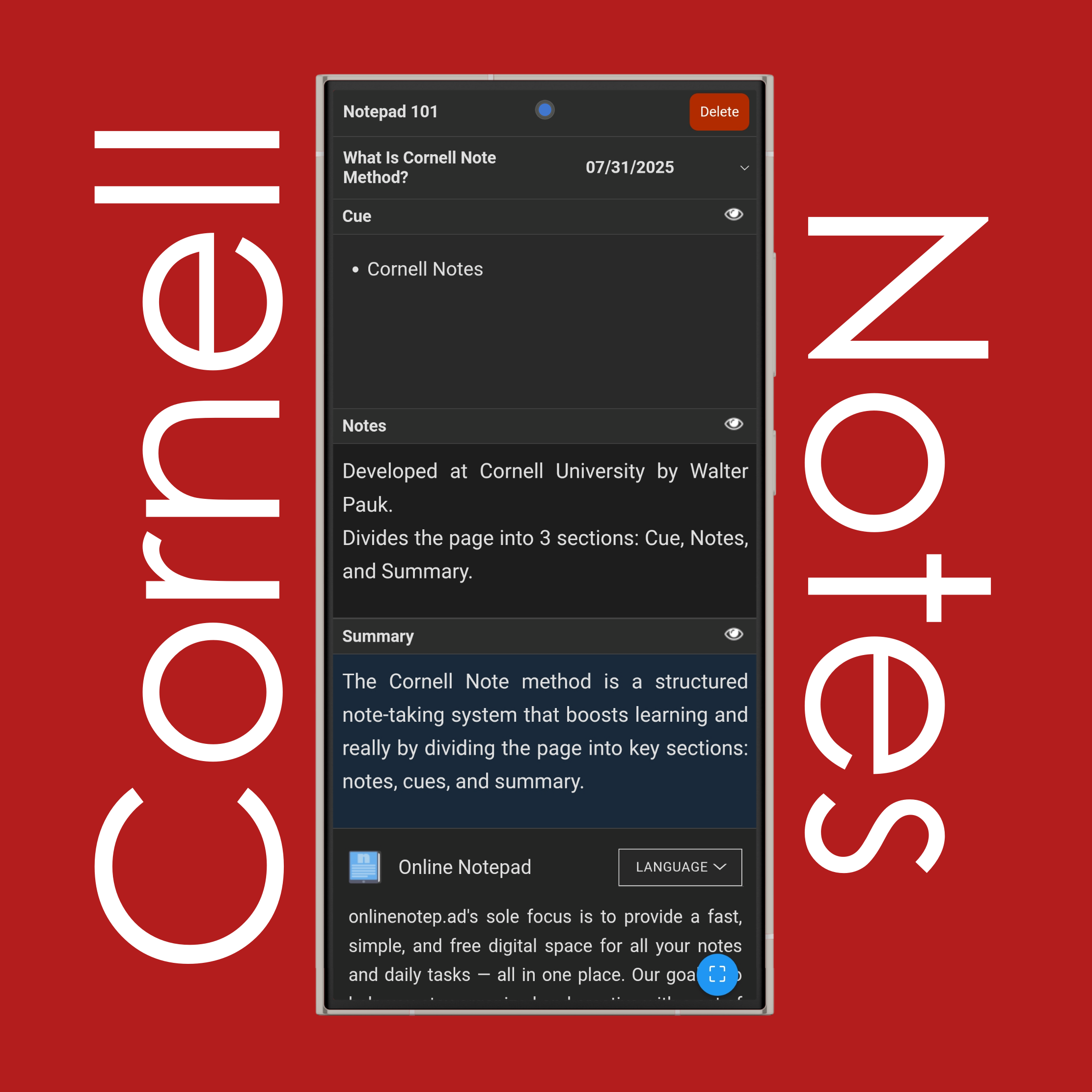
What are the 5 steps of Cornell Notes?
The 5 steps of Cornell Notes are five things you do to make your notes more useful. They stand for Record, Reduce, Recite, Reflect, and Review. First, you record the important stuff during the lecture in the notes section. Then you reduce it by pulling out keywords or short questions in the cues section. Next, you recite by trying to answer those questions out loud without looking at your notes. After that, you reflect on what you've learned — think about how it connects to other things you know. Finally, you review your notes regularly so you don’t forget the material.
What is the Cornell rule for notes?
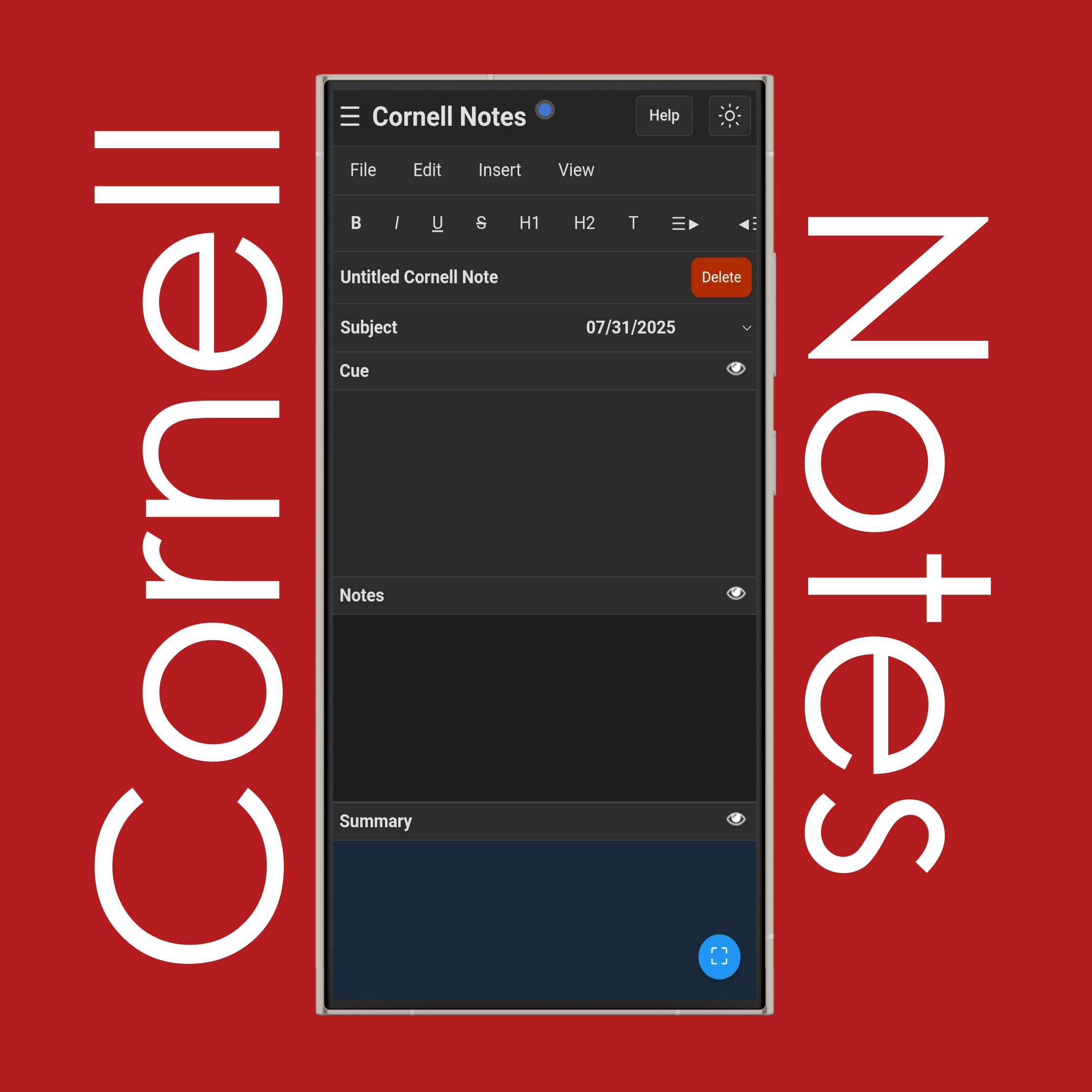
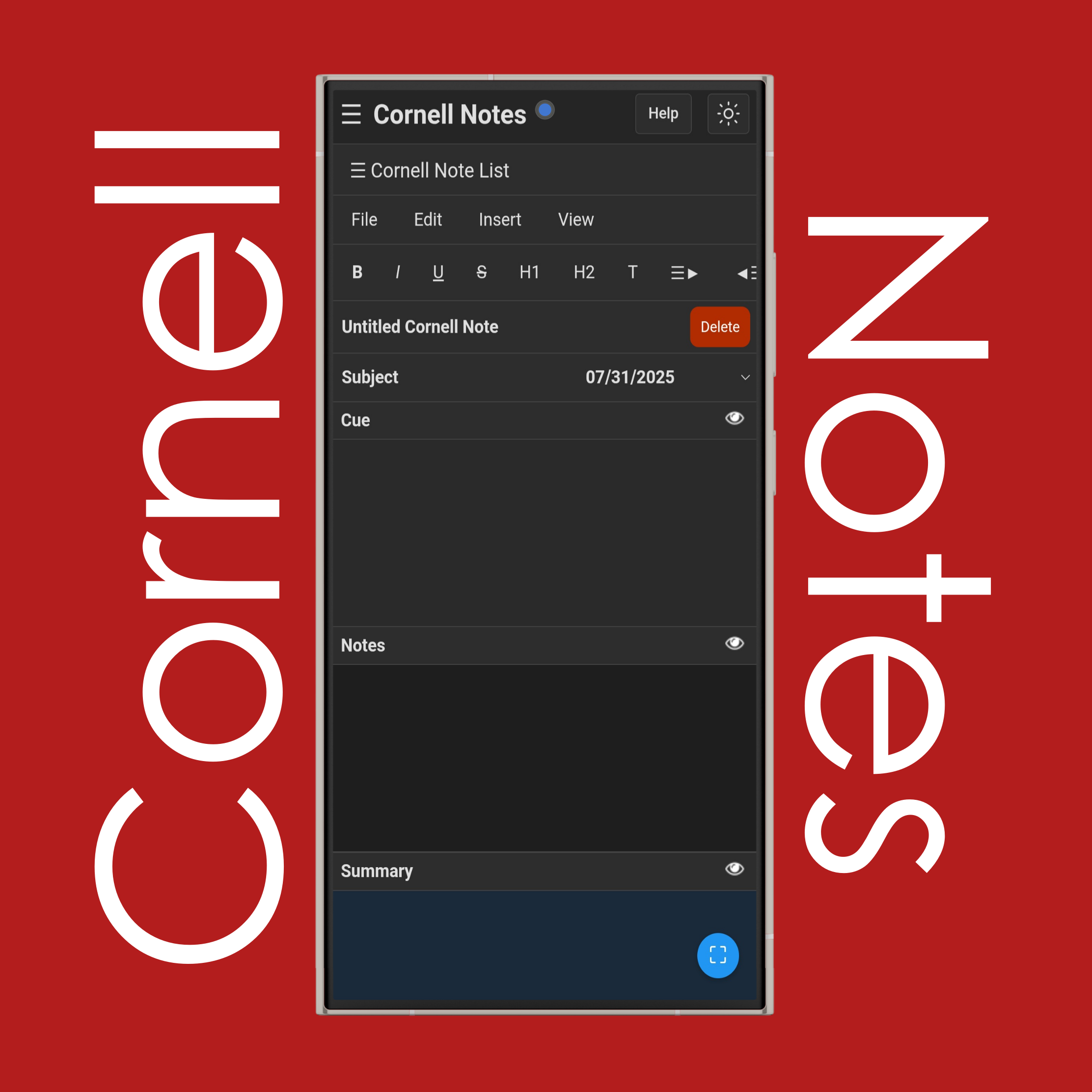
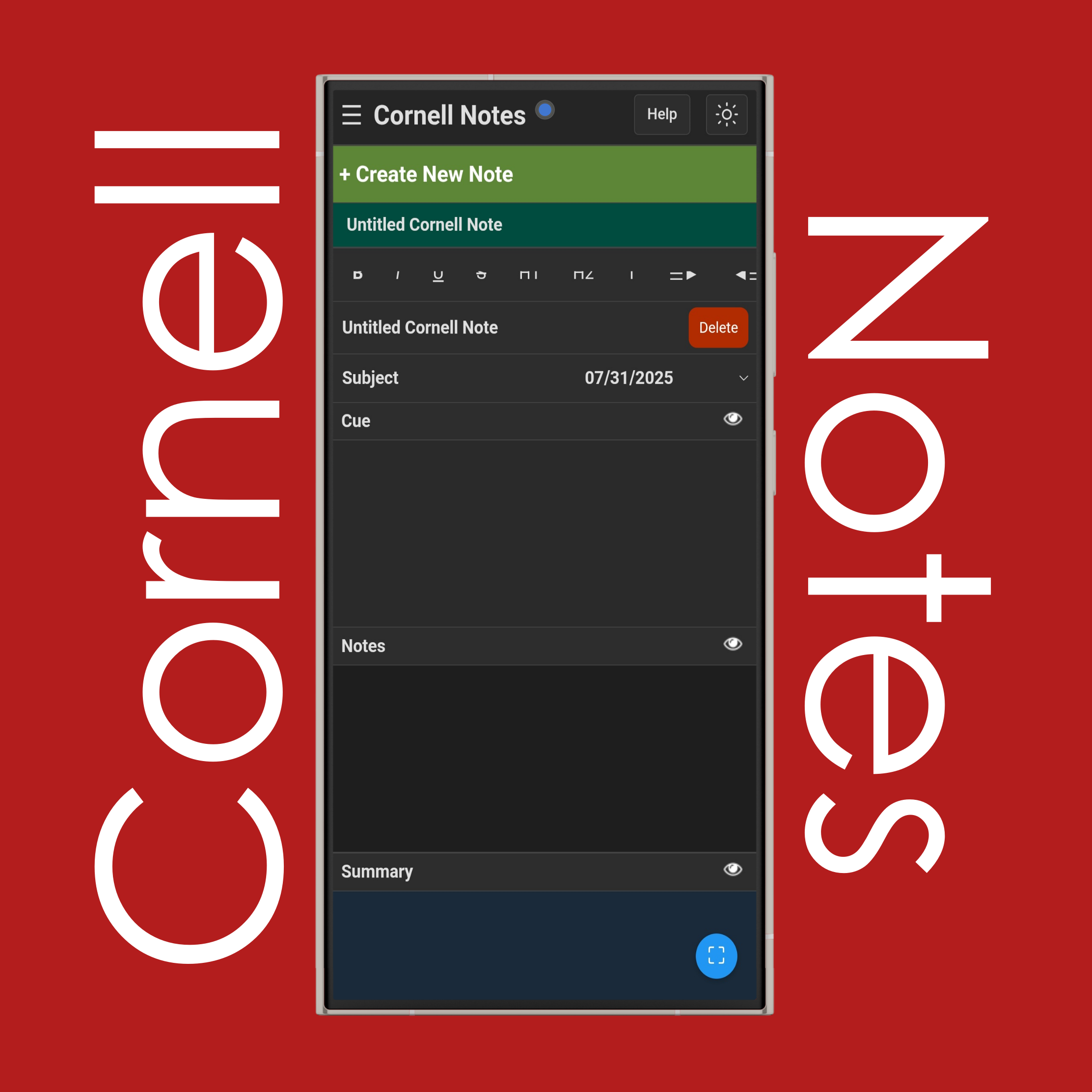
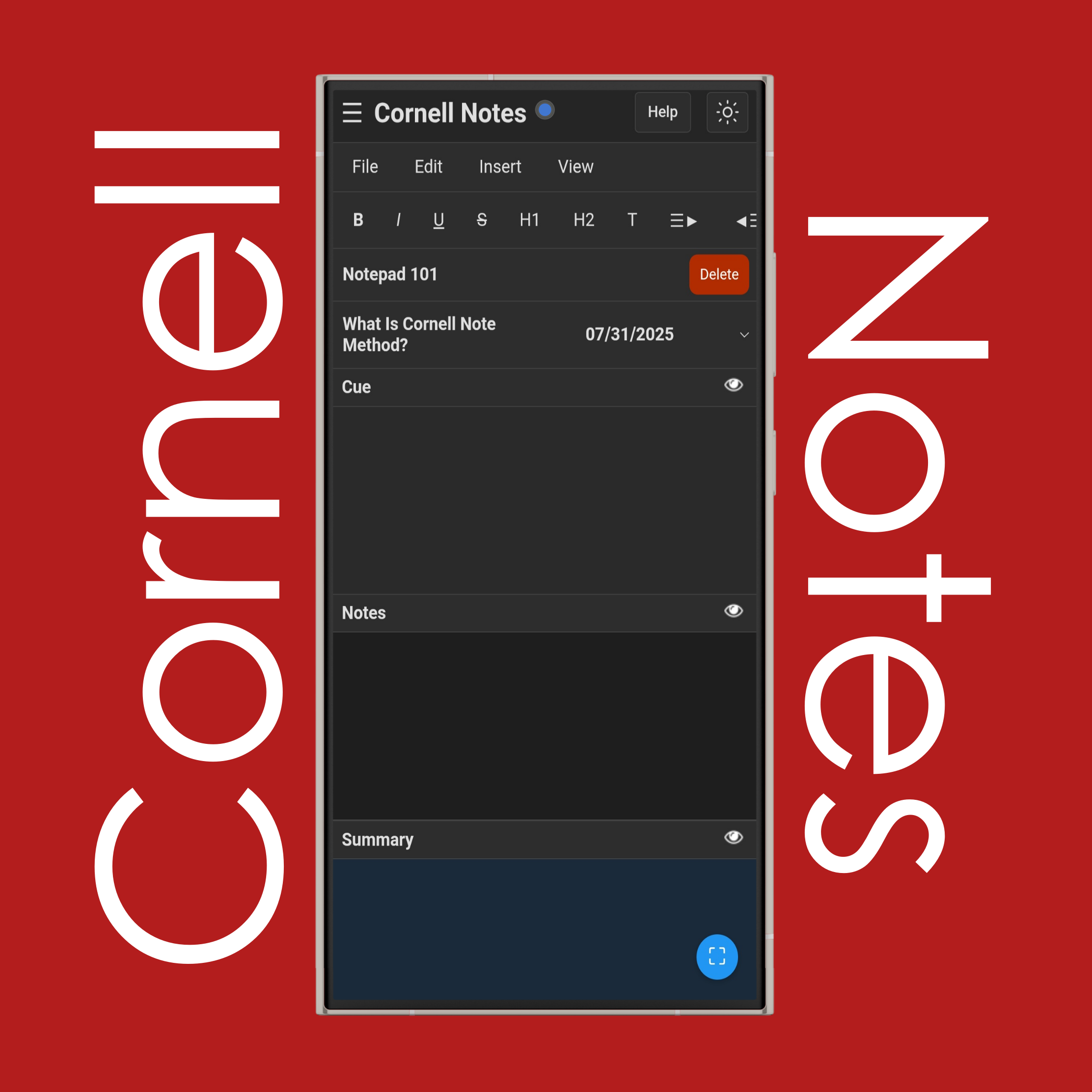
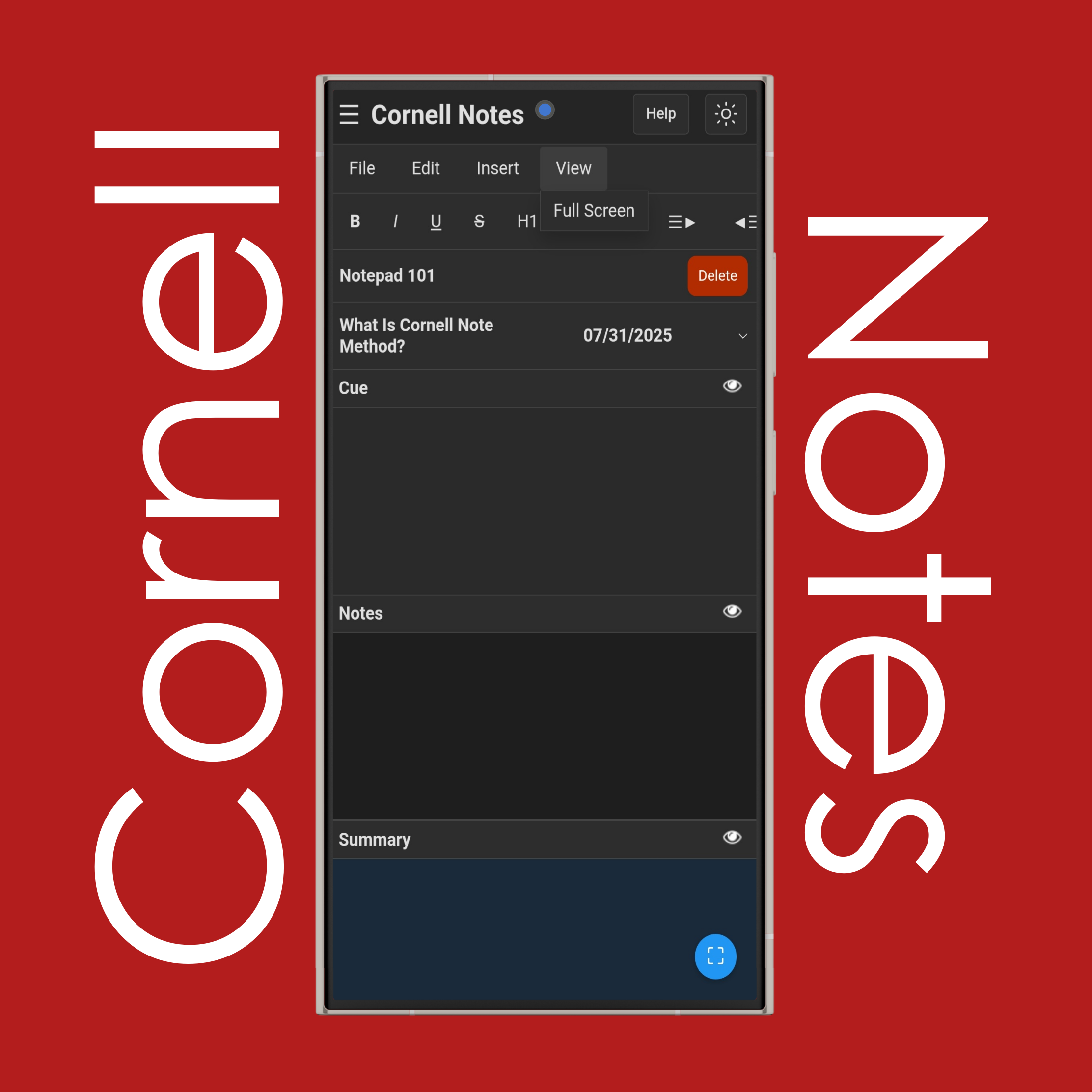
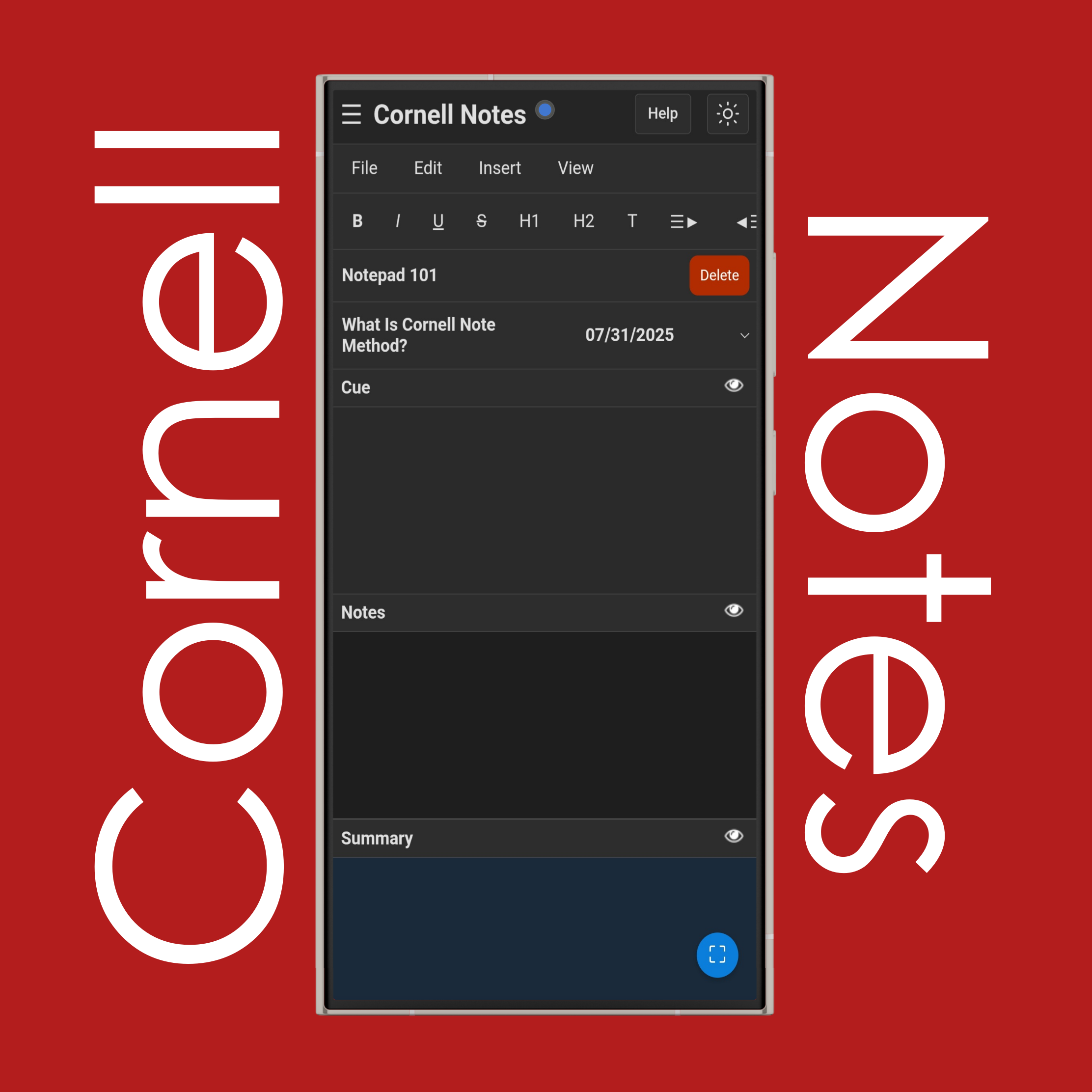
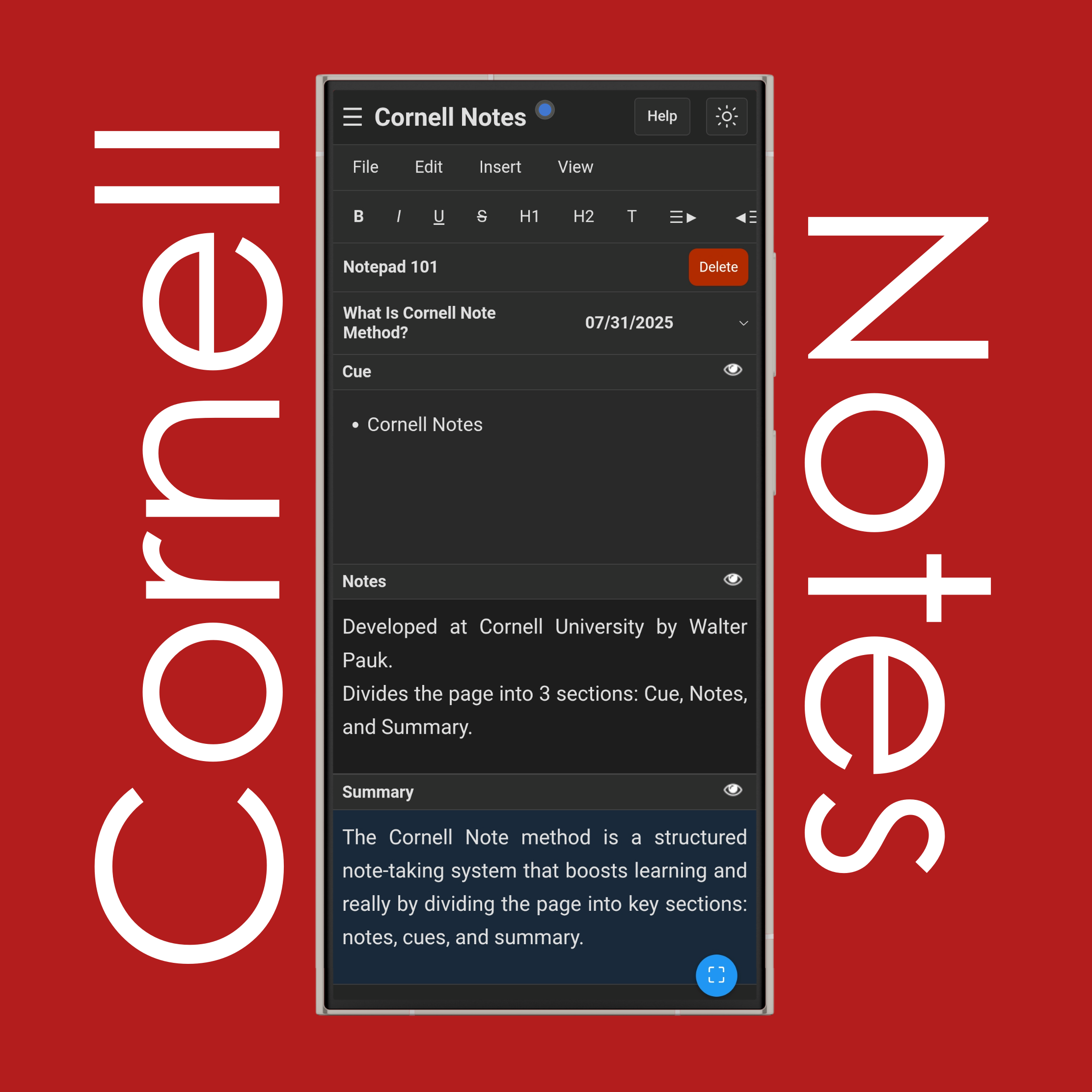
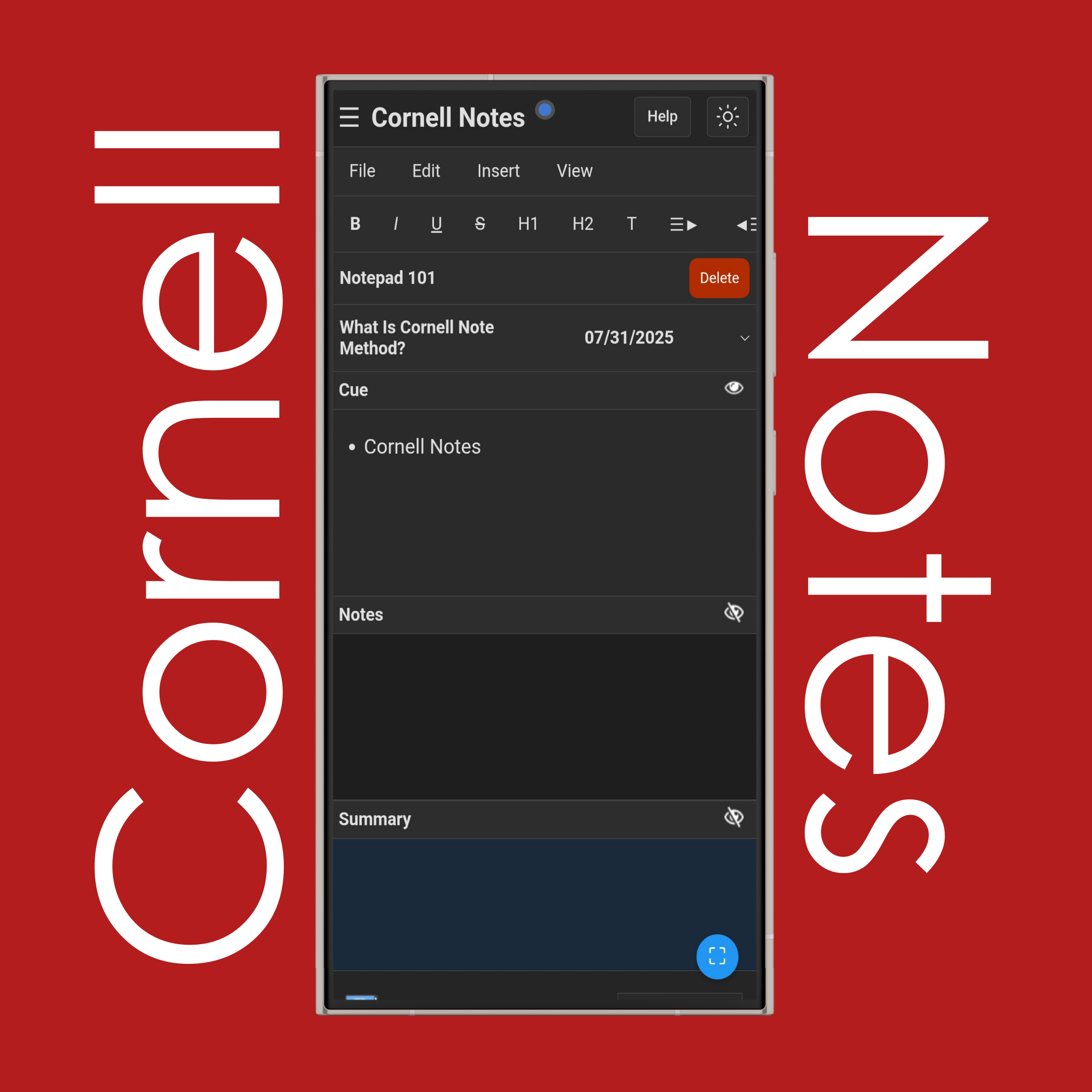
The Cornell rule is all about dividing your note page into three parts: the cues column on the left, the notes section on the right, and the summary box at the bottom. During class, you write your main notes on the right. After class, you add keywords or questions to the left side to help you study later. Then, at the bottom, you write a short summary of what the page is mostly about. This layout makes it easier to understand, remember, and review what you've learned.
What is the Cornell note taking method?
The Cornell note-taking method is a simple and organized way to take notes that actually helps you study better. Instead of writing things randomly, you divide your page into parts that each have a purpose. You take notes on the right during class, add study questions or cues on the left later, and finish by writing a summary at the bottom. It’s designed to help you stay focused, review more easily, and remember the material longer — especially helpful before tests.
How to write a Cornell note?
To write a Cornell note, start by drawing a line down your page, about one-third from the left. Then draw a box across the bottom of the page. During class, write your main notes in the big right section. After class, look over your notes and write keywords or short questions in the left column. This helps you study later. Lastly, write a short summary in the bottom box that explains what the notes were about in your own words.
If you have additional questions or need assistance, please contact our support team.